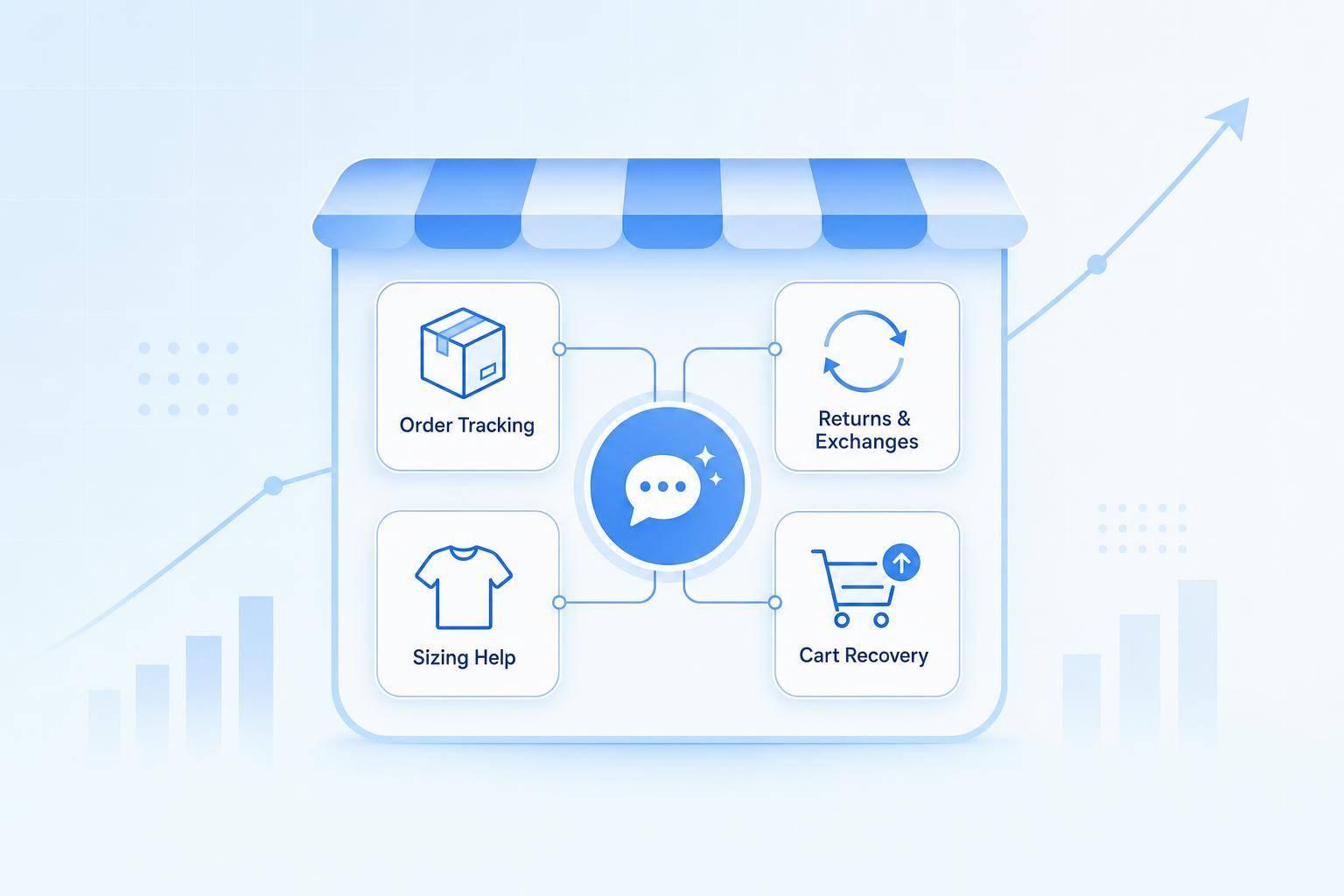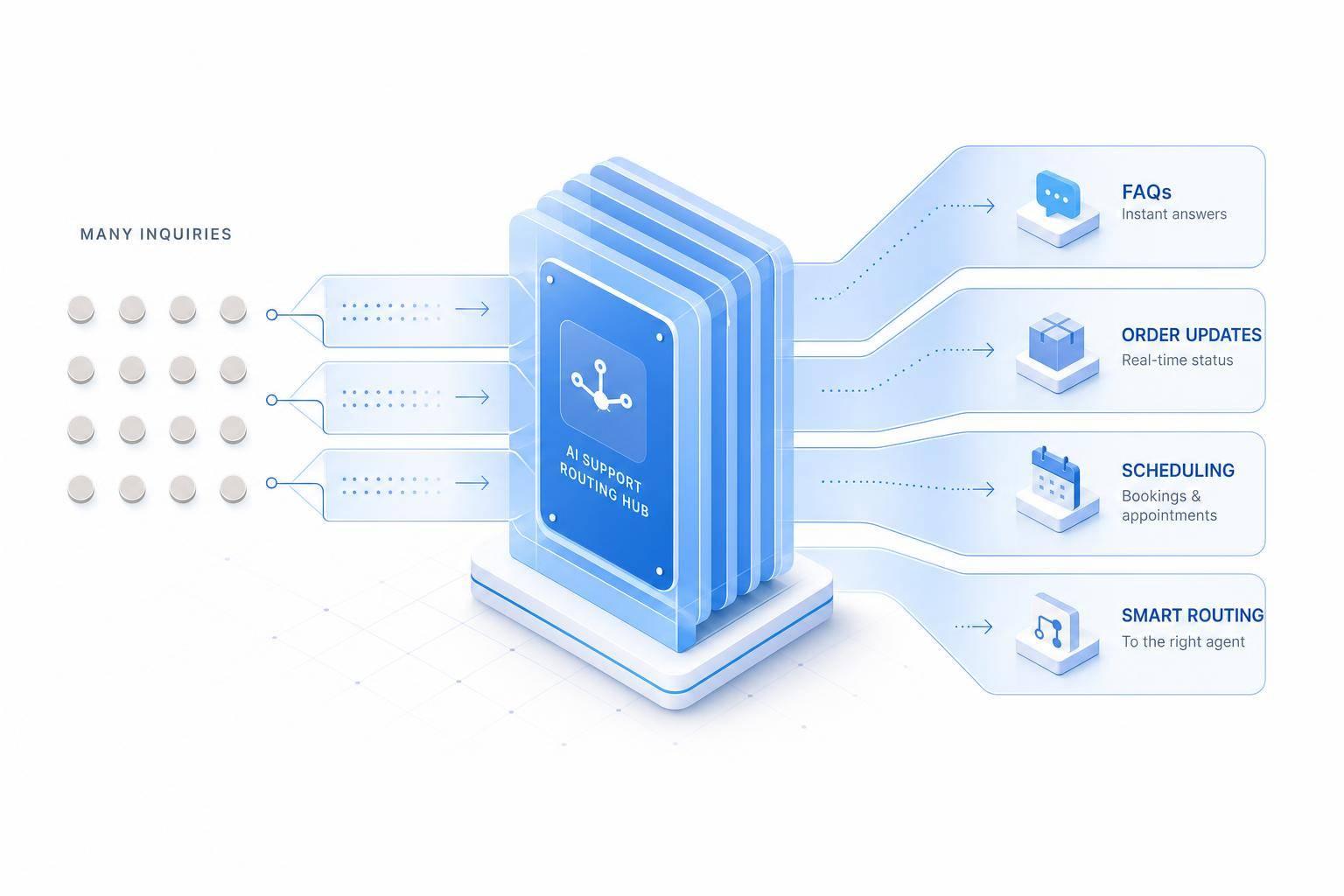
I’d start with 10–15 routine questions - not automate every support request. For Black Friday and holiday shopping, ChatSpark can handle tracking, shipping cutoffs, standard returns, and product questions while your agents handle disputes and cases outside your policies.
Here’s the setup I’d use:
- Connect approved policies and live order data. Verify customers before sharing order details, and never guess delivery dates.
- Test answers and agent handoffs. Send missing data, failed verification, and requests for a person to an agent with the conversation details.
- Measure results, not chat counts. Track verified resolutions, response times, repeat contacts, satisfaction, and net agent hours saved.
I’d treat 40–70% self-serve resolution as a planning benchmark, not a promise. Start with a small pilot, review failed flows weekly, and expand only when results show less agent work without worse service.
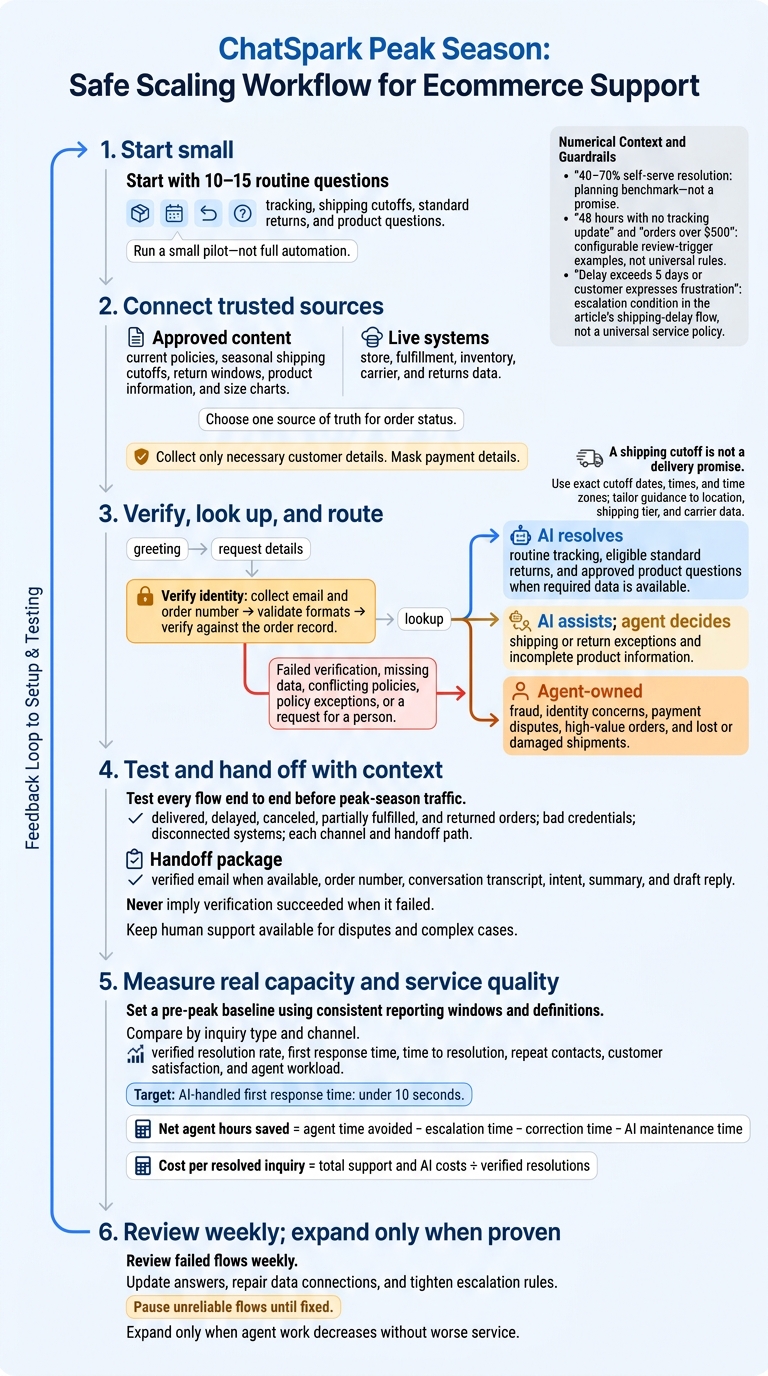
Peak-Season AI Support: Pilot, Verify, Resolve, Measure
Connect ChatSpark to Store and Order Data
Once you’ve defined safe intents, connect ChatSpark to the store and order systems that supply accurate answers during peak season. These connections let it answer questions 24/7 across web and messaging channels. Connect your Shopify, BigCommerce, or WooCommerce store, then turn on the needed AI Actions in the ChatSpark dashboard for live, customer-specific order lookups[1].
Separate Policy Content From Live Order Data
Send policy questions to approved content and order questions to live systems. Connect fulfillment, carrier, and returns systems separately.
| Data type | Suitable inquiries | Sources | Update needs | Limitations |
|---|---|---|---|---|
| Policy knowledge | Policy questions | Approved policy URLs, help center content, PDFs | When policies or seasonal terms change | Cannot provide customer-specific order details |
| Product knowledge | Specifications, sizing | Product pages, size charts | When products change | Does not confirm live availability on its own |
| Live transaction data | Order status, tracking, stock, return status | Connected store, fulfillment, inventory, carrier, and returns systems | Real time | Requires authorized access and customer verification |
Set Up Channels, Workflows, and Brand Voice
Deploy ChatSpark on customer-facing channels and use Slack for internal handoffs. Follow a complete guide to AI support implementation to set up knowledge retrieval, brand voice, and analytics. Collect only the customer details needed for a lookup.
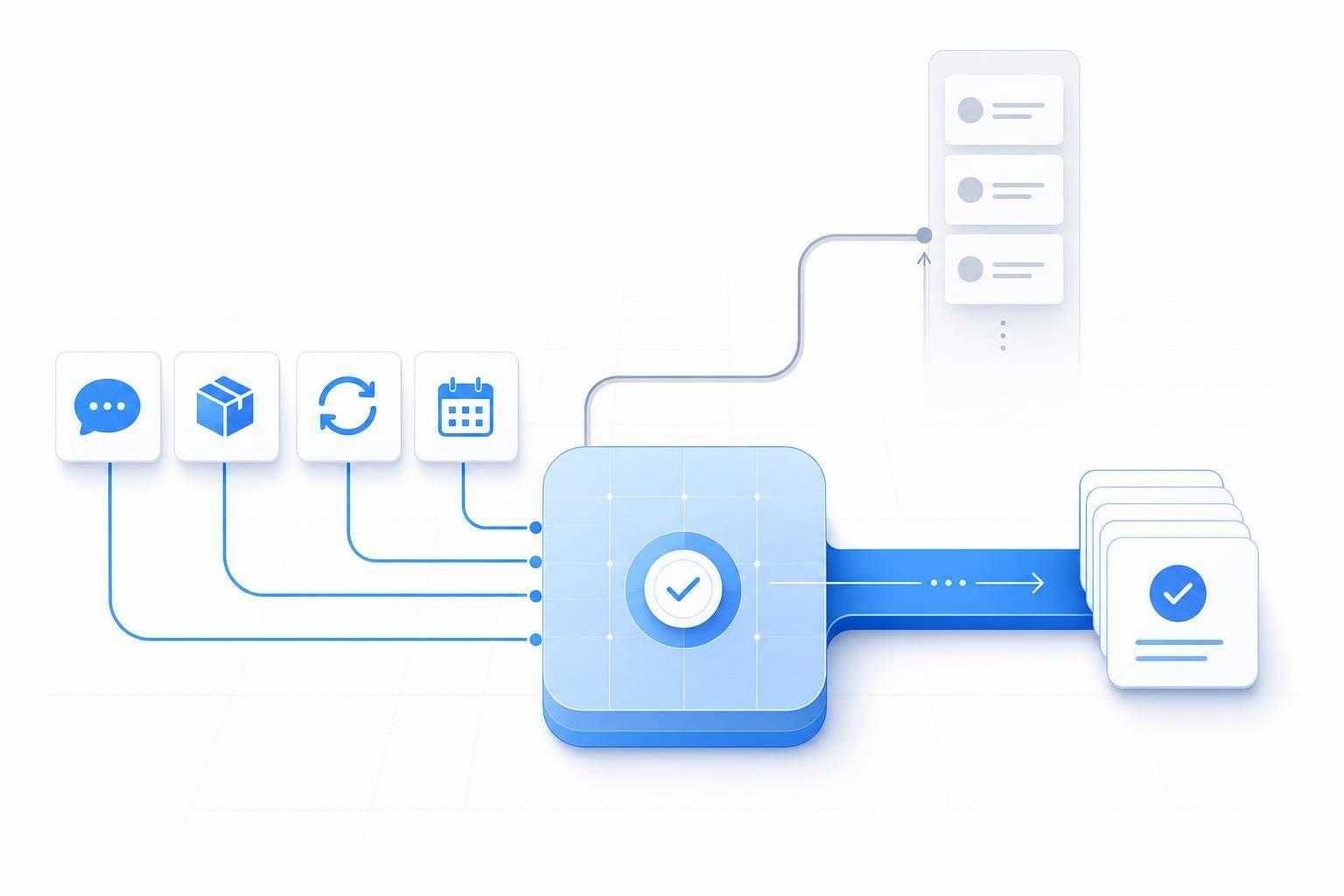
Keep the path simple: greeting → request details → lookup → answer or handoff.
Test each channel and handoff path separately. Check that agents receive the same context the bot used.
Check Data Connections Before Launch
Choose one source of truth for order status. Validate email and order-number formats before checking store records, and mask payment details in every response[2]. Sync shipping cutoffs, return windows, inventory, and active promotions.
Test delivered, delayed, canceled, partially fulfilled, and returned orders. Also test bad credentials and disconnected systems, then review the answers customers would see. If records are missing or conflict, provide a brief fallback response and hand off to an agent[2].
After verifying the data, map each intent to a support flow and escalation path.
Build Support Flows and Agent Handoffs
Once your data is connected, map each customer intent to a response flow and an escalation path.
Automate Order Tracking and Shipping Deadlines
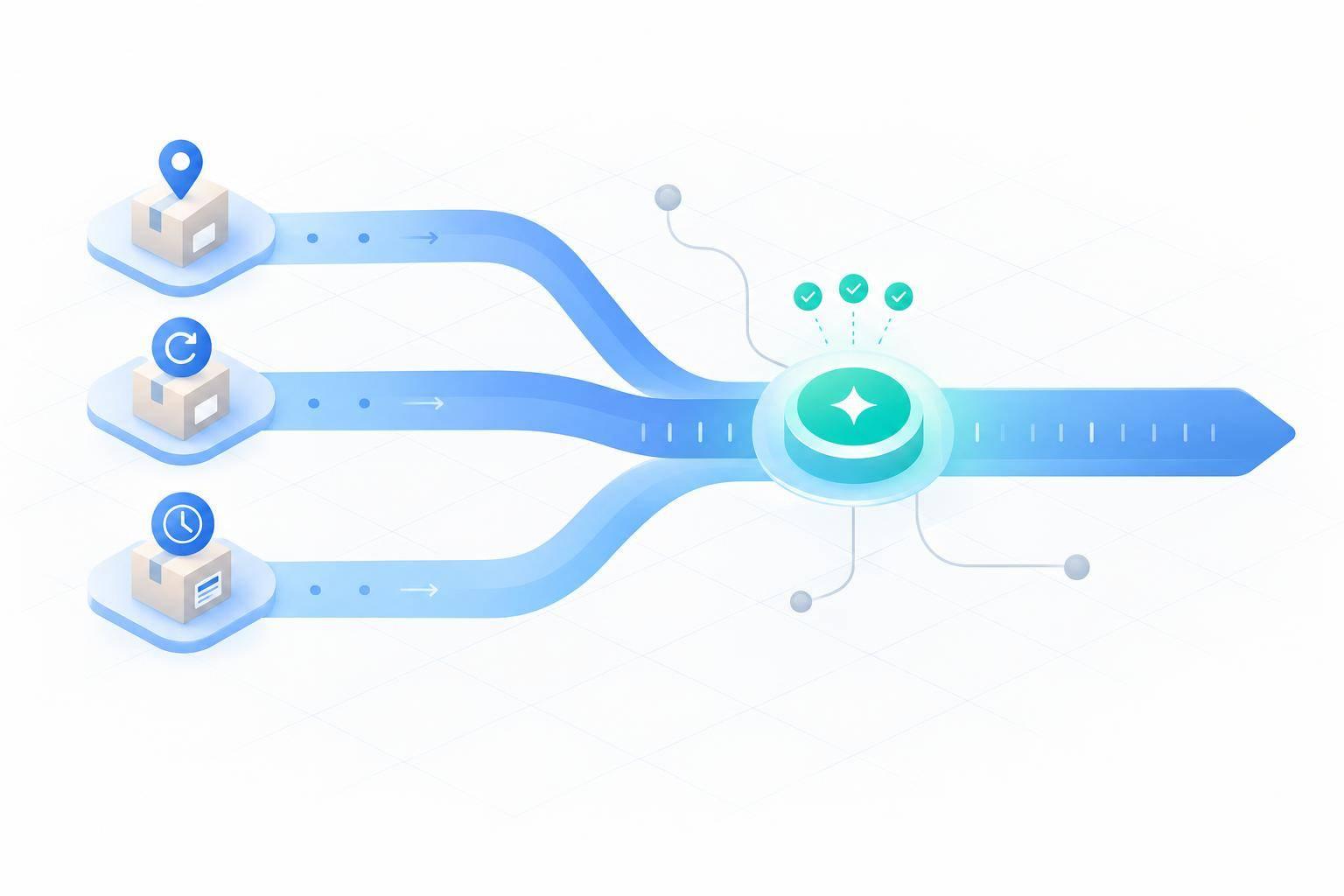
Order tracking and shipping deadlines generate the most support questions during peak week. A shipping cutoff is not a delivery promise. Apply the current holiday shipping policy before standard shipping rules.
Publish actual cutoff dates, including exact times and time zones. Tailor cutoff and estimated delivery guidance to the customer’s location, shipping tier, and carrier data.[2]
| Trigger | Required data | AI action | Escalation condition |
|---|---|---|---|
| Order tracking | Verified customer identity, order number, and carrier data | Retrieve live status and the carrier tracking link | Failed verification, lost or damaged status, or stalled shipment |
| Holiday shipping deadline | Customer location, current date, shipping tier, and holiday policy | Give the cutoff for the region and shipping tier, and separate it from the carrier’s delivery estimate | Guaranteed-delivery request or cutoff exception |
| Shipping delay | Order number and tracking history | Explain the delay using carrier notes and share an updated ETA window | Delay exceeds 5 days or the customer expresses frustration |
Handle Standard Returns and Product Questions
Before giving return instructions or starting an approved return, check the purchase date, delivery date, return window, item condition, and final-sale restrictions. Send cases with missing details, damaged items, or policy exceptions to an agent.[2]
Use approved product data to answer questions about sizing, fit notes, and measurements.[2]
Send Complex Cases to Agents With Full Context
Assign owners for high-risk cases in advance. Thresholds like 48 hours with no tracking update or orders over $500 should be configurable review triggers - not rules that apply to every business.
If AI can’t resolve a case, send the full verified context to the right owner.
| Case type | Ownership | Escalation rule |
|---|---|---|
| Routine tracking or eligible standard return | AI-resolved | Hand off when tracking stalls or return eligibility is unclear |
| Shipping exception, return exception, or incomplete product information | AI-assisted | AI gathers context; a human agent makes the decision |
| Fraud, identity concerns, or payment disputes | Agent-owned | Send to the designated fraud or payments owner; AI must not approve the outcome |
| High-value order or lost/damaged shipment | Agent-owned | Send to the responsible queue for review |
| Human request or policy exception | Agent-owned | Stop automated resolution and transfer the conversation immediately |
Include the verified email, order number, conversation transcript, intent, summary, and draft reply with every handoff.[1][3]
Once these flows are live, track resolution rate, response time, and handoff volume.
Measure Support Capacity and Service Quality
Set a pre-peak baseline with the same reporting window and definitions you’ll use during peak season. Compare results by inquiry type and channel, not just total ticket volume. That way, a change in the inquiry mix won’t mask weaker performance.
Track Resolution Rates, Response Times, and Agent Workload
Track verified resolution rate, first response time, time to resolution, repeat contacts, customer satisfaction, and agent workload by inquiry type and channel. For AI-handled chats, first response time should be under 10 seconds[4]. Keep definitions consistent each week so you can compare peak-season results with your baseline.
Calculate Added Capacity and Cost per Resolution
Measure added capacity as net agent hours saved, subtracting time spent on escalations, corrections, and AI maintenance. To calculate cost per resolved inquiry, divide total support and AI costs by the number of verified resolutions.
Review Failed Flows and Update Weekly
Review failed flows each week alongside service-quality signals: incorrect answers, unresolved cases, response times, repeat contacts, and satisfaction trends. When failures appear, update answers, repair broken data connections, and tighten escalation rules right away.
Use 40–70% self-serve resolution as the benchmark[2]. Pause unreliable flows until they’re fixed. Expand automation only when verified resolution quality supports it.
Conclusion: Test Support Flows Before Expanding
Once you’ve mapped your flows and baseline metrics, run a small ChatSpark pilot for your safest, highest-volume questions. Before launch, verify live order access, access to current policies, and routing to human agents.
Test every flow end to end before opening it to peak-season traffic. Verify identity before looking up an order: collect the customer’s email and order number, check their format, and query the order record.[2][3] Route failed verification, missing data, conflicting policies, and exception requests to agents immediately. Each flow should either resolve the issue or hand it off with full context.
Let pilot results guide what you expand next. Expand only when the pilot shows it can resolve more issues without losing service quality. Keep human support available for disputes and complex cases.
FAQs
How far before Black Friday should I pilot ChatSpark?
Start your pilot at least two to three months before Black Friday. Improvements often need two months to reach their full effect.
Allow two to four weeks for shadow mode, when AI drafts responses that humans review and approve. Then gradually increase traffic from 10–20% to 100%, checking performance and updating your knowledge base along the way.
How do I estimate my potential agent hours saved?
Review 3 to 6 months of tickets to find common, simple inquiries. To estimate hours saved, multiply the total ticket count by your Automated Resolution Rate (ARR) - the percentage resolved without human intervention - and then by the average handle time, typically 4 to 8 minutes per routine ticket. Divide the result by 60.
Also factor in post-contact tasks AI can automate, such as data entry and categorization. These tasks typically take up 15% to 25% of agent time.
What if my agents are unavailable for a handoff?
Set up an after-hours policy that automatically tells customers when they can expect a response - for example, a human reply within 2 business hours. Point them to self-service resources where they can find answers while they wait. This keeps customers informed and sets clear expectations when human support isn’t available right away.