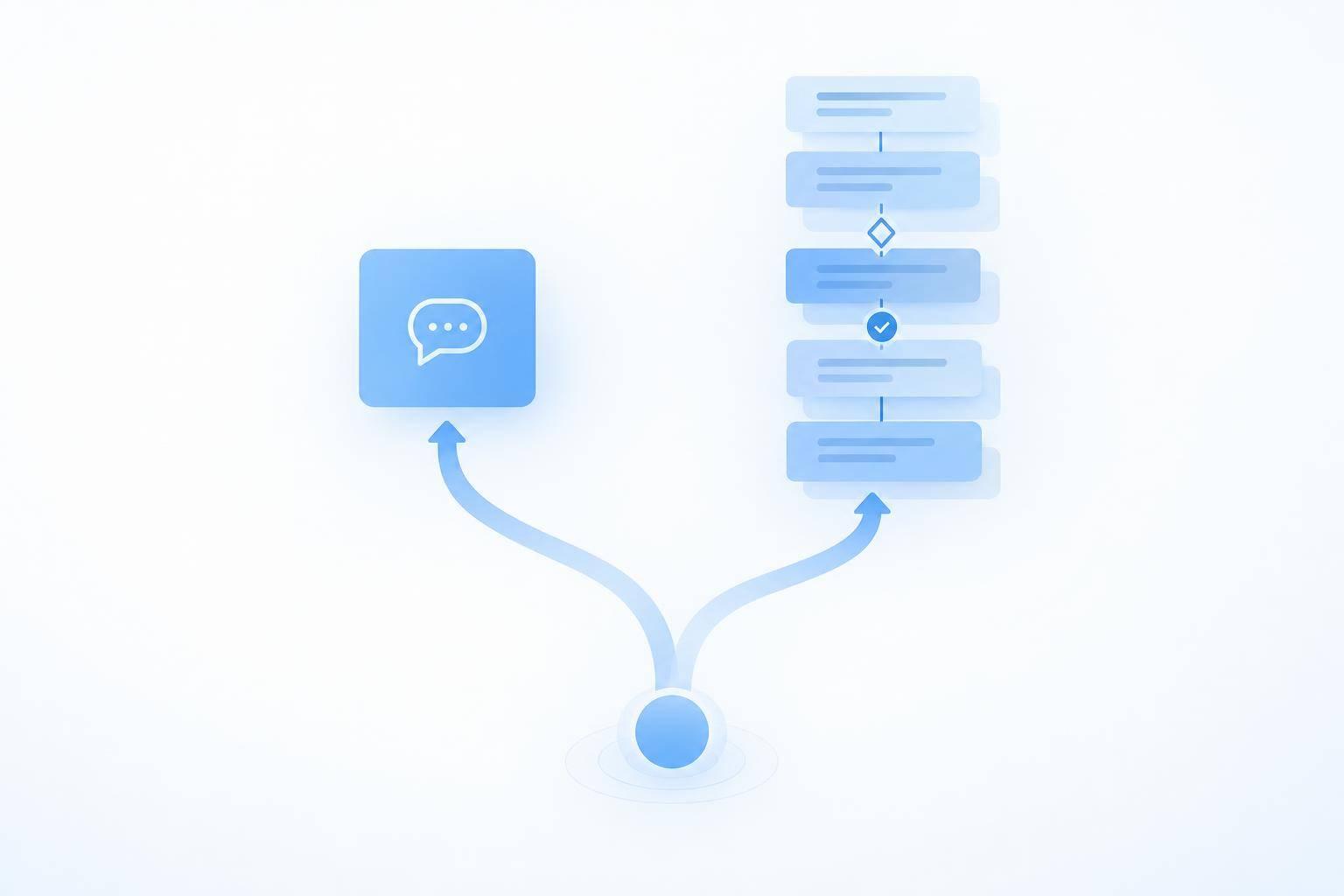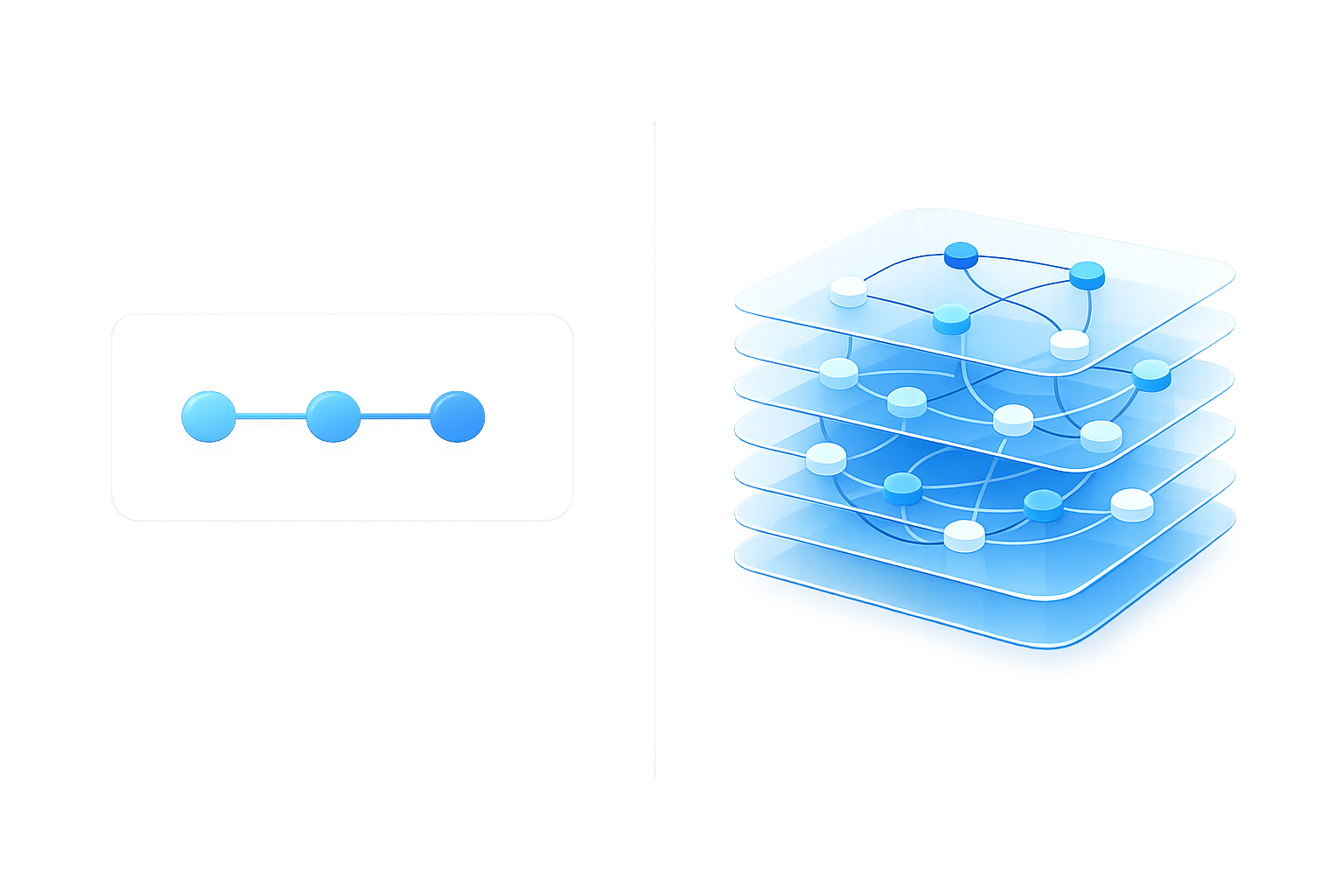
Scripted chatbots aren’t obsolete. I’d keep them for fixed FAQs and routing, use AI agents for context-heavy tasks, and combine both when conversations need strict controls.
Here’s how I’d choose:
- Scripts: Best for preset answers, required fields, and repeatable steps.
- AI agents: Better suited to follow-up questions and multistep requests - with approved sources, tool access, and checks.
- Both: Use AI for conversation, fixed rules for sensitive actions, and people for exceptions.
Quick Comparison
| Factor | Scripted chatbot | AI agent | Combined approach |
|---|---|---|---|
| Wording and context | Preset paths | Varied requests and follow-ups | AI interprets; scripts guide steps |
| Reliability | Depends on tested rules | Depends on sources and action checks | Fixed controls limit actions |
| Data and connections | Approved content and programmed links | Current sources and permitted tools | Tools run within fixed checkpoints |
| Maintenance | Update answers and branches | Review sources, tools, and results | Maintain both |
| Volume and cost | Fits repeated, simple requests | May cover more request types; adds review costs | Adds setup work and broader task coverage |
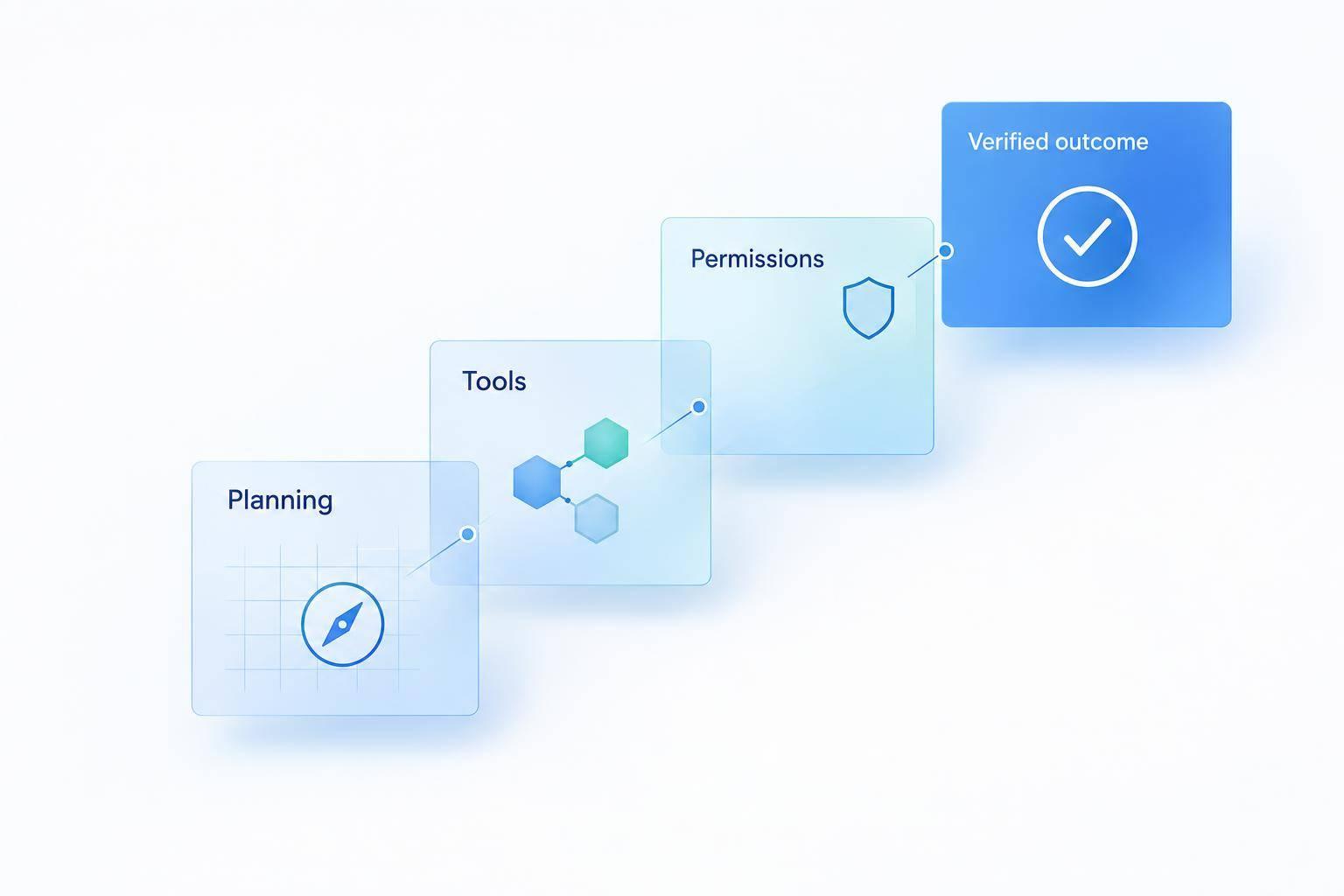
I’d compare 12-month cost per resolved request, not just subscription prices. Then I’d pilot one low-risk workflow, check accuracy and handoffs, and add write access only after permissions and confirmation pass review.
My rule: a reply isn’t proof that a task is done. Measure verified results, errors, customer effort, and total cost before expanding.
Where Scripted Chatbots Work and AI Agents Help
| Dimension | Scripted chatbot | AI agent |
|---|---|---|
| Reliability | Predictable within tested paths | Depends on accurate sources, validation, and controls |
| Integrations | Explicit connections and mappings | Authorized tools across systems |
| Maintenance | Manual content and branch updates | Knowledge, tool, and monitoring updates |
| Failure modes | Wrong matches and dead ends | Unsupported answers, stale data, and incorrect actions |
These differences describe how workflows are designed - not guaranteed results. Scripted bots can take actions, too, but only through programmed paths.
The examples below show what this means for common support requests.
Scripted Flows for FAQs, Lead Capture, and Routing
Scripts work well for business hours, return windows, payment methods, contact details, and department routing. They can use required fields to collect lead information or appointment preferences, then send those details to staff. A defined order-status flow can retrieve a record after verification.
Predictability is not completeness. A customer asking about sending something back after three weeks might miss the return-policy path if it recognizes only specific wording. Assign someone to update policies and hours, test common phrasing, and validate required fields. Make the human handoff easy to find before customers get stuck in repeated menus.
AI Agents for Follow-Up Questions and Multistep Tasks
A simple lookup can become a multistep task when customers add details or change direction. Agents can help with shifting requests and troubleshooting that takes several turns. They can retrieve approved guidance, ask diagnostic questions, and pass the conversation’s context to support.
For order support, keep lookup, next steps, and write actions separate. Understanding an address-change request does not mean the system can complete it. Monitor failed tool calls and unsupported answers, and never report success without a successful tool response.
How Each Approach Handles the Same Request
These hypothetical small-business workflows show how the same request can differ when a system follows rules or manages context.
For scheduling, distinguish between a request sent for review, a proposed time, and a confirmed booking. A booking is confirmed only after the scheduling system returns a successful reservation response.
Hypothetical scenario Scripted chatbot AI agent Connections, limits, and handoff Small retailer: customer asks about Monday hours Displays approved hours or asks for location and day. Clarifies the location and retrieves current hours. Missing holiday rules can defeat scripts, while stale records can mislead agents; hand off if hours conflict or the location remains unclear. Service business: customer needs an appointment next week after 5:00 p.m. Collects service, location, contact details, and preferred times; a connected flow can offer slots. Clarifies dates and time zone, checks availability, and proposes suitable times. Scripts may lack suitable choices, and agents may misread relative dates; hand off for exceptions or booking failures. Online store: delayed order, followed by an address-change request Retrieves status and routes the change request or submits it through programmed eligibility rules. Retains order context, checks change eligibility, verifies identity, and requests a change with permission and confirmation. Scripts need explicit exception branches, while agents remain vulnerable to stale data and tool errors; hand off for failed verification or restricted changes.
Choose Based on Complexity, Reliability, and Cost
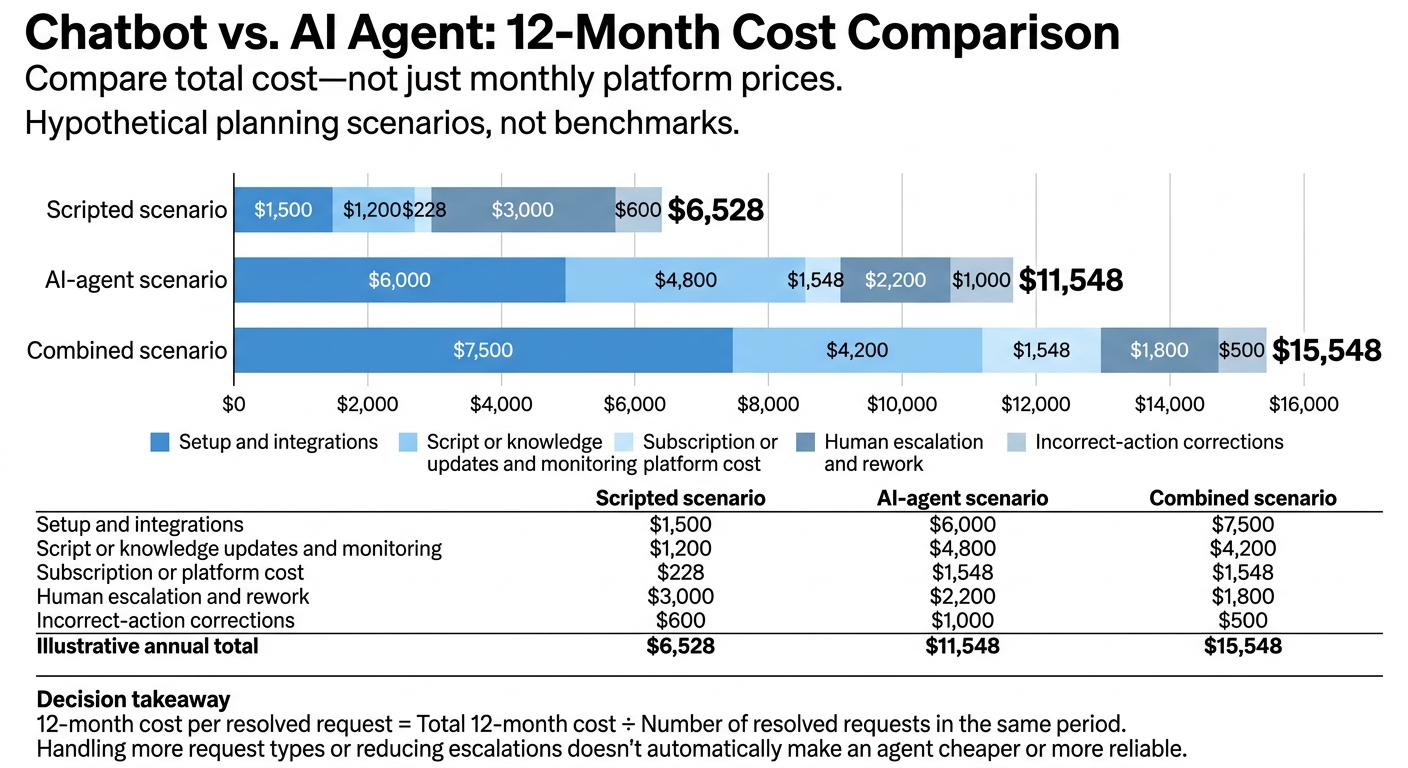
Chatbot vs. AI Agent: 12-Month Cost Comparison
Match the Approach to Your Tasks and Data
Choose by workflow, not technology. Look at how much wording varies, which steps depend on others, and how much context each task needs. Also assess integrations, required actions, request types and volume, and how often policies change. High volume alone isn't a reason to use an agent.
| Decision factor | Keep a scripted chatbot | Adopt an AI agent | Combine both |
|---|---|---|---|
| User wording | Repetitive and predictable | Highly varied or conversational | AI interprets intake; scripts enforce required steps |
| Task complexity | One-step answers or routing | Context-based or multistep resolution | AI interprets requests; scripts execute tasks |
| Reliability | Output must be identical each time | Response variation is acceptable with safeguards | Scripted controls govern high-risk actions |
| Data and systems | Static, approved content | Strong knowledge base and usable APIs | AI uses APIs within scripted checkpoints and permissions |
| Volume | High volume of simple requests | High volume with a long tail of questions | Scripts handle routine demand; AI interprets complex requests |
| Cost profile | Low setup cost and predictable runtime cost | Added model, integration, monitoring, and review costs | More complex implementation but coverage of more request types |
Before deployment, assign owners for updates, reviews, policy changes, and shutdowns. Verify sources, APIs, and permissions. If data or access is missing, narrow the scope.
Control Errors and Sensitive Actions
For workflows involving payments, account access, or personal data, control rules come before cost. Judge reliability by the impact of a failure. Require appropriate identity checks, least-privilege permissions, explicit confirmation, and audit logs. Keep high-value or irreversible actions subject to human review.
Test common requests, ambiguous wording, questions with multiple intents, and unsupported questions. Include attempts to bypass instructions, timeouts, and duplicate submissions.
Review logs for wrong answers, abandoned chats, needless escalations, failed handoffs, and unconfirmed actions. Track resolution rate, transfer rate, first-contact resolution, customer satisfaction, median response time, correction rate, and unauthorized-action incidents.
Compare Total Costs, Not Just Monthly Prices
If more than one option fits your workflow, compare the full-year cost per resolved request. Build a 12-month budget that includes labor and failures.
The figures below are hypothetical planning scenarios, not benchmarks.
Cost category Scripted scenario AI-agent scenario Combined scenario Setup and integrations $1,500 $6,000 $7,500 Script or knowledge updates and monitoring $1,200 $4,800 $4,200 Subscription or platform cost $228 $1,548 $1,548 Human escalation and rework $3,000 $2,200 $1,800 Incorrect-action corrections $600 $1,000 $500 Illustrative annual total $6,528 $11,548 $15,548
Give total annual cost more weight than platform price. Divide that cost by resolved requests - not message volume. Handling more request types or reducing escalations doesn't automatically make an agent cheaper or more reliable.[5]
Combine Scripted Controls With AI Support
When a workflow needs both control and context, divide it by step: scripts enforce required actions, while AI handles the conversation.
Use scripts for required steps and AI for conversation
Keep mandatory steps fixed; give AI room to explain. AI can interpret intent, explain approved answers, and carry context between required steps. Scripts handle mandatory steps, AI handles conversation, and humans handle exceptions.[8]
| Task | Scripted controls | AI agent | Human representative | Handoff boundary |
|---|---|---|---|---|
| Disclosures and consent | Present approved wording; record acceptance | Explain without changing the terms | Resolve disputes or accessibility concerns | Customer cannot understand or accept |
| Intake and authentication | Validate fields; enforce verification | Clarify missing information | Handle conflicting records or recovery exceptions | Validation or verification fails |
| Policy questions and troubleshooting | Enforce required checks | Retrieve approved answers; handle follow-ups | Resolve exceptions and failed troubleshooting | Low confidence, material customer impact, or two failed attempts |
| Sensitive actions | Enforce permissions and explicit confirmation | Prepare the request; explain consequences | Approve or perform high-impact changes | Action exceeds approved authority |
| Support transfer | Preserve fields and workflow state | Summarize intent and attempted actions | Own the case through resolution | Customer requests a person or automation cannot proceed |
Give the representative the transcript, verified status, preferred language, collected fields, relevant identifiers, attempted actions and results, unresolved questions, and escalation reason. Keep the original records alongside the AI summary. Announce the transfer only after a representative accepts it.
Validate the workflow against your requirements.
Check automated support, lead capture, knowledge retrieval, tone controls, analytics, deployment channels, integrations, and permissions against your workflow needs. Can administrators update sources? Do required fields reach the right system? Does context carry over during a handoff? Test each point, and make sure tone controls preserve your brand voice without weakening factual, safety, or escalation rules.
A conversational response does not prove completion. For every required action, verify the connection, read/write permissions, authentication, confirmation, returned result, and failure handling. Run these checks in a nonproduction or tightly controlled account. Confirm that analytics distinguish resolved requests from chats that merely stayed within automation.
Test this division of responsibilities in one actual workflow before scaling.
Pilot One Workflow and Track Resolution
Start with one low-risk workflow to test which steps need fixed controls and which need AI context. Begin in answer-only mode, add read-only connections, and enable write actions only after accuracy, permissions, and confirmation pass review.[6][7]
Track verified resolution, correct task completion, answer accuracy, fallback rate, handoff quality, customer effort, and cost per resolved request. Compare results with the existing workflow using the same definition of resolution. A chat that ends without a transfer isn't necessarily a solved problem.
Conclusion: Let Task Complexity and Risk Guide Your Choice
Choose based on task type, risk, and cost. Scripted chatbots suit fixed questions and preset paths. AI agents suit context-heavy, multistep requests. Use both when conversations need strict limits on sensitive actions.
Start by reviewing your highest-volume workflows using a customer service automation checklist. Are your sources current? Do your systems support safe access? Can your team maintain integrations and investigate errors? More capable AI won’t fix a workflow that lacks these basics.
Once those basics are in place, use the simplest approach that reliably completes the task, based on complexity and risk. Pilot one workflow before expanding. Track verified outcomes, error rates, workload, and total cost - including oversight and failed actions - to decide whether to keep scripts, add an agent, or use both.
FAQs
How do I know my chatbot needs an upgrade?
Consider an upgrade when your support data shows that routine, scripted interactions no longer make up most of your workload. Other signs include decision trees that need extensive manual updates or customers hitting dead ends with nuanced questions, requests that depend on context, or tasks with multiple steps.
If more than 40% of inquiries need access to external systems, such as CRMs or billing platforms, an AI agent can provide the integration and reasoning these tasks need. It can also help when you struggle to retain context between sessions.
How much data does an AI agent need?
An AI agent needs two kinds of data. First, it needs training examples that pair user queries with correct responses, along with high-quality, up-to-date content. Second, it needs connected customer and system data - such as CRM records, ticket history, and other knowledge sources - to answer questions and take action with context.
When knowledge or integrations fall short, the agent may fail on out-of-scope questions or give generic replies. Regular retraining and monitoring are needed as policies and documents change. [1][2][3]
When should I pause an AI agent rollout?
Pause your AI agent rollout if your support workflows or required API integrations aren’t ready [1]. If you handle fewer than 80 tickets per month, or regulations require human oversight for every response, pause or reconsider the rollout [2].
Pause to fine-tune the system if confidence scores often fall below your threshold - typically 85% to 95% - or the agent struggles with emotionally sensitive or high-stakes interactions [3][4].