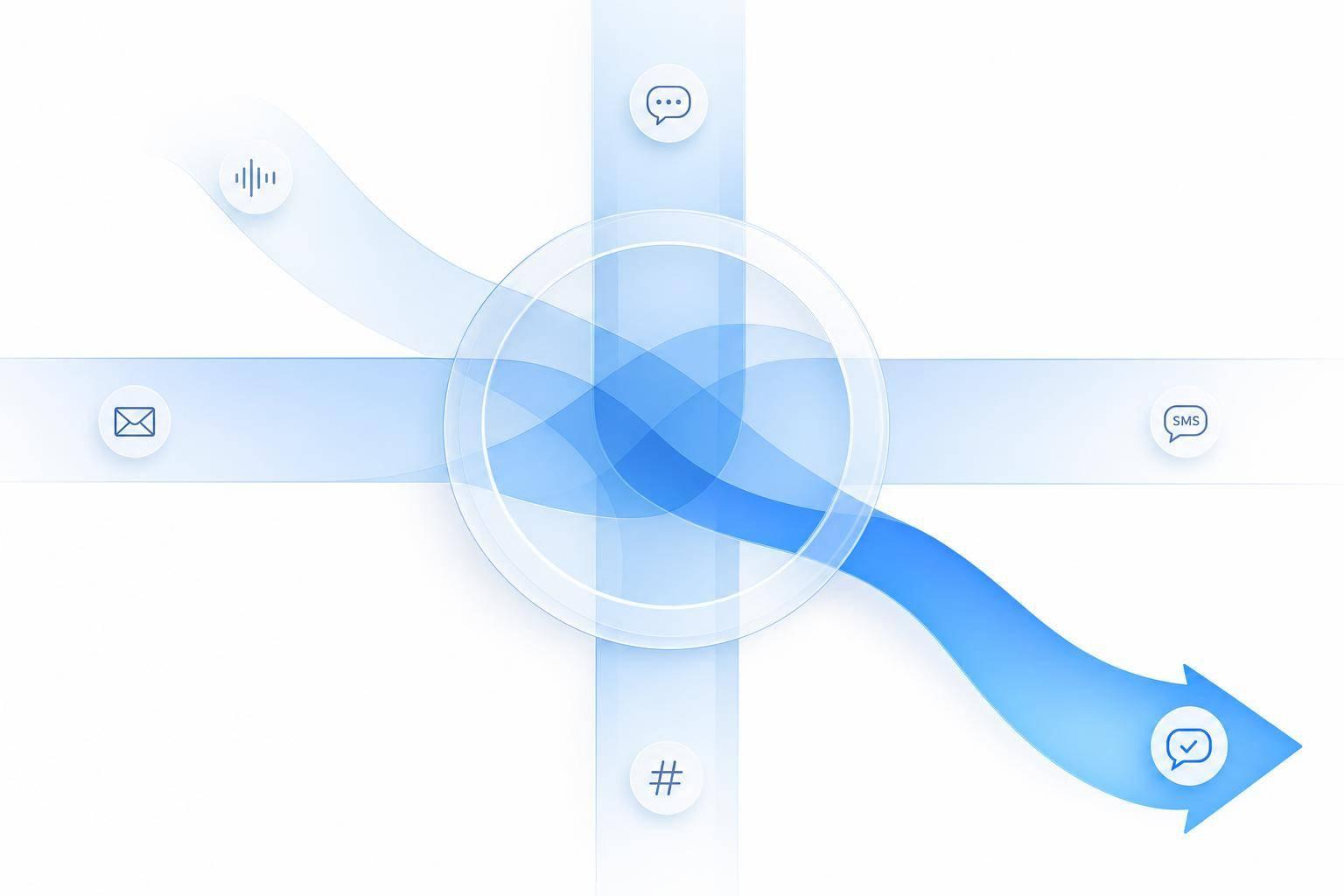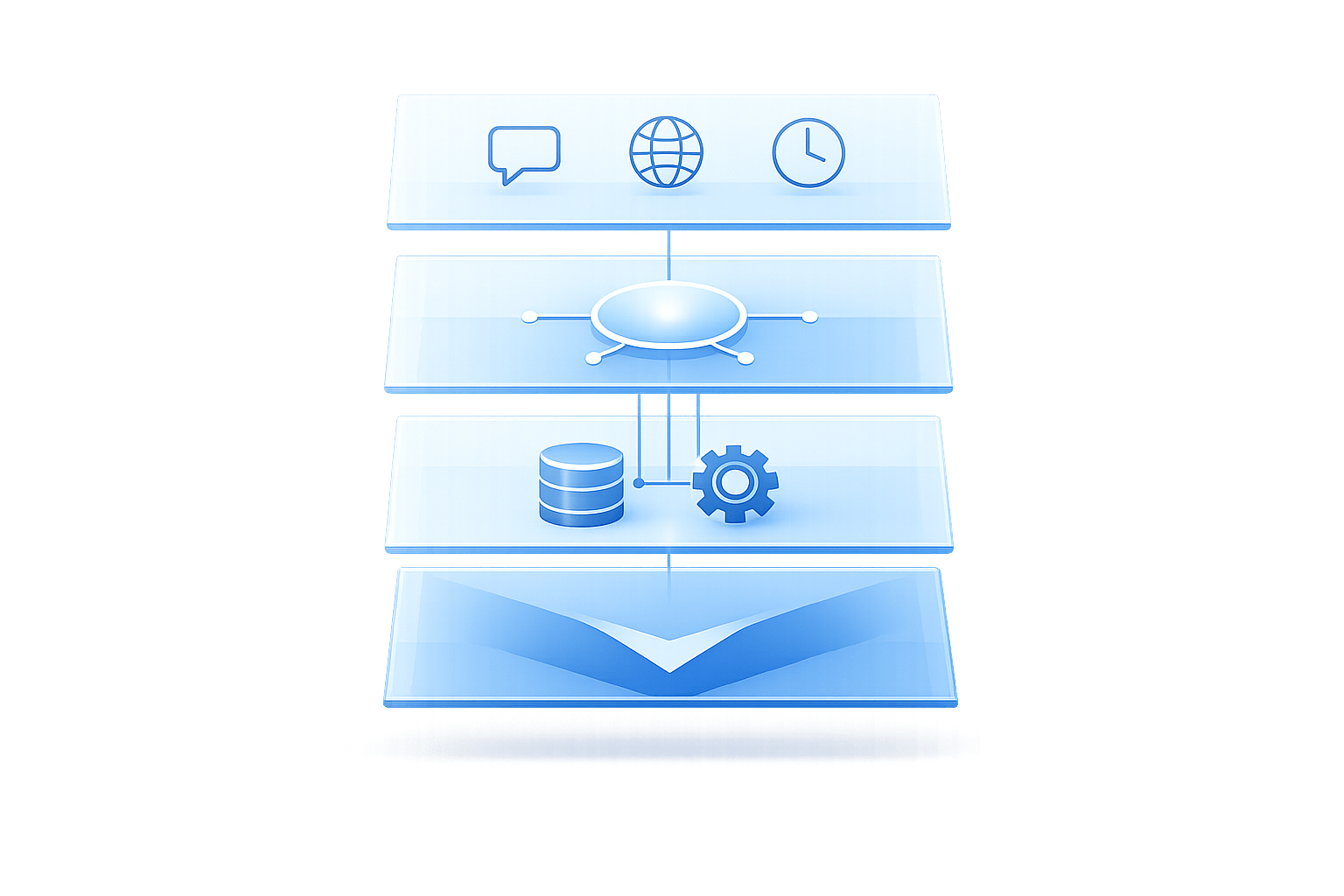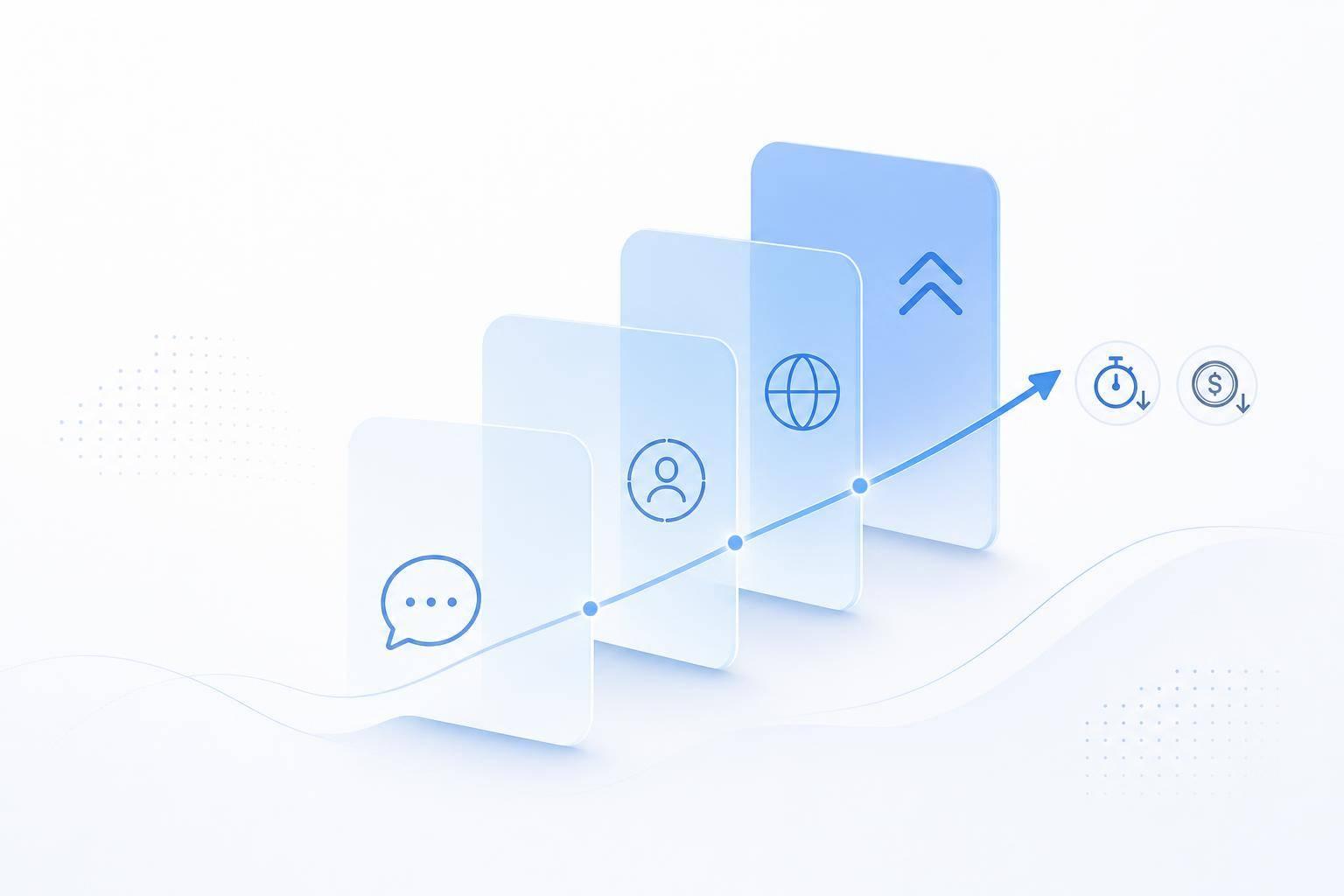
If you want better customer engagement, I’d start with four moves: use chatbots for common questions, personalize replies with customer data, support more languages, and set clear rules for when a human should step in.
In plain terms, that’s how I’d fix the biggest problems most teams face: slow replies, mixed answers across channels, missed after-hours leads, and too much time spent on repeat questions. The article shows that teams often move from hours to seconds on response time, hit 40%–80% bot-handled conversations, and cut support costs from around $8.00–$18.00 per conversation to as low as $0.50–$2.00 in many bot-led flows.
Here’s the full idea in a simple list:
- Use conversational AI chatbots first for FAQs, order status, pricing, scheduling, and lead qualification
- Keep bot replies short and easy to follow
- Use customer context like purchase history and recent activity to make replies more useful
- Send trigger-based follow-ups for carts, appointments, renewals, and closed support tickets
- Support customers in their language without building separate teams
- Pass full context to agents when the bot can’t finish the job
- Track a small set of KPIs like response time, containment, CSAT, conversion, and cost per conversation
- Roll out in phases: one channel first, then outreach, language support, and deeper integrations
A few numbers stand out:
- Chatbots can bring first response time to under 30 seconds, and sometimes under 2 seconds
- Good bot programs often hit 60%–80% containment
- Native-language support matters: 76% of shoppers prefer buying in their own language
- Teams should compare results at 30, 60, and 90 days after launch
If I had to sum up the article in one line, it’s this: start small, measure hard, and expand only when the numbers show it’s working.
Use AI Chatbots to Cut Response Times and Capture More Conversations
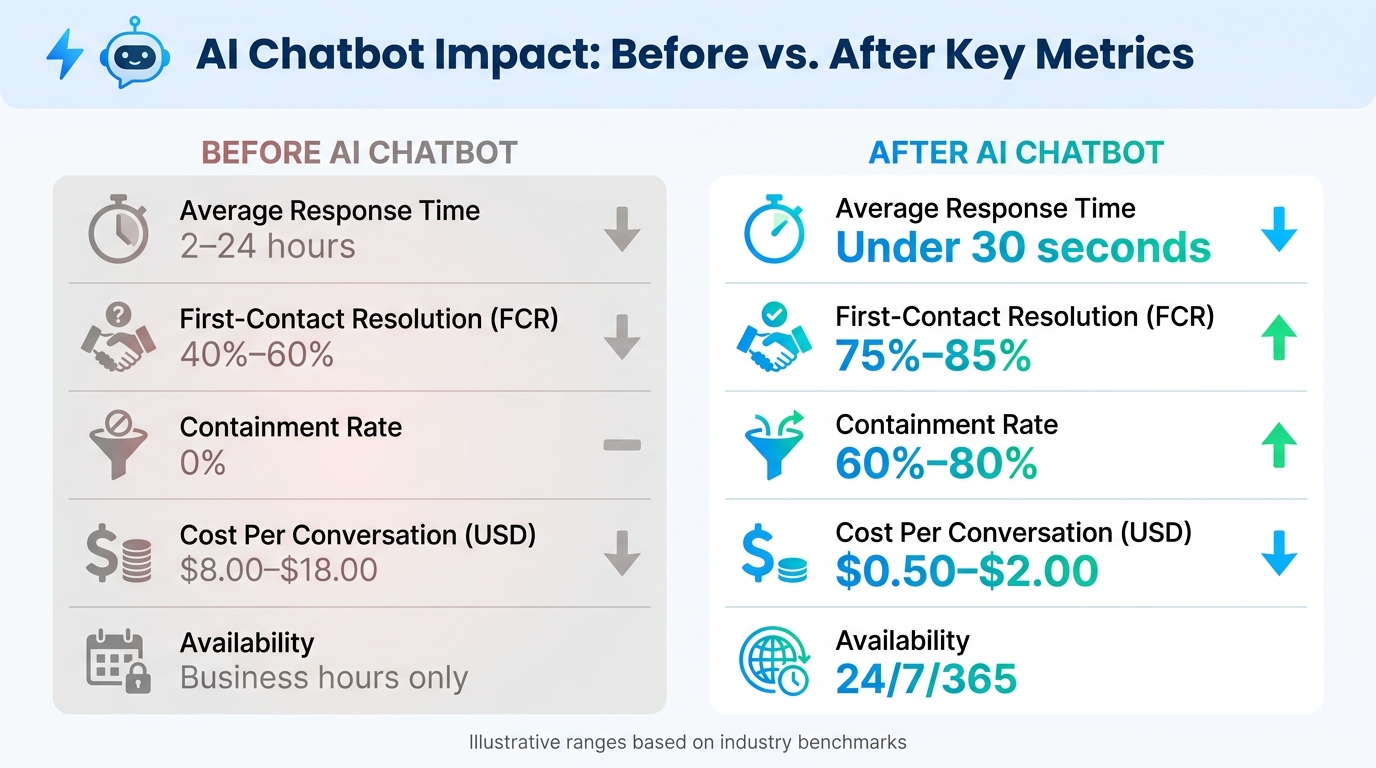
AI Chatbot Impact: Before vs. After Key Metrics
AI chatbots help you reply at once and keep more conversations going. If someone messages you on your website, Instagram, Facebook, WhatsApp, Telegram, or Slack, speed matters. A fast reply keeps the person engaged and lowers drop-off. In most cases, it makes sense to use the bot first for support, then for lead capture.
Start by Automating High-Volume Support and Sales Questions
Begin with the questions your team gets all the time. Return policies, shipping-status updates, pricing, appointment scheduling, and basic lead qualification for entrepreneurs are strong places to start. These requests are predictable, easy to answer the same way each time, and often create the biggest delays when staff handle them by hand.
When those workflows are automated, your agents can spend less time on repeat questions and more time on cases that need human judgment. One simple rule helps here: ask for contact details only after the bot has answered the first question.
Keep Chatbot Flows Short, Clear, and On-Brand
If a chatbot sounds stiff or needs five steps to answer one simple question, people leave. Keep replies short and direct. Use clear button labels. Keep the tone the same across channels. And stick to plain U.S. English.
ChatSpark uses tone presets and approved content to keep replies accurate and on-brand. It also helps to organize your knowledge base with clear headers and short summaries. That makes it easier for the AI to pull the right answer fast.
Before and After: Key Metrics with AI Chatbot Support
The table below shows illustrative shifts after chatbot deployment.
| Metric | Before AI Chatbot | After AI Chatbot (Illustrative Range) |
|---|---|---|
| Average Response Time | 2–24 hours | Under 30 seconds |
| First-Contact Resolution (FCR) | 40%–60% | 75%–85% |
| Containment Rate | 0% | 60%–80% |
| Cost Per Conversation (USD) | $8.00–$18.00 | $0.50–$2.00 |
| Availability | Business hours only | 24/7/365 |
These shifts are why chatbot support is worth tracking. Start with containment rate: the share of issues resolved without a human. If that number lands between 60% and 80%, most of your inbound volume is being handled automatically. Put simply, containment rate tells you whether the bot is doing real work or just passing chats along.
Personalize Messages and Reach Customers at the Right Time
Fast replies help keep a conversation moving. But relevance is what keeps a customer in it. A reply that shows up in seconds can still miss the mark if it ignores who the customer is, what they bought last week, or what they were just looking at. That gap between fast and useful in context is where personalization starts to matter. The next lift comes from pairing speed with the right customer context.
Use Customer Context to Increase Conversion and Reduce Drop-Off
Conversational AI does its best work when it can use customer data in real time. Bring in only the context that changes the reply: identity, purchase history, account status, and recent behavior. When ChatSpark uses that context inside the chat, it can give specific next steps instead of a generic greeting that forces the customer to repeat basic details. That cuts friction and helps more people finish the action they started.
Set Up Proactive Messages for Follow-Ups, Reminders, and Re-Engagement
Proactive outreach works best when it follows a trigger, not a fixed schedule. The strongest triggers tend to be behavioral: cart abandonment, a visit to a pricing page, a subscription close to renewal, or a support ticket that just closed.
Keep follow-ups short and trigger-based:
- Send reminders 24 to 48 hours before an appointment
- Send cart nudges within an hour, then again at 24 and 72 hours
- Send renewal prompts 7 to 14 days before billing
For U.S.-based businesses, keep SMS messages under 160 to 200 characters, refer to the customer’s time zone directly, and always include a clear opt-out: "Text STOP to opt out." Limit proactive messages to a few per week per customer, and bundle related updates into one short message to avoid notification fatigue.
The impact shows up clearly in conversion, response, and no-show rates.
Generic Replies vs. Personalized Messaging: A Side-by-Side Look
The table below shows how generic replies compare with personalized, trigger-based messaging across the metrics that matter most.
| Metric | Generic Replies | Personalized Triggered Messaging |
|---|---|---|
| Conversion Rate | Low; no connection to customer context | Higher on outreach campaigns |
| Response Rate | Low; customers ignore one-size-fits-all messages | Higher when messages reference specific actions |
| Upsell Opportunity | Rarely surfaces relevant offers | Drives upsell and cross-sell by referencing past purchases and account status |
| Customer Satisfaction (CSAT) | Lower; customers repeat themselves and feel unrecognized | Higher; customers spend less effort and feel understood |
| No-Show / Drop-Off Rate | Higher; reminders lack specific details | Reduced with tailored reminders that include time zone, appointment type, and reschedule options |
That same context also prepares the next step: multilingual support and a clean handoff when automation hits its limit.
Add Multilingual Support and Build a Reliable Human Handoff Process
Personalization helps keep customers engaged. But two common gaps can chip away at those gains: helping people who don’t speak English, and knowing when to stop the bot and bring in a person. Both are fixable. After personalization, the next lift usually comes from serving customers in their own language and making handoffs clean when automation hits a wall.
Serve Customers in Their Language Without Building Separate Support Teams
Many customers speak Spanish, Chinese, Vietnamese, or Tagalog every day. And when support isn’t available in their language, they often leave without buying or never solve their issue.
According to CSA Research, 76% of online shoppers prefer to buy products with information in their native language, and 40% won't buy at all from websites in other languages.[2][3][4] That’s a big missed chance. The good news is that one team can still cover those customers with multilingual AI.
ChatSpark supports 85+ languages and can detect the customer’s language from the first message, then respond in that same language. That means you can keep one centralized knowledge base in English and still deliver localized replies across supported languages. Your content stays aligned, and your team avoids the mess of running separate support groups for each language.
This also affects engagement and conversion in a direct way. Companies that supported customers in their native language saw customer satisfaction up 72% and first-call resolution up 45% compared to English-only support.[4]
A simple way to roll this out:
- Start with the top 3–5 languages that show up most in your contact data
- Test first on your busiest channel, which is often website chat
- Track resolution rate and CSAT by language before adding SMS or in-app messaging
For U.S. deployments, formatting matters more than people think. Use prices in USD, like $29.99. Use MM/DD/YYYY for dates. Show time in a 12-hour format with AM/PM, like 3:30 PM CT, even in non-English conversations. If checkout or support details switch formats, people can get confused fast.
Language support works best when the context survives escalation.
Set Clear Handoff Rules So Agents Get the Right Context
Multilingual AI can handle a lot of volume. Still, some conversations need a person. And if that switch is clumsy, it can wipe out the progress the AI just made. A clean handoff protects the gains from speed and personalization.
Escalation should happen based on clear signals, not only when the bot has no answer left. The most dependable triggers include low-confidence turns when confidence stays low for two turns in a row, three failed attempts, sensitive topics such as billing disputes, refunds, account security, or fraud, and direct requests from the customer to talk to a person. High-value accounts and VIP segments can also move to the front of the line sooner.
When the handoff happens, pass along the recent transcript, intent summary, customer profile, language preference, and last bot action. That context matters. When agents see it before they even say hello, they can greet the customer by name, confirm what’s already been done, and get right to fixing the issue instead of starting from scratch.
Weak Handoff vs. Smooth Escalation: What the Difference Looks Like
The gap between a bad escalation and a smooth one is easy to spot. It shows up in resolution time, agent workload, and how the customer feels after the conversation.
| Feature | Weak Handoff | Smooth Escalation |
|---|---|---|
| Context Transfer | None; customer must repeat everything | Full transcript, intent summary, and customer profile passed to agent |
| Transfer Success Rate | High drop-off; conversations misrouted or abandoned | High; conversation reaches the correct queue on the first attempt |
| Time to Resolution | Increases as agents re-collect basic information | Reduced by up to 36.5% when agents use transferred context |
| CSAT/FCR Impact | Drops when customers feel they're starting over | Improves 15–20% in first-contact resolution with warm transfer |
| Wait Time Communication | Vague, generic wait message | Specific and time-formatted, such as an estimated wait of 5–10 minutes or an agent joining by 2:30 PM CT |
A plain-language message that a support specialist is being connected, followed by a realistic wait time in standard U.S. format, helps set expectations and keep trust in place. If the conversation moves from chat to another channel, confirm the channel and contact details, then summarize what has already happened so the customer doesn’t have to repeat the issue.
And if the wait drags on, a short status update every few minutes usually does more to calm frustration than a generic apology.
Track handoff time, abandonment, and post-transfer CSAT to see how the rollout is performing.
Measure Results and Build a Phased Rollout Plan
Tracking the right numbers - and rolling things out step by step - helps conversational AI get better after launch. Once your core tactics are live, measure them against the same response, CSAT, and handoff metrics used above.
Track the KPIs That Show Engagement and ROI
Keep your KPI set short. Big dashboards look busy, but a lot of them end up ignored.
Track:
- average response time
- containment rate
- resolution rate
- CSAT
- conversion rate
- revenue per conversation
- cost per conversation
Before launch, collect at least 30 days of baseline data from your current workflow. Then compare those same metrics at the 30-, 60-, and 90-day marks after launch.
| Review Window | What to Look For |
|---|---|
| 30 days | Early wins: faster response time, higher containment rate |
| 60 days | Stability: does CSAT hold? Are resolution rates improving? |
| 90 days | Financial impact: cost per conversation in USD, revenue per conversation, agent workload |
AI chatbots can reach 40%–65% containment, 70%–82% CSAT, and a first response time under 2 seconds, with cost per conversation at $0.10–$0.50 compared with $8–$15 for human agents[1]. Treat those numbers as 90-day targets, not promises. If response speed and containment move in the right direction, that's your sign to move into the next phase.
Roll Out Conversational AI in Phases Based on Volume and Business Impact
Use KPI results to decide when a pilot is ready to grow. The rollout pattern that tends to work best is simple: pilot one channel, prove results, then expand.
Start with website chat and a small group of 5 to 15 high-volume intents. Good examples include order status, pricing questions, FAQs, and booking requests. Then measure containment and CSAT for 30 days before you add more.
After that, build in stages:
- Phase 2: proactive outreach
- Phase 3: multilingual support
- Phase 4: deeper enterprise CRM or ecommerce integrations
Each phase should come from the numbers in the phase before it. That's what keeps the rollout tied to faster support, better conversion, multilingual access, and cleaner handoff - instead of turning into a box-checking exercise.
One proof point from a phased rollout: a global construction products company processed 10,754 messages with a 98% resolution rate, saving 66 days of agent time. Those results came from starting with a narrow focus and tightening the system as each phase showed it was working.
Conclusion: Conversational AI Strategies That Deliver Measurable Engagement Gains
The businesses that get the strongest results usually start small. They pick two or three high-impact use cases, set clear KPIs, and expand only when the data says it's time. Measure each phase against the targets above, and let the results shape the next move.
FAQs
How do I choose which conversations to automate first?
Look at your support data from the last 90 days and find the tasks that keep showing up. In many cases, about 20% of inquiry types account for 60% to 80% of total ticket volume.
Start with simple, repeatable conversations such as:
- Password resets
- Order tracking
- FAQs
Keep more complex or sensitive cases with human agents. That includes billing disputes, legal matters, and policy exceptions.
What data do I need to personalize chatbot replies?
Use a centralized customer profile that pulls in data from every touchpoint. The most useful details usually include purchase history, account information, past interactions, and stated preferences.
It also helps to connect identifiers like email, phone number, and social handles. From there, add real-time context such as current intent, browsing behavior, and sentiment.
That gives the chatbot a much clearer picture of who it’s talking to. And it can stop asking the same questions over and over, which makes responses more relevant and less frustrating for the customer.
When should a chatbot hand off to a human agent?
A chatbot should hand things over to a human agent when the issue moves past simple, routine tasks. That includes complex questions, billing disputes, account security issues, and legal matters.
Escalation should also happen when a customer shows negative sentiment, directly asks for a human, the AI confidence score drops below 40%, or the bot has already failed twice. When that handoff happens, always pass along the full conversation history plus a short summary.