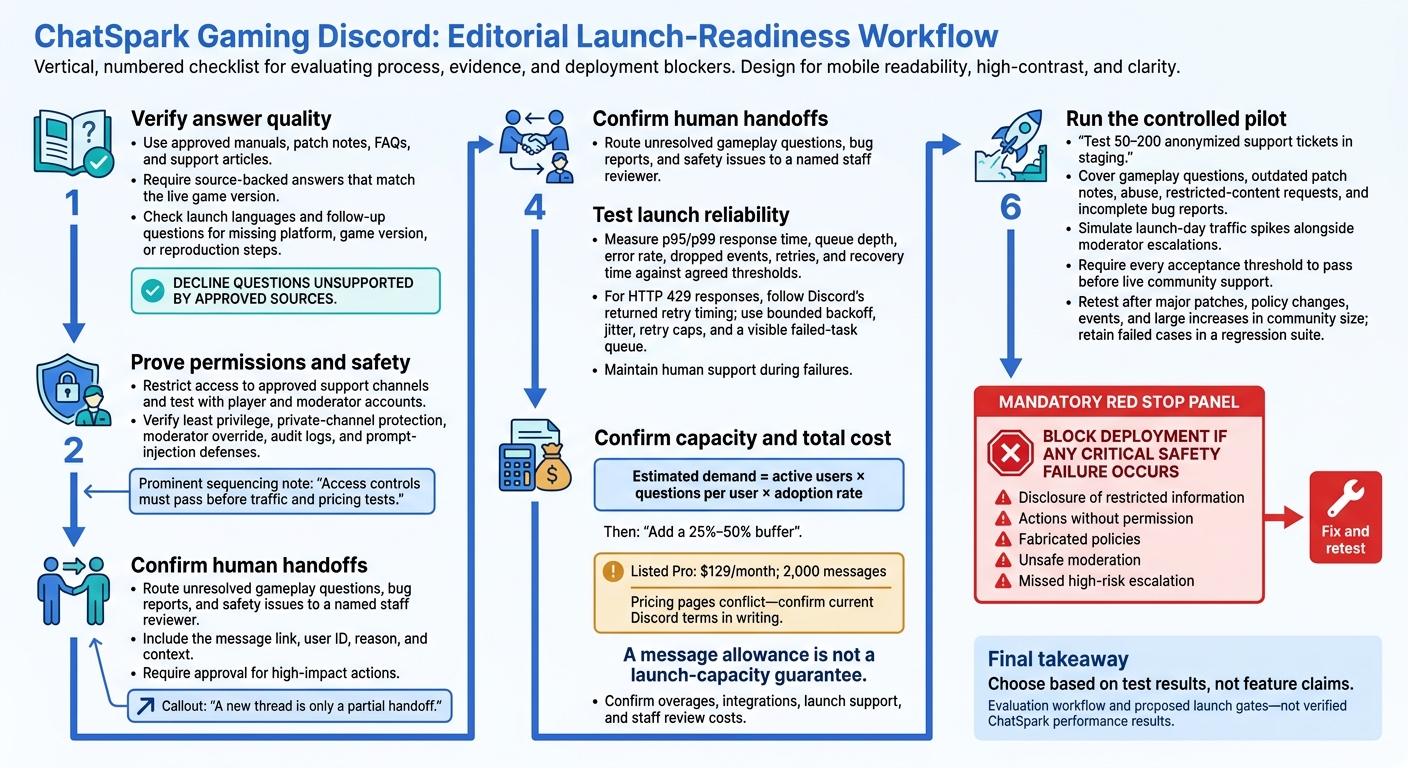
I’d put ChatSpark on the shortlist - not straight into live support. Before launch, I’d test it with 50–200 anonymized support tickets and block deployment if it leaks private information, acts without permission, or misses a high-risk escalation.
For a gaming Discord, I’d check:
- Answer quality: Source-backed replies that match the current patch, handle launch languages, and ask for missing details.
- Human handoffs: Clear staff ownership for unresolved gameplay questions, bug reports, and safety issues.
- Permissions and moderation: Role-aware access, private-channel protection, staff controls, and audit logs.
- Launch reliability: Tested response times, traffic limits, retries, and recovery when something fails.
- Total cost: Confirmed Discord access, usage allowances, overages, and launch support.
ChatSpark lists Pro at $129/month with 2,000 messages, but conflicting pricing pages mean I’d get the terms in writing. A message allowance is not a launch-capacity guarantee.
My rule: <u>choose based on test results, not feature claims</u>.
Discord AI Agent Launch Readiness: Test Before You Deploy
1. ChatSpark
Grounded Answers and Human Escalation
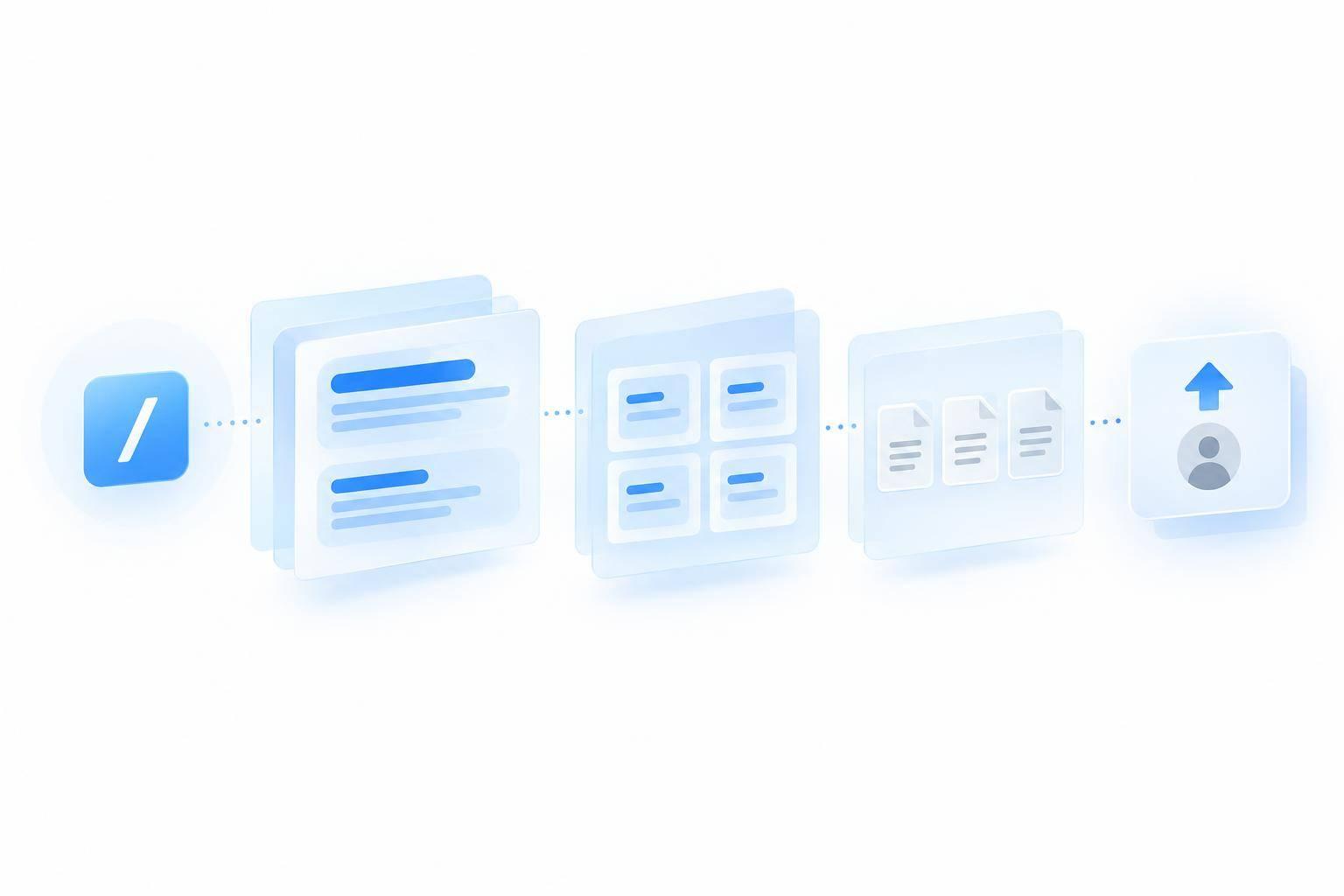
Give ChatSpark approved manuals, patch notes, FAQs, and support articles. Then check that it cites its sources, matches the live game version, and declines questions its sources don’t support. Test patch-sensitive gameplay questions, along with platform, controller, and multilingual questions. Check how unresolved gameplay questions, bug reports, and safety issues reach staff for review.
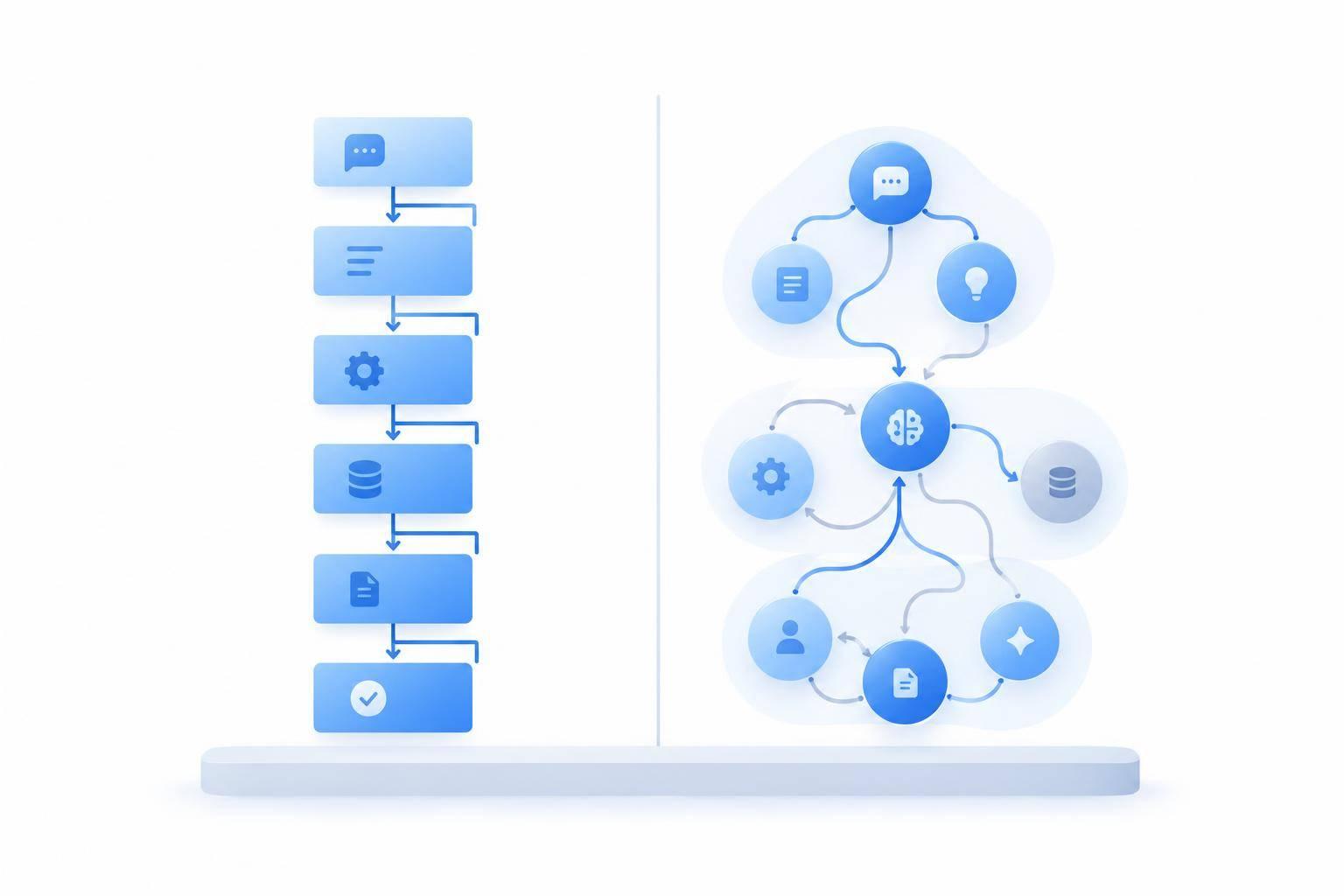
Test /ask only in the support channels you plan to use. ChatSpark can use recent context and threads to help staff review questions.[1][2] Check whether unresolved questions enter a staff review queue. A new thread is only a partial handoff. The docs don’t show native Discord escalation or bug-ticket routing, so verify both before launch.
Discord Permissions, Safety, and Reliability
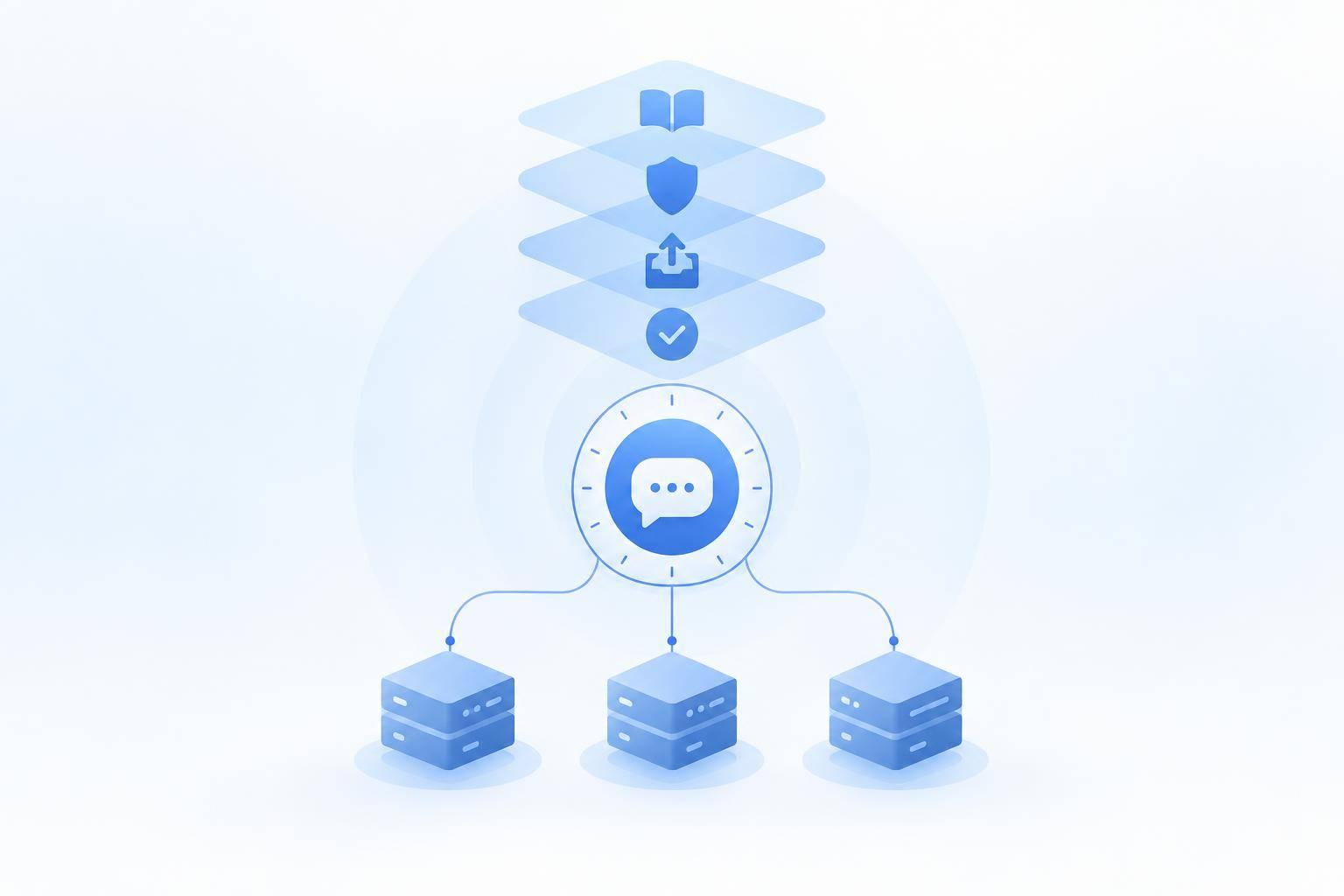
The setup docs recommend Send Messages and Read Message History permissions.[2] Restrict the bot to approved support channels. Then test with player and moderator accounts to make sure staff-only information stays private.[1] Verify moderation controls, role-aware responses, and audit logging during a pilot - don’t assume Discord setup includes them.
Test traffic limits and pricing only after access control passes.
Capacity and Total Cost
ChatSpark publishes API limits of 120 requests per minute for Pro and 300 for Enterprise.[6] These limits don’t guarantee Discord response speed. Before launch-day spikes, check how the limits affect peak traffic and queues of unresolved support questions. Ask whether /ask counts toward the limits, what happens when traffic exceeds them, and whether queued questions retain context.
Discord deployment is listed for Pro and Enterprise. The website profile lists Pro at $129/month, while Enterprise pricing requires a custom quote. Your budget should also cover launch support, integrations, overages, and staff time to review unresolved questions and maintain game docs.
Discord Permissions, Safety, and Reliability
After answer quality, check whether Discord access is controlled, recoverable, and safe under launch-day load.
Before launch, verify Discord-specific controls, failure handling, and audit trails. Check the Interactions Endpoint URL and signature validation using Discord’s Application Public Key. Then test Discord credentials and signed requests in a sandbox.
Treat the checklist below as launch gates. It should show what ChatSpark can do in production - not just during setup.
| Area | Launch requirement | Evidence to request from ChatSpark |
|---|---|---|
| Launch-day uptime | Validate requests, handle timeouts, deduplicate events, and support clean recovery. | Signature-validation results and gameplay-support outage tests |
| OAuth2 scopes and least privilege | Map scopes, bot permissions, and any Gateway intents to required features. | Permission matrix; proof /ask works without optional moderation permissions |
| Role hierarchy and channel permission overwrites | Enforce role boundaries across conflicting overwrites, threads, and new channels. | Recorded player and moderator access tests |
| Private content | Check access before retrieving or quoting private content. | Proof staff-only context stays out of player answers |
| Bug and safety escalation | Route incidents to a named staff reviewer with the message link, user ID, reason, and context; require approval for high-impact actions. | Working bug and safety review queue with ownership and approval records |
| Moderator override | Pause automation, disable a channel, reject recommendations, and stop tool actions. | Live demonstration without a code deployment |
| Retention and sensitive data | Redact credentials and personal data; define encryption, deletion, retention, and provider data use. | Data-flow diagram, retention schedule, subprocessor list, and deletion test |
| Audit logs | Record tool calls, config changes, escalations, failures, and human overrides. | Access-controlled, exportable logs with timestamps, actor, and policy version |
| Prompt-injection defenses | Separate untrusted content from policy and validate tool calls outside the model. | Tests of forged staff instructions, poisoned documents, and private-context requests |
Ask for Discord-specific demonstrations, rather than relying on general platform features.
Once access controls pass, test what happens when Discord throttles requests. Include launch surges, duplicate events, and removed permissions to test both uptime and access controls. Measure p95/p99 response time, queue depth, error rate, dropped events, retries, and recovery time against agreed thresholds. Require no disclosure without permission, no duplicate enforcement actions, and continued human support during failures.
HTTP 429 handling must follow Discord’s returned retry timing, with bounded backoff, jitter, retry caps, and a visible failed-task queue. Permission and validation failures must not trigger endless retries.
ChatSpark Pricing and Launch Capacity
Once permissions and safety checks pass, judge pricing by launch capacity - not sticker price. Treat listed prices as provisional until ChatSpark confirms its current Discord catalog. Its pricing pages show conflicting plan structures, including a separate $49 Pro offer billed by conversations. Don’t combine that offer’s allowances with the plans below.[7]
| Plan | Listed monthly price | Support allowance and coverage | Best fit |
|---|---|---|---|
| Basic | $19 | 100 messages; confirm Discord eligibility | Small internal FAQ pilot, not a public Discord launch |
| Plus | $59 | 250 messages; confirm Discord eligibility | Limited FAQ or workflow experiment |
| Pro | $129 | 2,000 messages; integrations; Discord listed as supported | Moderate-volume Discord support, subject to capacity testing |
| Enterprise | Custom | Custom messages; integrations; Discord support; priority support and account management | Large launches or negotiated support and capacity commitments |
Before buying Basic or Plus, get written confirmation that the tier supports Discord.[4][2][3]
Next, check whether the message allowance covers your launch traffic. Estimate demand as active users × questions per user × adoption rate, then add a 25%–50% buffer. Pro’s 2,000-message quota is a billing allowance, not proof that it can handle launch-hour spikes. Test those separately. If your forecast exceeds the allowance, get written overage terms or arrange Enterprise capacity before release.
Before signing, clarify what counts as a billable message or indexed page. Ask how replies, retries, tool calls, and handoffs count, and whether billing is monthly or annual. Verify the advertised 14% annual discount and plan-stacking rules, including whether stacked plans provide separate agents or shared capacity. Also check reset dates, rollover, overages, service pauses, prorated upgrades, and cancellation terms.[5]
Price the extras, too: Discord setup, hosting, connectors, API access, extra agents, and additional channels. Confirm limits on servers, integrations, AI Actions, and simultaneous conversations. Check that the price includes both inbound /ask commands and outbound Discord AI Actions.[1][2] Get support hours, response commitments, and incident coverage in writing.
Use this review to assess whether ChatSpark is ready for final launch validation. Request a written capacity proposal based on normal, event, and peak traffic forecasts. Before opening access broadly, set usage alerts and an overflow process. Neither a higher tier nor priority support replaces a written launch-capacity agreement.
Final Recommendation: Validate ChatSpark Before Launch
Once permissions, pricing, and reliability checks are complete, test ChatSpark in a controlled pilot before launch. Require proof that it can deliver source-backed answers, support multiple languages, and hand cases to staff.
Run 50–200 anonymized tickets in staging. Cover gameplay questions, outdated patch notes, abuse, restricted-content requests, and incomplete bug reports. Verify that ChatSpark asks follow-up questions when platform, game version, or reproduction steps are missing. Simulate launch-day traffic spikes alongside moderator escalations, and score each failure mode against the table below.
Block deployment if any critical safety failure occurs: disclosure of restricted information, actions without permission, fabricated policies, unsafe moderation, or a missed high-risk escalation.
Retest after major patches, policy changes, events, and large increases in community size. Keep failed cases in a regression suite.[8][9]
Use the pilot results to assess launch readiness against these thresholds. Every threshold must pass before ChatSpark handles live community support. These are proposed targets, not published ChatSpark results.
| Criterion | Weight | Acceptance threshold | Status |
|---|---|---|---|
| Answer accuracy | 15% | ≥90% correct on approved gameplay questions | Pending |
| Documentation grounding | 15% | ≥95% of factual answers traceable to current sources | Pending |
| Human escalation | 15% | 100% of critical cases escalated; clear owner and SLA | Pending |
| Language quality | 10% | ≥90% human-rated quality in each launch language | Pending |
| Permissions and role awareness | 10% | Least privilege; no restricted-channel or role bypass | Pending |
| Response time and reliability | 10% | Meet the studio’s response-time target | Pending |
| Moderation alerts | 10% | Correctly flag or route abuse, threats, self-harm, scams, and restricted content | Pending |
| Auditability | 5% | Searchable transcripts, escalation logs, and exportable metrics with privacy controls | Pending |
| Staff time saved | 5% | Demonstrate a measurable decrease in repetitive staff responses without lower safety performance | Pending |
| Cost | 5% | Stay within the approved monthly budget at projected usage | Pending |
FAQs
How do I keep ChatSpark current after each game patch?
Keep one approved knowledge base as your community’s source of truth. Put one person in charge of updating content and removing outdated information as soon as each patch is released. ChatSpark uses retrieval-based generation, so current content helps keep answers accurate and consistent across channels.
Before each update, run regression tests to confirm that existing answers are still correct and escalation paths still work.
When should ChatSpark hand a bug report to staff?
ChatSpark should hand a bug report to staff when the issue is hard to reproduce, calls for human judgment, or goes beyond its documentation and training data. It should also escalate when information conflicts, its confidence drops below your threshold, or two attempts to resolve the issue fail.
At handoff, ChatSpark passes along the full conversation history, an issue summary, relevant source links, and steps already tried - so players don’t have to repeat themselves.
How can I control ChatSpark costs during launch spikes?
Keep resolution rates high while fine-tuning when to send requests to human staff. Track cost per resolution in USD and metrics for each channel to see where automation works best. Set confidence thresholds, typically 80%–95%, to route ambiguous or complex questions to human staff.
Review fallback and handoff rates weekly. Use those findings to improve instructions and your knowledge base so the agent can answer common questions on its own and keep costs predictable.