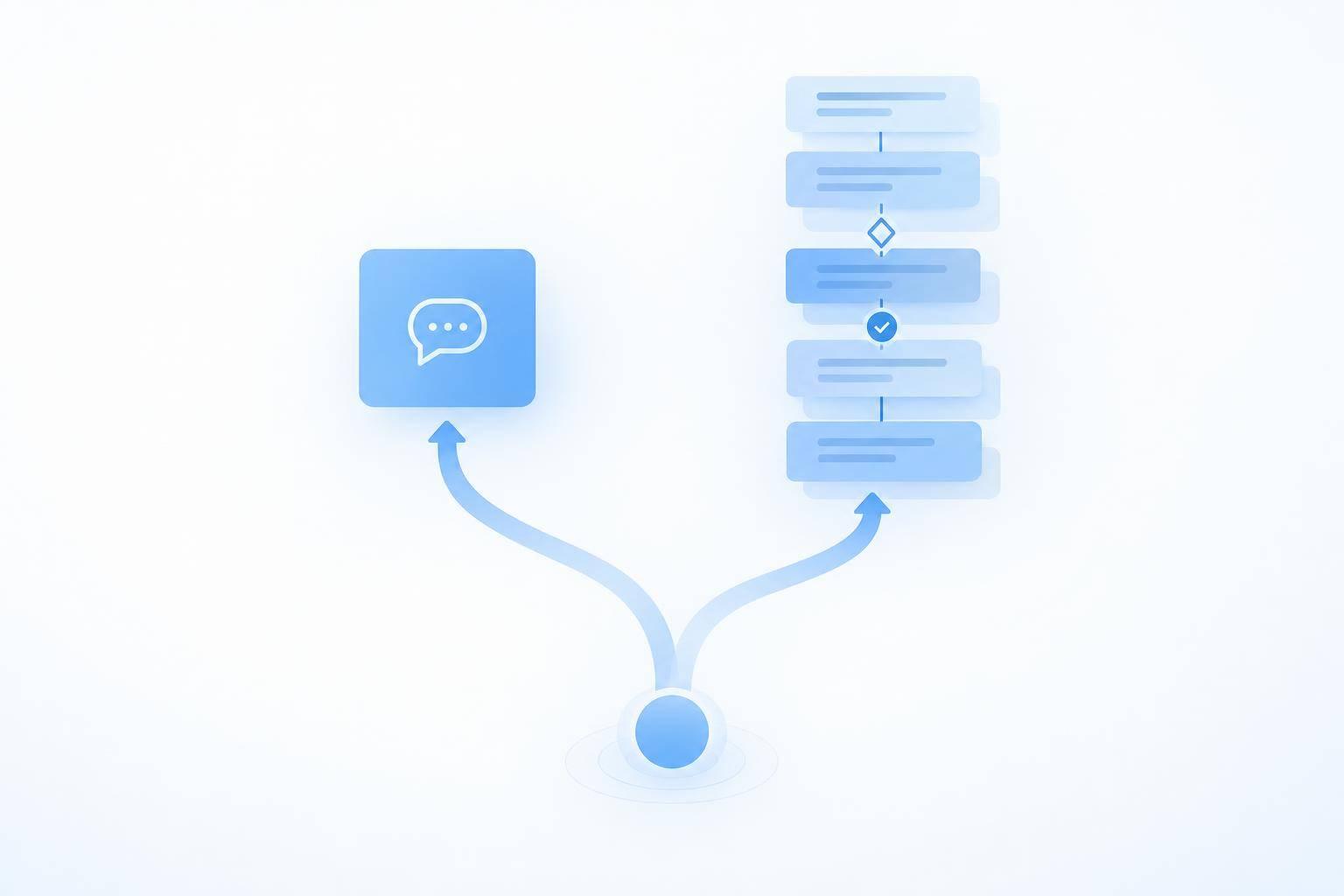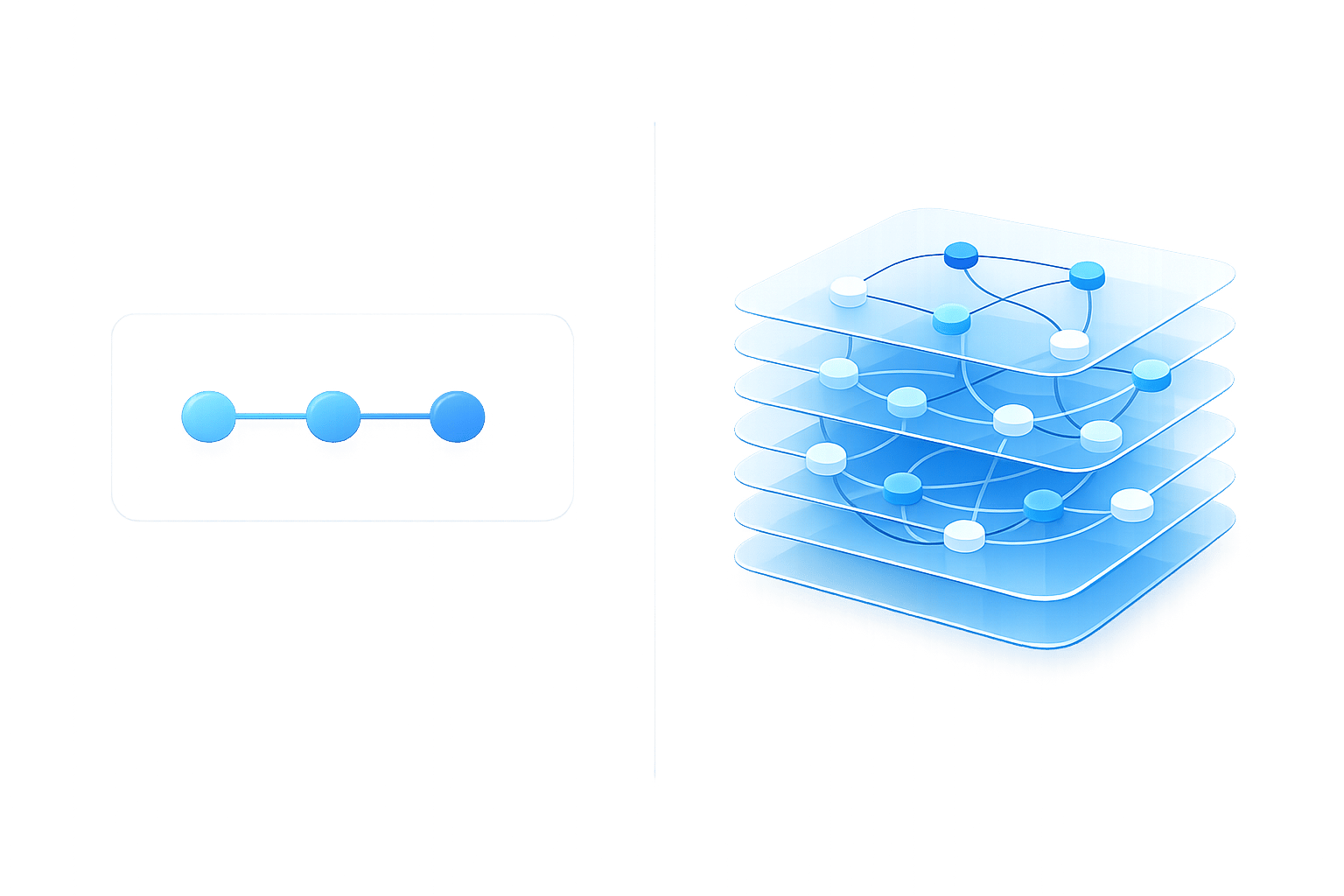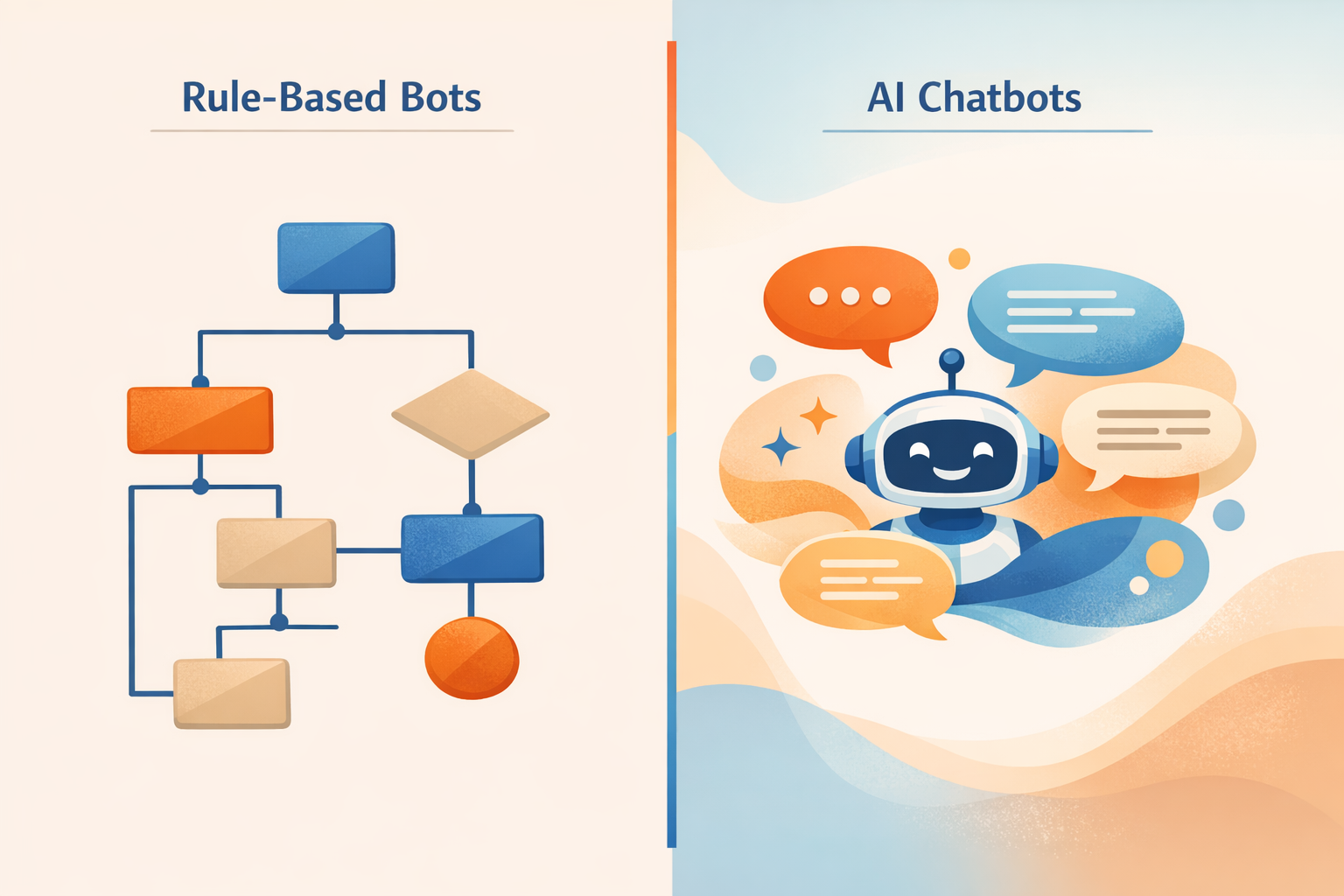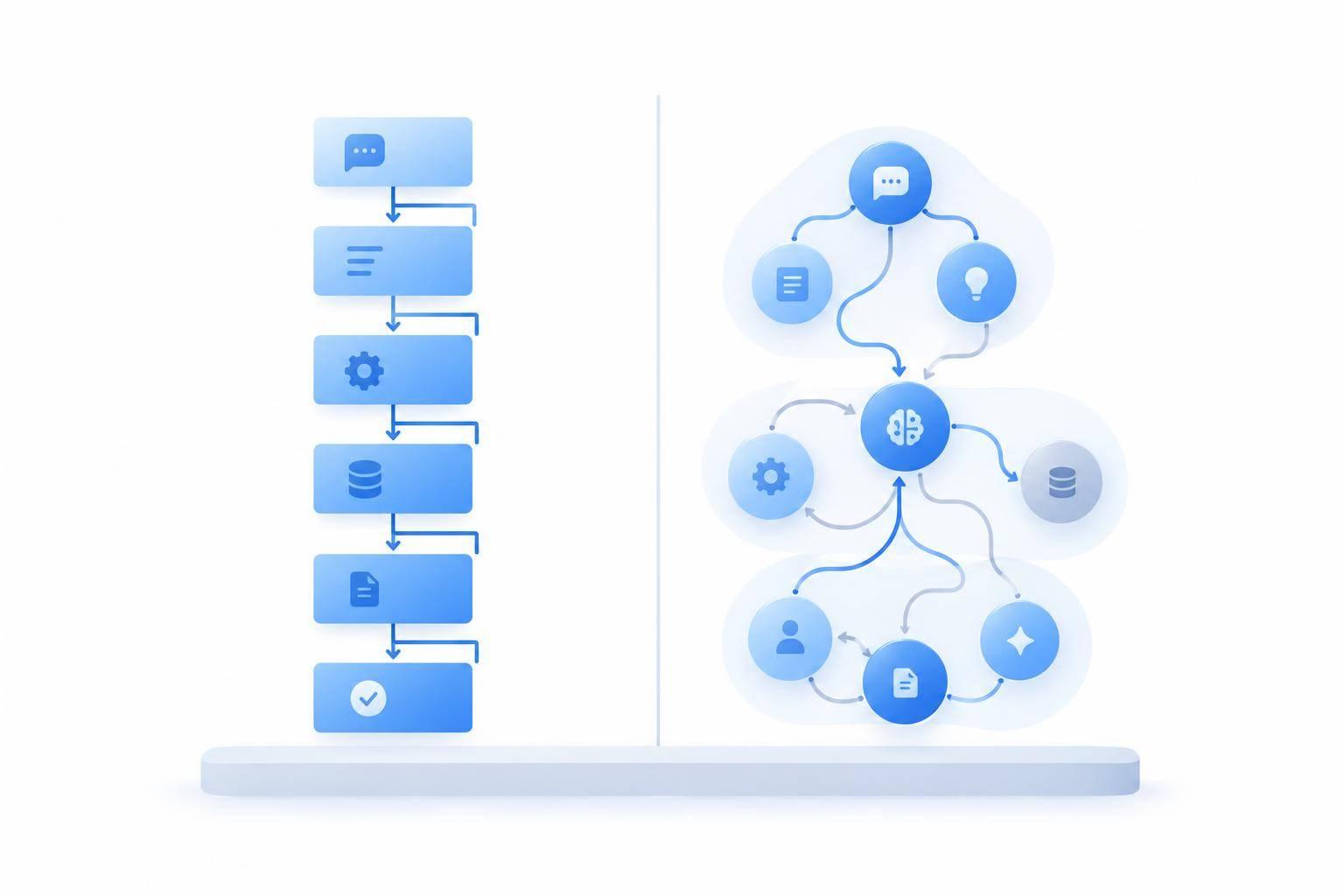
I’d use a rule-based chatbot for fixed support tasks and a generative AI agent for varied, multi-step requests. For an order lookup, either can work. For delivery questions mixed with returns or troubleshooting, an agent can use context and approved tools - but neither approach guarantees a correct answer.
Here’s how I’d compare them before choosing:
Quick Comparison
| Factor | Rule-based chatbot | Generative AI agent |
|---|---|---|
| How it works | Follows set rules and scripted paths | Uses context to generate replies and choose permitted tools |
| Best fit | FAQs, routing, and fixed workflows | Varied wording, connected questions, and multi-step tasks |
| Setup | Flows, approved replies, and fallback paths | Current sources, instructions, tools, and permissions |
| Maintenance | Update branches when requests or policies change | Maintain sources, integrations, instructions, and tests |
| Control and risk | Predictable wording, but can reach dead ends | More context-aware replies, but can invent answers or choose wrong actions |
| Audit trail | Record branches, replies, and lookup results | Also record source versions, tool calls, and permission checks |
| Cost and testing | Measure cost per correctly resolved case | Use the same measure, including review and correction work |
My rule for both: <u>verify access, confirm customer-impacting actions, and report success only after the system confirms it.</u> When data or permission is missing, hand off to a person.
For ChatSpark, I’d check channel and language support, then run a small pilot. Track verified resolutions, repeat contacts, CSAT, and cost per resolution in USD. For high-risk workflows, I’d set a launch target of 0 incorrect actions - a test threshold, not a promise.
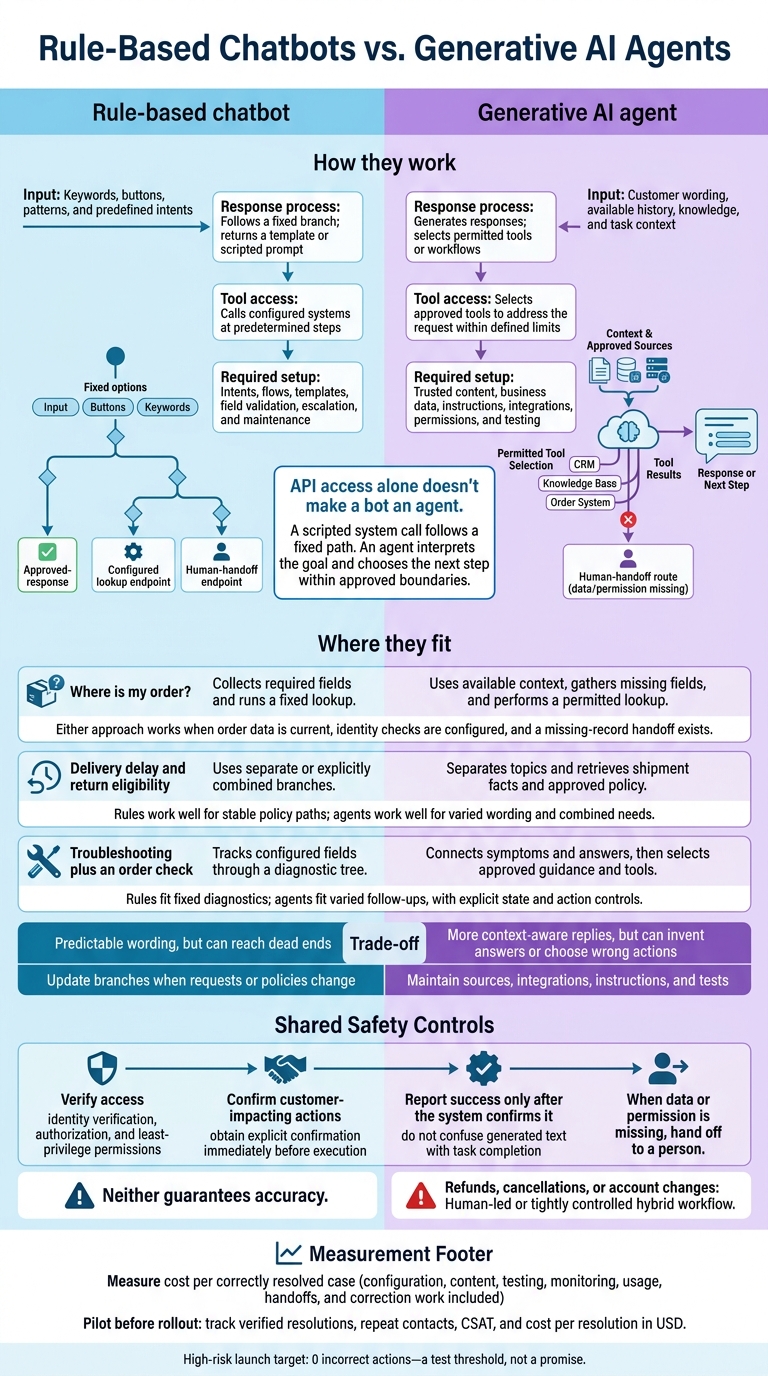
Rule-Based Chatbots vs. Generative AI Agents
How Rule-Based Chatbots and Generative AI Agents Work
Rule-Based Chatbots: Following Fixed Paths
A rule-based chatbot matches keywords, button clicks, or predefined patterns to its rules. It then follows a fixed branch: send an approved response, ask for a missing field, or escalate. Buttons keep customers on known paths, while free-text input needs rules that account for common ways people phrase requests.[1][2]
Setup involves defining intents, templates, required fields, validation, and escalation paths. As policies change, teams must update the affected branches. If nothing matches, the bot should offer a menu, suggest rephrasing, or direct the customer to human support - not repeat the same prompt. Logs of unmatched inputs help teams spot gaps.[1][2][3]
Rule-based bots are fast to script, but their reach stops where the branch map ends.
Generative AI Agents: Using Context, Knowledge, and Tools
AI-powered agents use conversation history, knowledge sources, and the customer's current wording to respond in context. But generating text isn't the same as completing a task. Agent workflows also involve choosing an approved tool, deciding how to use its results, and determining the next step.[4]
Setup requires trusted content, business data, integrations, permissions, and tone instructions. Changing facts need current system data. Viewing records and changing them need separate permissions. Teams also need to test ambiguous requests and actions the agent isn't allowed to take. If it lacks data or permission, it should ask for clarification or escalate - not guess or claim success.[5][6][7]
Order status checks, delivery delays, returns, and multi-step troubleshooting make these differences easier to see. Here's how the two approaches work in practice.
| Approach | Input interpretation | Response process | Required setup | Tool access |
|---|---|---|---|---|
| Rule-based chatbot | Keywords, buttons, patterns, and predefined intents | Follows a fixed branch; returns a template or scripted prompt | Intents, flows, templates, field validation, escalation, and maintenance | Calls configured systems at predetermined steps |
| Generative AI agent | Customer wording, available history, knowledge, and task context | Generates responses; selects permitted tools or workflows | Trusted content, business data, instructions, integrations, permissions, and testing | Selects approved tools to address the request within defined limits |
API access alone doesn't make a bot an agent. A scripted system call follows a fixed path. An agent interprets the goal and chooses the next step within approved boundaries.[1][4]
Comparing Customer Support Scenarios
Scripted Requests: Checking an Order Status
For the hypothetical request “Where is my order?”, a rule-based chatbot collects an order number through fixed prompts, verifies identity or account authorization, and runs a lookup. A generative AI agent can use an identifier already collected in the conversation and ask only for missing information before a permitted lookup. An empty result does not prove the order doesn’t exist. The system should distinguish an invalid number, a missing record, and a system error. Hand off unresolved cases with the verification status and lookup result.
Unfamiliar Questions: Delivery Delays and Returns
A question about a delayed shipment and return eligibility can split a rule-based bot into separate branches or miss the request. A generative AI agent can recognize both tasks and carry the order details across both tasks. Shipment status and return eligibility still require different evidence: carrier events and delivery dates for the first; purchase details, item category, and applicable policy for the second. A general return policy alone does not determine eligibility. Missing terms or conflicting records should trigger clarification or human review, not an invented exception.
Multi-Step Requests: Troubleshooting and Taking Action
For a conversation covering several device symptoms, follow-up answers, and a warranty check, a rule-based chatbot stores answers in predefined session fields and follows its diagnostic tree. A generative AI agent can connect symptoms across messages and retrieve approved troubleshooting steps, but it must also record completed steps and current tool results. Neither system should treat a failed warranty lookup as a denial of coverage.
Before a replacement, refund, or any other action that affects the customer, require authorization and identity verification. Get explicit confirmation immediately before execution, and report completion only when the tool confirms success.
If troubleshooting stalls, pass the case to a human with the symptoms, steps attempted, order number, verification status, tool results, and requested outcome.
Customer-support situation Rule-based chatbot behavior Generative AI agent behavior Failure mode Best fit conditions “Where is my order?” Collects required fields and runs a fixed lookup. Uses available context, gathers missing fields, and performs a permitted lookup. Invalid identifier, missing record, or API error; recheck or hand off. Either approach works when order data is current, identity checks are configured, and a missing-record handoff exists. Delivery delay and return eligibility Uses separate or explicitly combined branches. Separates topics and retrieves shipment facts and approved policy. Wrong branch or unsupported eligibility answer; clarify or escalate. Rules work well for stable policy paths; agents work well for varied wording and combined needs. Troubleshooting plus an order check Tracks configured fields through a diagnostic tree. Connects symptoms and answers, then selects approved guidance and tools. Lost state, incorrect diagnosis, or failed action; preserve details for handoff. Rules fit fixed diagnostics; agents fit varied follow-ups, with explicit state and action controls.
These differences shape the trade-offs in control, effort, and risk.
Trade-Offs in Control, Effort, and Risk
Predictability, Flexibility, and Audit Trails
Let the request determine how much control or flexibility you need. Fixed wording works well for stable policies and tightly defined tasks. Contextual interpretation works better for varied language and longer conversations. Neither guarantees accuracy. Rules can become outdated, and generated answers can misread records. The trade-offs come down to consistency, coverage, and risk.
Logs show what happened - not whether the answer was right. Rule-based logs should record the flow version, branch decisions, template shown, and API result. Generative-agent logs also need model and instruction versions, retrieved source versions, tool calls, permission checks, and outcomes. Restrict access to logs and collect as little personal data as possible. A complete record helps investigate a mistake; it doesn't prevent one.
| Dimension | Rule-based advantages and limitations | Generative agent advantages and limitations | Main risk or control |
|---|---|---|---|
| Predictability | Consistent wording within defined paths. | Responses reflect context, but wording and decisions vary. | Use version control, regression tests, and fallbacks. |
| Flexibility | Reliable for known requests; new cases need branches. | Handles varied and connected requests better, but can misread context. | Require evidence and escalate uncertainty. |
| Setup | Narrow flows are easier to inspect before launch. | Broader coverage needs more preparation and testing. | Test security and quality before launch. |
| Maintenance | Changes require updates to affected flows. | More components mean more maintenance over time. | Monitor outdated content, broken tools, and regressions. |
| Failure modes | Dead ends, wrong routing, and outdated rules. | Unsupported answers and incorrect actions, including those caused by prompt injection. | Validate outputs, restrict access, and provide human review. |
| Auditability | Defined paths are easier to reconstruct. | More components to trace; logs cannot explain every decision. | Record versions and outcomes; protect sensitive data. |
| Scalability of coverage | More requests mean more branches and tests. | Broader language coverage, but more oversight and integration work. | Expand only while resolution quality remains acceptable. |
These trade-offs also affect setup and maintenance effort.
Setup, Maintenance, and Request Coverage
Compare total cost per correctly resolved case, including configuration, content, testing, monitoring, usage, handoffs, and correction work. Test both approaches against the same set of support requests. Separate scripted, unfamiliar, and multi-step requests so good results on simple questions don't hide poor performance elsewhere.
Failure Modes and Safety Controls
Coverage only matters if the system stays safe when something goes wrong. Set fallback routes for unsupported requests, conflicting information, and system errors. Enforce identity checks and least-privilege access, validate tool inputs, and require confirmation before high-impact actions. Send ambiguous or high-risk cases to human review.
Measure correctness, completion, repeat contacts, and handoff quality - not just speed or escalation rate.
Conclusion: Choosing a Support Approach for ChatSpark
Match the Approach to Your Support Needs
Start with the types of requests you handle. Fixed flows work well for repetitive questions, fixed policies, simple routing, and decision-tree workflows. Generative agents handle varied phrasing, conversational context, approved knowledge retrieval, and permitted multi-step work. Fixed flows offer the most control; generative agents cover more context.
Your choice also depends on request variety, workflow complexity, data access, risk tolerance, and how much control you need over wording and outcomes. The table below maps those factors to a deployment choice.
These are recommended operating models, not guaranteed ChatSpark capabilities. Both approaches need reliable data and clear escalation rules.
| Support requirement | Preferred operating model | Required configuration | Main control |
|---|---|---|---|
| Repetitive FAQs and simple routing | Rule-based flow | Approved answers and decision-tree branches | Restrict predictable responses to reviewed content |
| Simple order-status lookup | Rule-based flow or narrowly scoped agent action | Order-number collection, identity checks, and read-only order-system access | Authenticate access and report only verified lookup results |
| Varied questions about delivery delays or returns | Generative agent with retrieval, or hybrid flow | Current policy and shipping knowledge, source permissions, and escalation paths | Base contextual answers on approved sources; escalate when information is missing |
| Multi-step troubleshooting | Generative agent with permitted tools, or guided hybrid workflow | Troubleshooting knowledge, session context, diagnostic integrations, and action permissions | Log each step across systems; confirm actions that have meaningful effects |
| Refunds, cancellations, or account changes | Human-led or tightly controlled hybrid workflow | Authentication, authorization, approval rules, and transaction APIs | Limit high-impact actions through least privilege, confirmation, and human escalation |
| Unsupported or ambiguous requests | Escalation path for either model | Fallback message, transcript transfer, and staffing rules | Stop guessing when data or authority is missing; route to a person |
Configure ChatSpark for Your Support Needs
Once you choose an operating model, set up ChatSpark’s content, permissions, and channels to match. Define its tone, branding, approved terminology, escalation language, and U.S. English conventions. Connect current policies, help-center content, product information, and troubleshooting procedures so retrieved answers rely on maintained sources.
ChatSpark’s channel options include websites, Instagram, Facebook, WhatsApp, Telegram, and Slack, with support in more than 85 languages. Verify channel coverage and language quality before rollout. Check each integration’s capabilities and permissions before promising that it can complete a task.
Keep answers grounded in current sources, separate read-only lookups from write actions, and escalate when data or authority is missing.
Use analytics to review outcomes by channel, request type, language, escalation status, and resolution quality. Don’t treat those reports as proof of accuracy or resolution without human help.
Test Fit With a Measured Pilot
Before rollout, test the setup in a small pilot with a limited set of common requests. Include unfamiliar wording, missing data, conflicting records, unauthorized actions, and human handoffs. These tests should help identify unsupported answers, incorrect actions, and failed handoffs.
Measure verified resolution rate, repeat-contact rate, CSAT, human handling time, cost per resolution (USD), escalation quality, error rate, and safety incidents.
Set launch thresholds before rollout: a minimum verified-resolution rate, zero incorrect actions for high-risk workflows, and a required CSAT level. Expand only when quality, safety, and operating costs remain acceptable across representative scenarios.
FAQs
Can I add AI to my existing rule-based chatbot?
Yes. A hybrid approach keeps your existing rule-based logic for simple, repetitive tasks and adds an AI classifier or agent to handle more complex queries that fall outside your predefined scripts.
You can also set a confidence threshold. When the AI’s confidence in its response falls below that level, the system automatically transfers the conversation to a human agent. The customer’s information goes with it, so they don’t have to repeat themselves.
How can I test whether AI answers are correct?
Before deployment, test AI answers against past support chats and emails. Then run the system in shadow mode for one to two weeks, with responses hidden from customers. Check whether it recognizes intent, gives accurate answers based on your verified knowledge base, follows the conversation’s context, and hands off questions when information is missing or confidence is low.
Set confidence thresholds, typically 80%–95%, to route ambiguous or sensitive questions to support staff. Monitor performance continuously, and run regression tests before each update.
When should I switch from rules to AI?
Switch from rule-based bots to generative AI agents when support goes beyond simple, predictable requests. That includes open-ended questions, conversations that need context from past sessions, and multi-step tasks such as processing refunds and updating CRM records.
AI agents can also help your team scale efficiently if it often pulls data from multiple systems or if more than 40% of queries require external information.