If you want faster customer replies, start by letting a chatbot handle repeat questions first. That one move can cut first response time from minutes or hours to seconds, lower backlog, and give your team more time for issues that need a person.
Here’s the short version:
- I’d start with your top 20–50 repeat questions from the last 30–90 days
- I’d use the bot for low-effort, high-volume requests like order tracking, store hours, password resets, and booking
- I’d connect it to live systems so it can pull current order status, calendars, and pricing
- I’d send hard cases like refund disputes, policy exceptions, and checkout failures to human agents fast
- I’d track First Response Time, Resolution Time, Deflection Rate, CSAT, and tickets per agent
A few numbers make the case clear:
- 82% of customers expect a sales reply within 10 minutes
- Many businesses still take more than 42 hours to respond
- Chatbot first replies can land in under 5 seconds
- Teams often see 40%–60% deflection once flows are set up well
- One example in the article shows first response time drop from 15 minutes to 45 seconds
What this means for you: use the bot for speed and scale, and keep people focused on judgment calls. That’s the core setup.
If I were putting this into practice, I’d follow four steps:
-
Pick the right questions first
Focus on repeat requests with clear answers. -
Launch across your main channels
Use one knowledge source for website chat, social DMs, and messaging apps. -
Build clean handoffs to agents
Pass the full chat history so customers don’t repeat themselves. -
Measure results and expand
Compare before-and-after numbers at 30, 60, and 90 days.
Here’s the big idea in one line: AI handles the fast, repeat work. Your team handles the cases where judgment matters.
Step 1: Identify Which Customer Questions a Chatbot Should Answer First
Start with the questions that eat up the most support time. Pull 3–6 months of data from every support and sales channel your team uses: website chat, email, call logs, social DMs, and SMS threads.[10] Then group those requests by topic.
The goal is simple: find repeat questions with clear answers that don’t need human judgment.
Pull Common Request Types from Your Existing Channels
After you gather the data, sort each interaction by request type. You’ll usually see the same themes pop up again and again: order status, shipping questions, store hours, return and exchange policies, appointment scheduling, account access issues, and lead qualification.
From there, rank each request type by:
- total volume
- average resolution time
| Inquiry Type | Complexity | Automation Potential |
|---|---|---|
| Order status / tracking | Low | High |
| Password resets | Low | High |
| Return policy FAQs | Low | High |
| Billing / pricing inquiries | Medium | High |
| Refund disputes | High | Low (human handoff) |
| Policy exceptions | High | Low (human handoff) |
If order status questions account for 30% of your weekly contacts and each one takes about 4 minutes of agent time, that’s the first place to automate. High-volume, low-complexity requests are the low-hanging fruit. That’s also where ChatSpark cuts first-response time the fastest.
Once you choose the first set of questions to automate, rewrite each one as a short, direct answer.
Turn Recurring Requests into Short, Clear Answers
Write every answer in plain U.S. English. Keep each response focused on one topic, and put the main detail first.
For example: Our store is open Monday–Friday, 9:00 AM to 5:00 PM Eastern Time.
That kind of reply gives customers what they need right away, without the extra back-and-forth.[5][7]
Formatting matters too. Use the same style every time: $19.00, August 1, 2026, 9:00 AM–5:00 PM ET, pounds, and inches. When formatting stays consistent, ChatSpark is more likely to return the right answer across channels.[6][8]
Load Your Support Content into ChatSpark
Once your answers are written, connect your current support content to ChatSpark. That usually means:
- linking public FAQ and help center pages
- uploading PDFs like warranty documents or onboarding guides
- importing internal knowledge base articles
ChatSpark scans those sources and matches common questions to the right answers.
Before uploading, clean things up. Merge duplicate FAQ entries, update policy pages with old pricing or dates, and remove documents that no longer match current procedures. Then group content by topic, like shipping, returns, billing, appointments, and account management, so ChatSpark returns direct answers instead of vague summaries.[9][5]
After that, set ChatSpark to answer these requests instantly across every channel.
Step 2: Set Up ChatSpark to Cut Wait Times Across Channels
Set up ChatSpark to handle routine requests at any hour, across every channel your customers use. The goal is simple: give people fast answers without making them wait in line for a rep.
Set Up Instant Replies for Routine Support and Sales Requests
The biggest time savings come from answering routine requests right away. Instead of sending a ticket and waiting around, a customer gets a reply in seconds. Industry benchmarks show AI chatbot first-response times average under 5 seconds, compared with 2 minutes 40 seconds for human live chat and as much as 12 hours for email [2][3][4].
For this to work well, follow an AI customer support implementation guide to connect ChatSpark to your live systems.
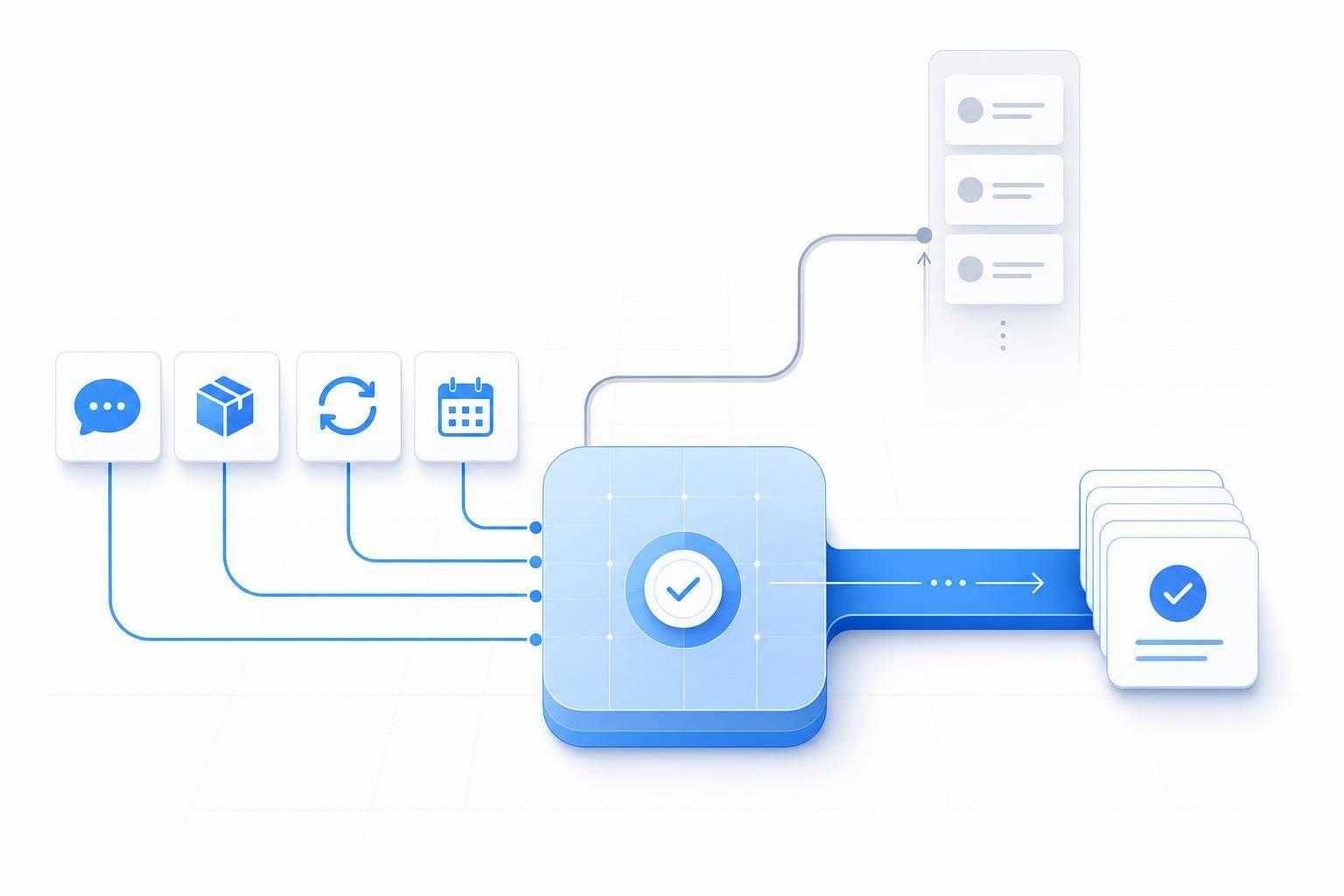
For order tracking, connect it to your fulfillment or e-commerce platform. That lets customers check status, delivery date, and carrier details using an order number and ZIP code.
For appointment scheduling, connect ChatSpark to your calendar tool. It can then show open time slots and confirm bookings in real time using U.S. date and time formatting, such as 08/15/2026 at 3:00 PM PT.
For pricing and lead capture, sync it with your product catalog or CRM. That way, ChatSpark can return current USD pricing and gather lead details like:
- Name
- Company size
- Budget
- Timeline
Once you automate routine requests, the next job is making sure every channel gives the same fast answer.
Run One Chatbot Across Your Website, Social, and Messaging Channels
Customers don't stay in one place. They bounce from your website to social apps to messaging tools. So it makes sense to run one ChatSpark setup across website chat, Instagram, Facebook, WhatsApp, Telegram, and Slack.
This keeps every channel tied to the same knowledge base and the same response rules. If you update a policy or change a price, you update it once in ChatSpark's central knowledge base, and every channel shows the change right away.
You can still tailor the format by channel. Keep DMs short. Let Slack replies include more detail. But the core answer should stay the same.
One case study found a 45% drop in call volume and 60% of routine inquiries fully automated after a multilingual omnichannel chatbot was rolled out [12].
With this setup in place, ChatSpark is also better prepared for sudden traffic surges.
Handle Volume Spikes with 24/7 Coverage and Simultaneous Chats
Human agents can usually manage 3–6 parallel chats at one time. ChatSpark goes far past that limit. During sales peaks or campaign surges, it can handle hundreds or thousands of chats at the same time without a queue [13][14].
Run ChatSpark 24/7 so it's always the first to respond, no matter the time zone [1][13]. During business hours - say, 9:00 AM to 5:00 PM local time - it can answer routine questions and send harder cases to live agents.
After hours and on weekends, it can still handle a long list of common requests, including:
- Order tracking
- Policy questions
- Appointment bookings
- Password resets
When a case needs a person to step in, ChatSpark can collect the needed details and send an automated acknowledgment with an expected follow-up by 10:00 AM ET on the next business day. That means your team starts the day with less backlog, and each case already comes with context.
Step 3: Route Complex Issues to Human Agents Without Losing Time
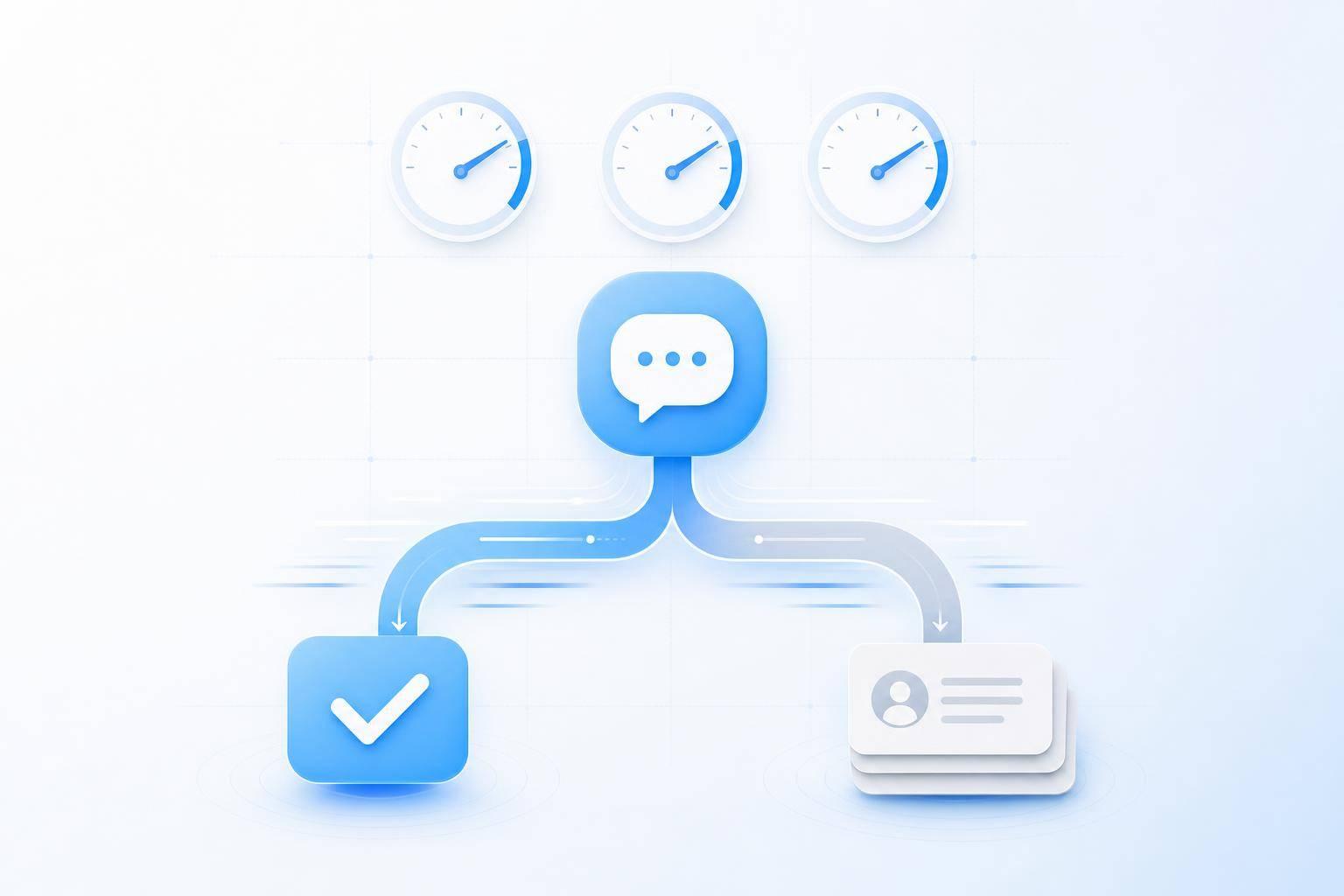
Once ChatSpark takes care of routine questions, the next move is simple: send only the right cases to human agents. Issues tied to lost sales, like checkout failures, should go to an agent right away.
Define When the Chatbot Should Hand Off to a Human
Not every chat should stay with a bot. A tiered escalation setup helps ChatSpark pass revenue-at-risk issues, such as checkout problems, to a live agent as soon as they come in. Mark urgent chats as Tier A at intake so the highest-priority cases get handled first.
Some conversations need a specialist but don't call for an immediate jump. In those cases, send a short acknowledgment message that sets expectations and tells the customer help is on the way. That keeps the interaction moving instead of leaving it stuck in limbo.
Send Full Conversation History to the Right Team
When a handoff happens, keep the full conversation intact. Customers shouldn't have to start over or repeat the same details twice. Send the transcript and the key details into the agent queue or CRM so the agent can pick up exactly where the bot stopped.
Manual Triage vs. ChatSpark Routing: A Side-by-Side Comparison
| Metric | Manual Routing | ChatSpark Routing |
|---|---|---|
| First response | Depends on queue and staff availability | Instant automated reply |
| Escalation | Reviewed and reassigned manually | Rule-based handoff to the right agent |
| Customer context | Customers often repeat information | Conversation context is carried forward |
| Agent workload | Agents spend time sorting and routing | Agents focus on the issues that need them |
With manual routing, your team has to sort, assign, and follow up on each case themselves. ChatSpark handles that routing step automatically, which gives agents more time to solve problems instead of managing the queue.
Step 4: Measure Results and Expand What the Chatbot Handles
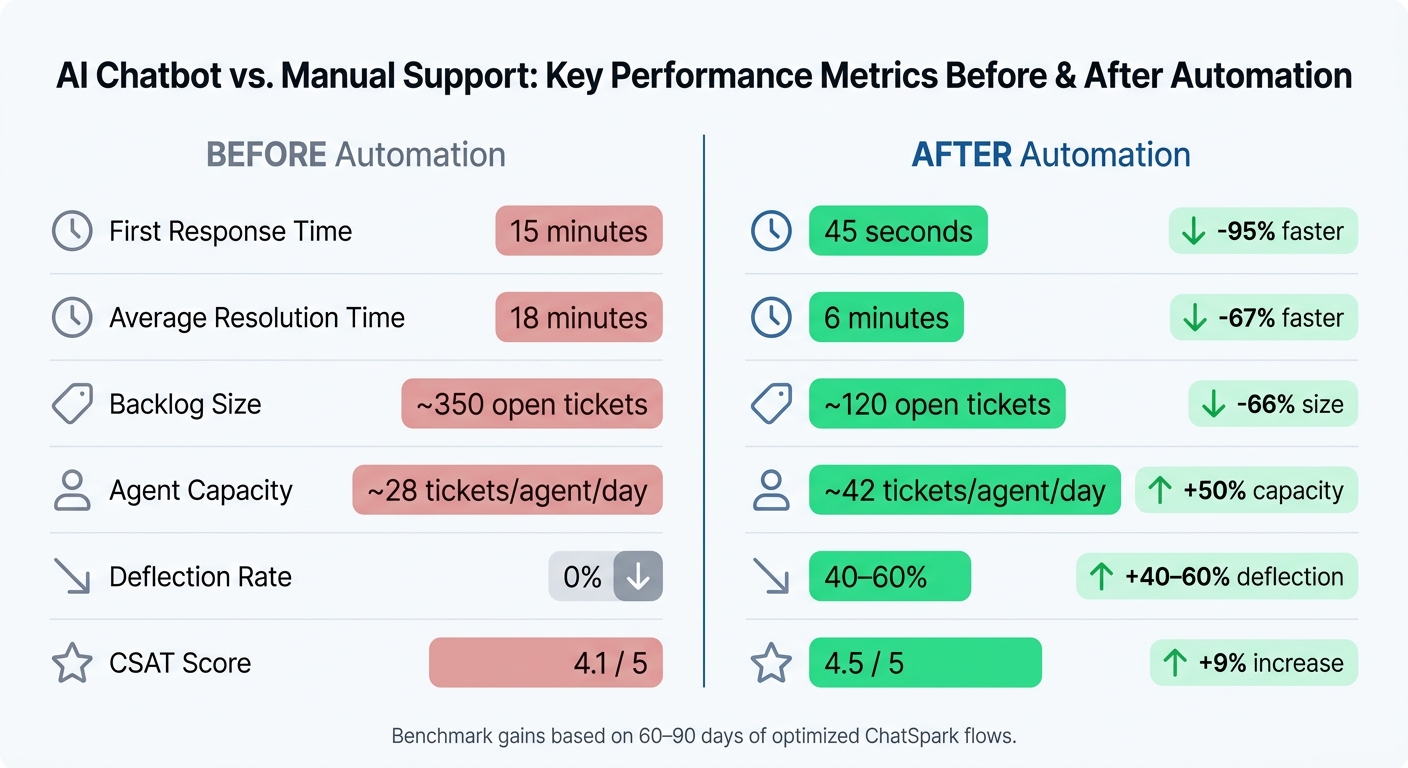
AI Chatbot vs. Manual Support: Key Performance Metrics Before & After Automation
Once routing is live, the next job is simple: check whether faster replies are actually cutting backlog and shortening resolution time. If routing and escalation are working well, you can shift focus to the bigger question: is ChatSpark moving your main support numbers in the right direction, and where can it take on more work?
Compare Support Performance Before and After Launch
Start with a clean baseline from at least 30 to 90 days before ChatSpark goes live. Use the same helpdesk, CRM, or analytics tools that you'll use after launch so the comparison is apples to apples.[18][22][23]
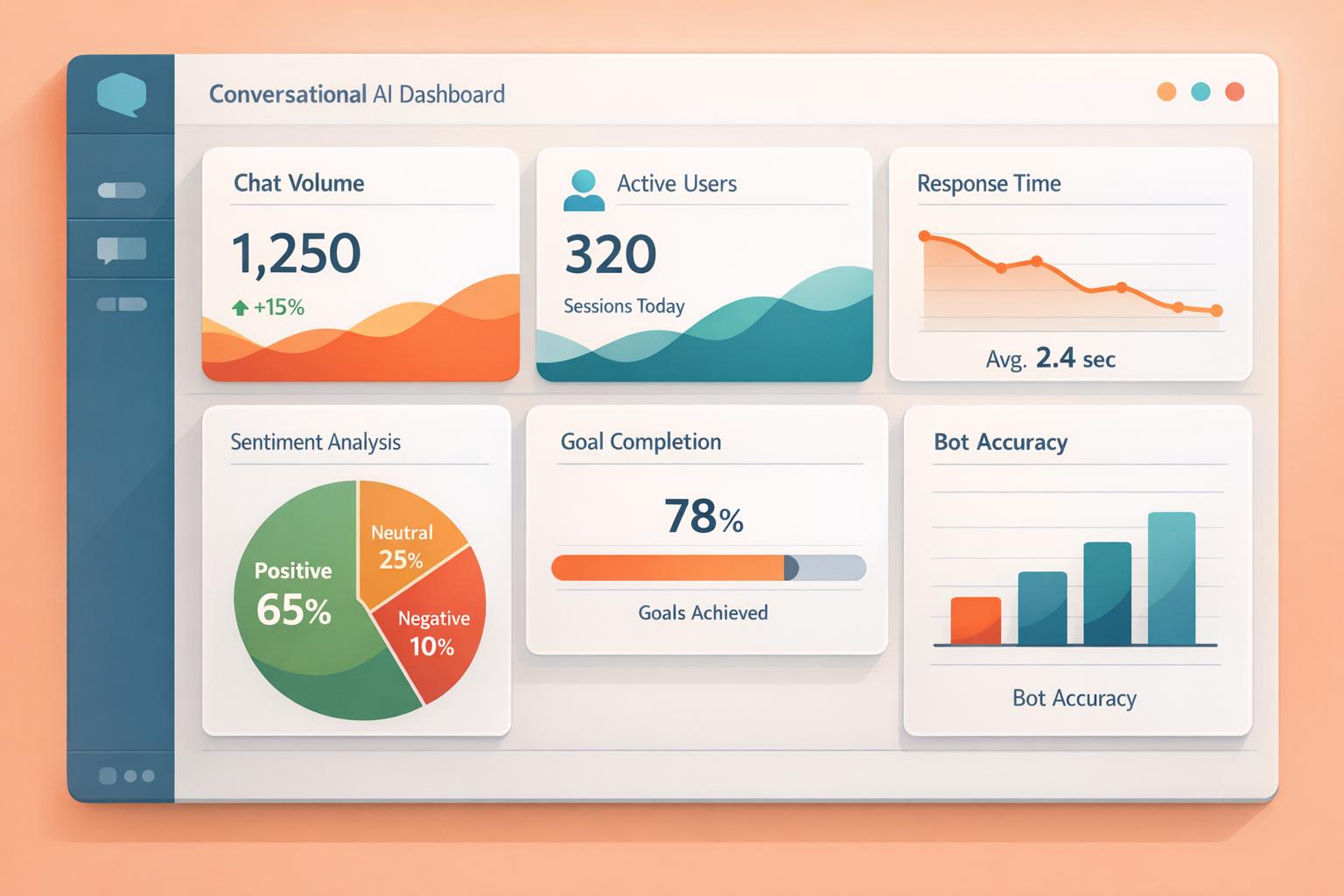
Track these core metrics:
- First Response Time (FRT)
- Average resolution time
- Ticket volume per agent
- Deflection rate
- CSAT
Break each one down by channel and request type, such as order status, billing, or appointments. That way, you can see where automation is helping and where it's not doing much yet.
For example, a retail team or entrepreneur might see FRT for chatbot-ready order status questions drop from 15 minutes to 45 seconds, while CSAT for those same interactions climbs from 4.1 to 4.5 out of 5.[15][16][17][19]
Review results at 30, 60, and 90 days, then move to a monthly or quarterly rhythm. FAQ deflection often improves first. Resolution time and agent capacity tend to improve later as the flows get cleaned up and tuned.
Use ChatSpark Analytics to Find and Fix Broken Flows
ChatSpark's analytics can show missed intents, repeat escalations, and long paths before resolution. Those are the clearest signs of what needs work next.
Review transcripts every week. Group weak or unhelpful replies by theme, then fix the patterns behind them. After that, look at which flows create the most handoffs to agents. If appointment rescheduling or order cancellations keep getting escalated, the bot may be asking vague questions or failing at a key integration step.
When you spot those weak points, update the knowledge base, tighten the branching logic, and measure again. For booking flows, make sure the bot can handle natural U.S. date and time phrases like "next Friday after 3 p.m." For lead qualification, check that it's collecting the right fields before routing:
- Budget in USD
- Decision timeline
- Role
Retest after every update and watch deflection rate, resolution time, and CSAT.[21][22][23]
As the bot gets better, compare those gains with your baseline. That's how you figure out which workflows are ready for broader automation.
Support Metrics Before vs. After Automation: A Side-by-Side Comparison
Here's a before-and-after snapshot of the main KPIs teams often track.[15][16][17][19][20]
| Metric | Before ChatSpark | After ChatSpark |
|---|---|---|
| First Response Time | 15 minutes | 45 seconds |
| Average Resolution Time | 18 minutes | 6 minutes (automated flows) |
| Backlog Size | ~350 open tickets | ~120 open tickets |
| Agent Capacity | ~28 tickets/agent/day | ~42 tickets/agent/day |
| Deflection Rate | 0% | 40–60% |
| CSAT Score | 4.1 / 5 | 4.5 / 5 |
These are realistic benchmark gains when ChatSpark is set up well and the team has had 60 to 90 days to refine flows. Deflection rate and agent capacity are especially useful because they show whether automation is lowering cost per conversation.[15][16][17][19]
As performance levels off, use the same analytics process to find the next category to automate, like proactive shipping delay notifications or upsell conversations. Then use those results to decide what ChatSpark should take on next.
Conclusion: Build Faster Customer Response Workflows with AI Chatbots
Fast replies usually come from a simple setup: automate repeat questions, send edge cases to the right person, and track what happens next. That tends to show up in lower first response time, shorter resolution time, and a smaller backlog. Use the four steps in this guide to cut wait times and handle more support volume. Start with the questions customers ask most.
That gives agents more time for billing disputes, sensitive account issues, and high-value sales chats. And during handoff, customers still keep the full conversation history.
Fast first responses can cut abandonment and lower support costs. One retailer automated 61% of support volume, dropped first response time from 4.1 hours to 28 seconds, and cut live-chat abandonment from 34% to 7%.[11]
Start with your 20 to 50 highest-volume questions from the last 30 to 90 days. Turn them into plain U.S.-localized answers, launch on your busiest channel first, then expand into scheduling, lead qualification, and billing triage.
AI-powered customer service handles speed and scale. Your team handles judgment.
FAQs
How do I choose which questions to automate first?
Review your support data from the last 90 days and look for patterns. The goal is simple: find the request types that show up again and again.
In many support teams, the 80/20 rule plays out pretty clearly. A small group of ticket categories often accounts for 60% to 80% of total support volume.
Start with questions that are easy to handle and follow a clear pattern, such as:
- Order tracking
- Password resets
- Return policy inquiries
- Business hours
These are usually the best place to begin because the answers are straightforward and repeatable. More complicated, sensitive, or policy-heavy issues should stay with human agents.
When should a chatbot hand off to a human agent?
A chatbot should pass the conversation to a human agent when the situation calls for human judgment, care, or special expertise.
Make the handoff when the AI’s confidence score drops below your set threshold, when the customer sounds frustrated or pressed for time, when they ask for a live agent, or when the issue involves legal disputes, fraud reports, billing conflicts, or security concerns.
How long does it take to see results from chatbot automation?
Businesses often start seeing clear gains within 30 days. That tends to happen fastest when they focus on high-volume inquiries and keep a close eye on metrics like first response time, containment rate, and customer satisfaction.
The jump in response speed usually happens right after launch. In many cases, wait times drop from hours to under 2 seconds.
The broader return on investment and labor cost savings usually show up within 3 to 4 months.