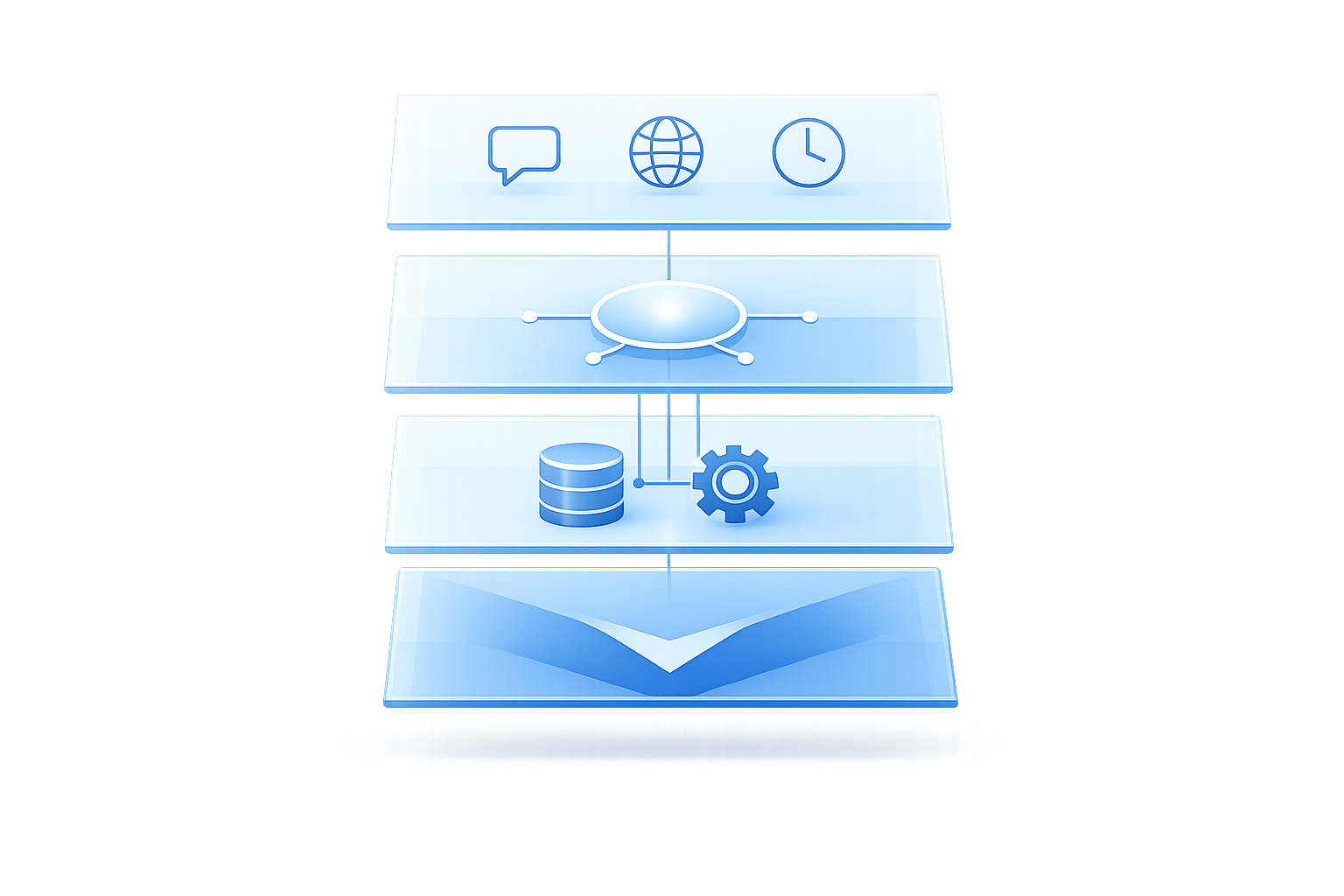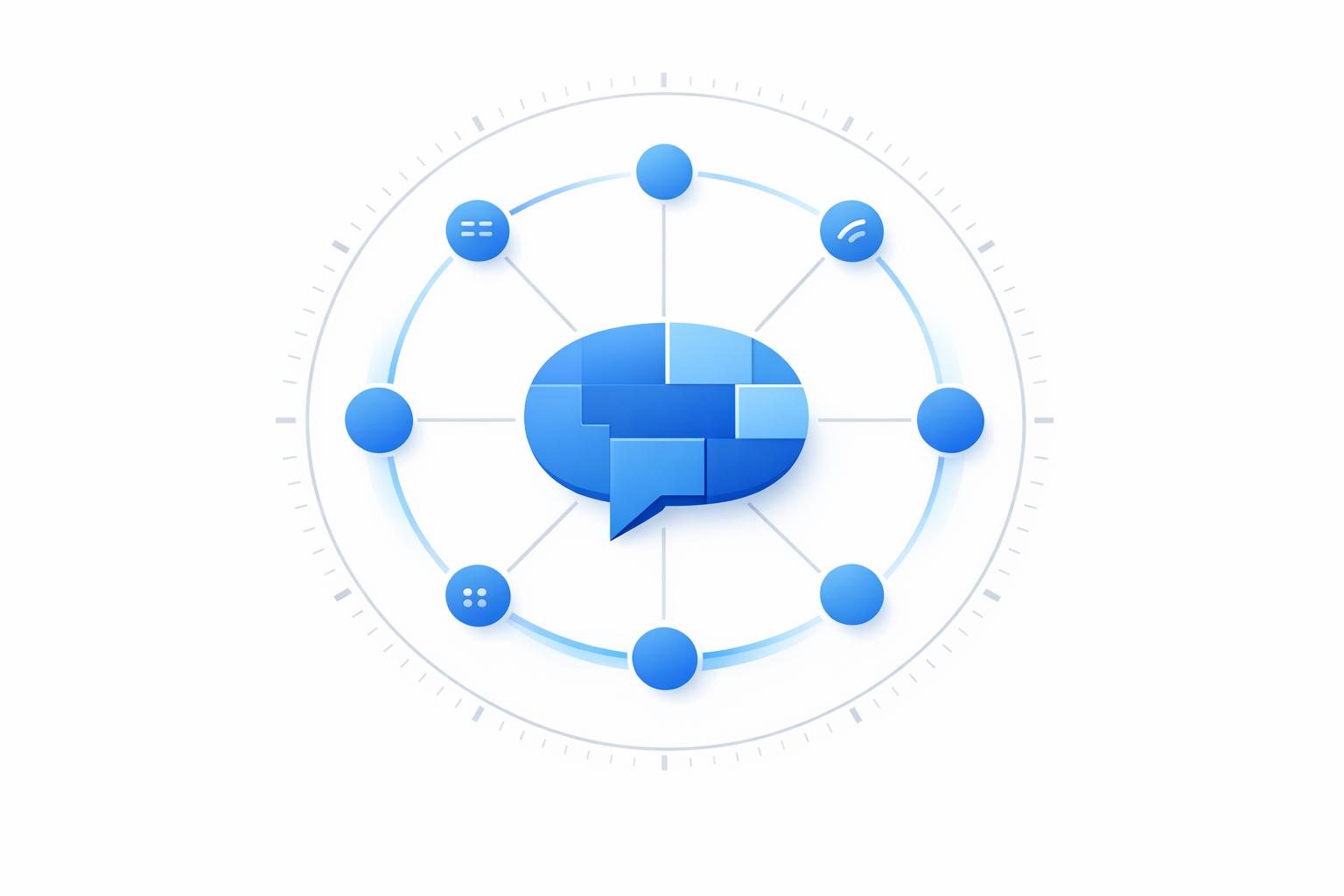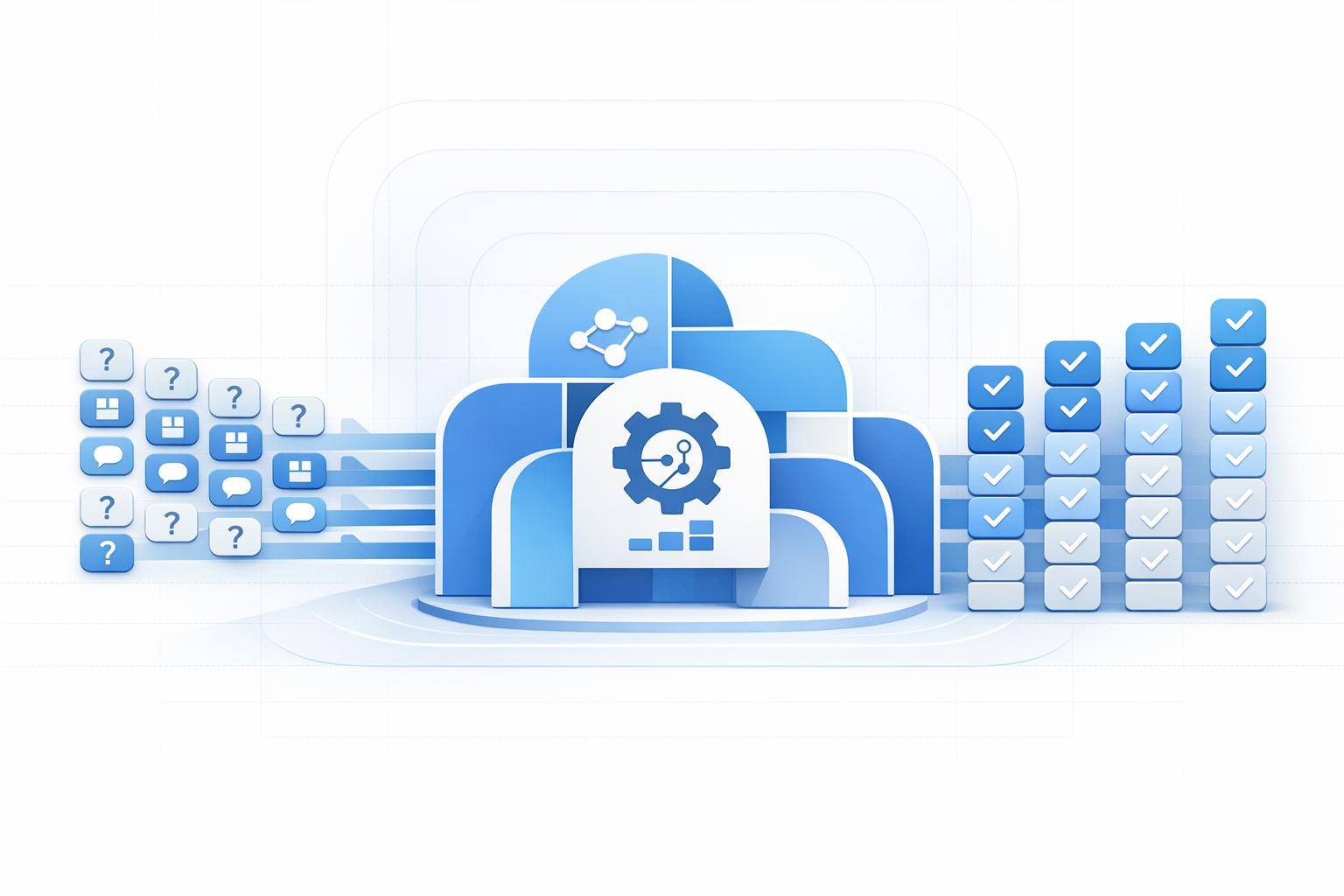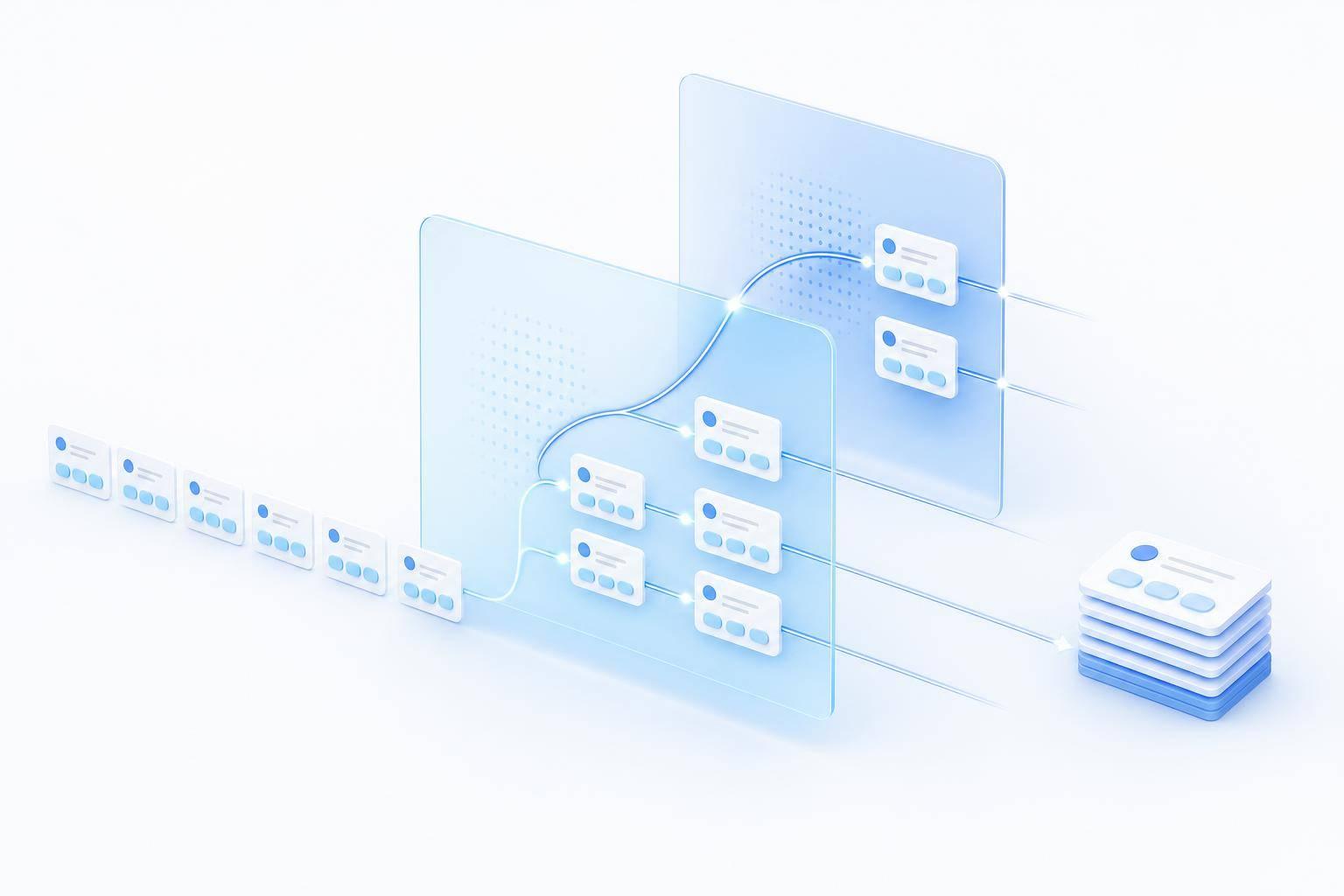
Most support teams should send simple tickets to AI first and move risky or unclear cases to a person fast. That is the core setup: let the bot handle repeat questions like order status, password reset steps, and policy answers, then pass billing, fraud, security, and upset customers to an agent with the full chat attached.
Here’s the short version:
- I’d start with the last 3–6 months of tickets and pick high-volume, low-risk requests
- I’d keep launch scope small: about 3–5 flows
- I’d use approved Help Center content only
- I’d set hard stop rules for low confidence, failed verification, refund/fraud language, or a direct request for a human
- I’d send agents the full transcript, intent, customer ID, past ticket links, and key order/account data
- I’d test 10–20 scenarios before launch
- I’d track containment rate, handoff rate, first response time after escalation, reopened tickets, repeat-question rate, and CSAT
A few numbers stand out. Containment often lands around 40%–65%. Escalation often sits around 15%–30%. And 82% of customers say they have to repeat themselves during AI-to-human handoff. That last stat is the one to watch. If your agents still ask for info the bot already got, the setup is not doing its job.
The article’s main point is simple: AI should answer routine questions, stop when risk shows up, and hand off with context so the customer does not start over.
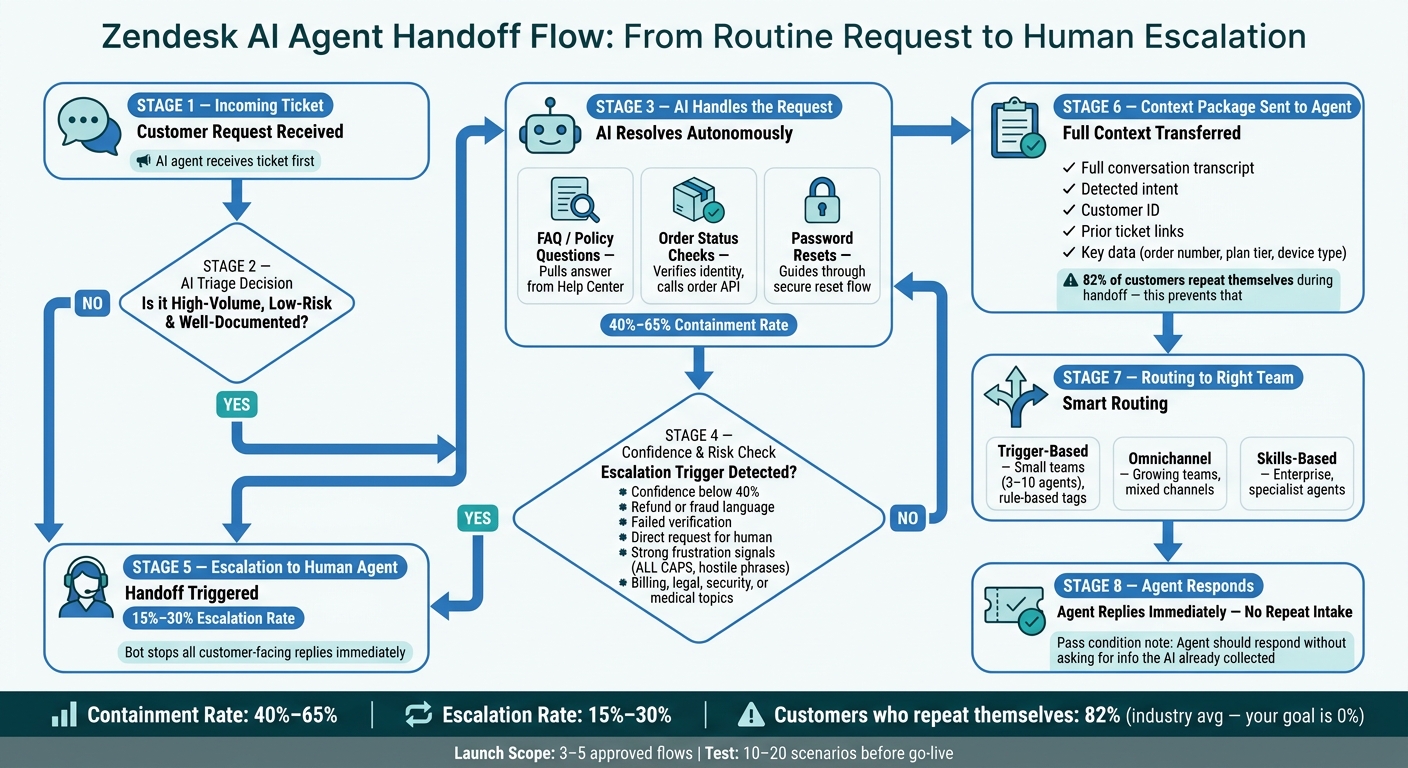
Zendesk AI Agent Handoff Flow: From Routine Request to Human Escalation
1. What your Zendesk AI agent should handle before a human steps in
Not every support request should go to AI first. The sweet spot is high-volume, low-risk, well-documented work: the kind of request where the answer is usually the same, and a bad reply won’t do much damage.
Start by reviewing the last 3–6 months of Zendesk tickets. In a lot of support teams, a small set of issue types drives most of the total volume. Those repeat requests are usually the best place to begin with automation.
Zendesk setup requirements and access checks
Before you touch the setup, make sure these are ready:
- Zendesk Admin Center access - needed to generate API tokens
- API token access enabled in Admin Center → Apps and integrations → APIs → Zendesk API
- An active Help Center or approved knowledge source - the AI needs a trusted place to pull answers from
- A designated owner for routing rules - someone needs to decide which tickets go to AI and which go to human agents
Once access is set and the knowledge source is in place, you can narrow down the first automation targets.
Pick the first use cases to automate
Start small. The best first use cases have one thing in common: there’s a clear, written answer and a clear stopping point where the AI should hand off instead of guessing.
| Use Case | Why It's Safe to Automate | When to Stop and Escalate |
|---|---|---|
| FAQ / Policy questions | Answers live in your Help Center; no account access needed | Customer disputes the policy or asks for an exception |
| Order status checks | Resolved via API lookup; answer is factual | Order is lost, damaged, or delayed by a lot |
| Password resets | Follows a fixed, secure workflow | Customer reports unauthorized access or account compromise |
Escalate right away for billing disputes, legal issues, account security concerns, medical issues, low confidence, repeated failures, or strong frustration.
Next, define the exact handoff rules for anything the AI can’t answer.
2. How to set up your AI agent in Zendesk and connect trusted answers
Once you've picked your first use cases, the next step is to wire them into Zendesk with trusted knowledge and tight handoff rules.
Create the agent, connect your knowledge source, and set escalation rules
Go to Admin Center → AI → AI agents and click Create AI agent. Choose the right brand, then make sure its Help Center is active before you move on.[5][10]
After that, add a short business description. Keep it plain and factual. One or two sentences is enough. Skip taglines, how-to instructions, and sales language.[6][7][9]
Then connect your knowledge source in the agent's knowledge settings. At launch, limit it to published Help Center articles in approved categories. Leave out drafts and internal-only content. It also helps to keep articles focused on one job at a time, like "How to Reset Your Password." Use U.S. formatting for prices, dates, and spelling.[3][4]
Set the tone to Professional unless your brand needs something more custom.[6][7][8] Add a few behavior rules too:
- Use U.S. English
- Use first names when available
- Avoid guarantees
Your greeting should also make one thing clear: a human can step in at any time.
For response thresholds, keep the logic simple. High-confidence answers can go out on their own. Medium-confidence answers should ask for confirmation or escalate. Low-confidence answers should go straight to a human.
Sensitive topics need an even harder line. Mark them as restricted intents and route them right to human agents.
Once those response rules are in place, keep the agent limited to approved channels and a small group of flows.
Activate channels and limit the agent to approved flows
Under Settings → Brand and channels, turn on only the channels included in your launch. Start with Messaging. Then add other channels one by one.[2]
Keep the launch scope tight: 3–5 approved flows is a good starting point. That might include order status, shipping FAQs, and password reset guidance. In the flow builder, make sure every unknown or unclear intent escalates to a human agent instead of guessing.
Next, define the routine flows the agent can handle from start to finish.
3. How to automate routine support flows without overpromising
Start by setting a clear path and a clear stop point for every approved flow. Each routine intent should map to one of three paths: a direct answer, a guided action, or an escalation. The right path depends on the type of request. Is it a static FAQ? Does it need a secure lookup? Does it cross a risk boundary? After that, spell out how the flow responds, verifies the user, and stops. [1][17][18][19][20][21]
FAQ answers, order status checks, and password reset flows
Direct answers are best for static policy questions. Return windows, shipping options, accepted payment methods, and warranty terms fit this path well. The AI should pull from approved Help Center articles and stick to the same policy wording already in the knowledge base. For example: You can return items within 30 days of delivery. [11][16][18]
Guided actions work for flows that need data retrieval or a secure step. Order status is the most obvious case. The AI collects the customer's email and order number, verifies them in the order system, and returns live status through an app or API. For example: Your order #123456 shipped on 09/01/2026 and is estimated to arrive by 09/08/2026. Your current status is: In transit. You can track your package here.
Password resets follow a similar pattern. The agent guides the user through a secure reset flow, such as clicking Forgot password, entering their email, and checking for a reset link. It gives instructions only. It never handles credentials or makes account changes. [12][13][14][15]
| Intent | Automation Path | What the Agent Does |
|---|---|---|
| Return policy question | Direct answer | Provides the 30-day policy from the knowledge base |
| Order status check | Guided action | Verifies identity, calls an order-status API, returns live status |
| Password reset | Guided action | Provides step-by-step reset instructions, sends or links to a secure reset flow |
| Billing dispute | Immediate escalation | Escalates to billing or customer care |
When to stop automation and escalate immediately
Some cases should stop the flow right away and move to a person. Escalate on failed verification, refund or fraud language, direct requests for a human, strong frustration, or confidence below 40%. Watch for ALL CAPS, phrases like "this is ridiculous" or "you're not helping", and any direct request for a human. If confidence drops below 40%, or the issue is still unclear after two turns, hand off instead of guessing. [1][17][18][20][21]
There’s also a hard line on promises. Do not promise delivery dates, credits, fee waivers, or policy exceptions.
Once a flow escalates, send the full conversation and identity details to the right team.
4. How to route escalations to the right team and pass full context
Once the AI decides to escalate, Zendesk needs to take over cleanly. That means no duplicate replies and no bot messages after the ticket lands with a human. After escalation, Zendesk can route the ticket by queue, group, or skill. From that point on, the next customer-facing reply should come from an agent. Use intent tags from the AI layer to trigger assignment and stop bot replies.
Choose a routing method that fits your support model
The best routing setup is usually the one that lines up with how your team already works.
| Routing Method | Best Use Case | Setup | Best Fit |
|---|---|---|---|
| Trigger-based assignment | Clear, rule-based categories (Billing, Technical, Sales) using tags from the AI layer | Low | Small teams (3–10 agents) |
| Omnichannel routing | Mixed channels (email, chat, phone) needing unified queues and workload balancing | Medium | Growing teams with shift coverage |
| Skills-based routing | Specialized escalations requiring certified or expert agents (compliance, security, technical support) | High | Larger or enterprise teams with specialist teams |
For example, a small team may begin with trigger-based routing. In plain terms, that means a few Zendesk triggers read the tags set by the AI and assign tickets to the right group. As ticket volume climbs and cases get more involved, that same team can move to omnichannel routing or skills-based routing.
What context to send with every handoff
A handoff should give the agent enough detail to reply right away. If they have to hunt for the basics, the handoff failed.
Send:
- The full conversation transcript
- The detected intent
- The customer ID
- Links to prior tickets
- Key captured data, such as order number, last order total in USD, plan tier, or device type
It also helps to structure the transcript with a short summary at the top. That way, agents can scan the situation in seconds before reading the full conversation.
Handoff safeguards to put in place before going live
Only collect the fields agents actually need. For most escalations, the required set is pretty simple: customer name, preferred contact method, account or customer ID, issue category, and a reference ID such as an order number.
Some fields should stay optional. A U.S. shipping address or the last 4 digits of a payment card should only be collected when the case calls for it. And some data should never appear in the transcript at all. Do not store full card numbers, Social Security numbers, or passwords. Configure ChatSpark to redact or mask sensitive values before they reach Zendesk.
Before launch, test this in a Zendesk sandbox environment with 10–20 scenarios. Cover billing disputes, technical bugs, order status escalations, and after-hours cases. Then verify that:
- Transcripts appear in Agent Workspace
- All custom fields are filled in using the right formats, including USD currency and MM/DD/YYYY dates
- Routing sends each test ticket to the intended group
- ChatSpark stops sending customer-facing replies the moment a ticket is marked as assigned
It’s also smart to set a fallback group, such as "General Support," so tickets never sit in an empty queue. For after-hours escalations, send an after-hours notice that sets next-business-day response timing.
5. How to test, launch, and monitor handoff quality
Once your routing and handoff rules are set, don't roll everything out at once. Test first. You want proof that three things are happening:
- The AI handles routine questions correctly
- Escalations go to the right team
- Agents get enough context to reply right away, without making the customer repeat themselves
Pre-launch checks to run before full release
Start in a Zendesk sandbox environment. Test known answers, paraphrased questions, typos, and messy edge cases like billing disputes, cancellations, fraud, verification, and regulated-data requests. The goal is simple: when confidence drops, the AI should either answer cleanly or escalate cleanly.
Also check the handoff path itself. Make sure escalations land in the right queue and that the agent has what they need without extra intake.
A smart way to launch is to start small. Pick one channel or one intent, like order status, and launch that first. Then use live results to adjust escalation thresholds and fill gaps in your knowledge coverage.
The pass condition is blunt: the agent should be able to respond immediately without repeating intake. If agents are digging around for details the AI already gathered, the handoff flow isn't there yet.
Metrics to track after launch
After launch, focus on the numbers that tell you whether the handoff is helping or getting in the way. The main ones are containment rate, handoff rate, first response time after escalation, reopened tickets, and CSAT on escalated conversations.
Containment often lands around 40% to 65%, depending on how complex the requests are. Escalation rates often sit around 15% to 30%. [23][24]
One metric people often miss is repeat question rate. That's how often agents ask again for details the AI already collected. It matters a lot. Research shows that 82% of customers have to repeat information during AI-to-human escalations. [22] That's exactly why context transfer can't be half-done.
A rising human override rate is another warning sign. It usually points to weak answers, loose thresholds, or both.
Don't just review performance in aggregate. Look at metrics by intent. That's how you find where the handoff process is working well and where it still needs tuning.
FAQs
How do I choose the first tickets to automate?
Review ticket history from the last 3 to 6 months and group requests by intent. The goal is simple: find the high-frequency, low-complexity tickets that eat up a big chunk of support volume.
That usually includes things like:
- Password resets
- Order status checks
- Routine FAQs
Once you’ve mapped those requests, sort them by risk level. Keep sensitive, complex, or high-value cases with human agents. In plain English, if the stakes are high, a person should stay in the loop.
Use shadow mode first. That means the AI drafts responses while a human reviews them before anything gets sent. It’s a smart way to test performance, catch weak spots, and build trust before the AI handles those tickets on its own.
What should trigger an immediate handoff to a human?
Trigger an immediate handoff when a customer asks to speak to a person, agent, or representative. If someone says they want a human, don’t make them jump through hoops.
You should also escalate high-stakes or sensitive issues, including:
- Billing disputes
- Legal concerns
- Fraud
- Medical inquiries
- Account security threats
Handoff should happen in a few other cases too. If the AI’s confidence drops below the set threshold - usually 40% to 80% - that’s a clear sign to pass the conversation along. The same goes for frustration or negative sentiment. And if the AI still can’t solve the issue after two or three attempts, it’s time to bring in a person.
How can I tell if my AI-to-agent handoff is working?
Track three areas: quality, experience, and context.
A strong handoff means agents get the full conversation history, customer intent, and profile right away. That way, customers don’t have to repeat themselves from scratch.
Keep an eye on these numbers:
- CSAT: above 85%
- Escalation rate: around 10% to 15%
- Repeat questions: below 5%
- Reopen rates: rising reopen rates can point to handoff issues
It also helps to review 5 to 10 escalations each week. Check that transcripts attach correctly and that summaries actually help the agent. A good target is about 80% positive agent feedback.