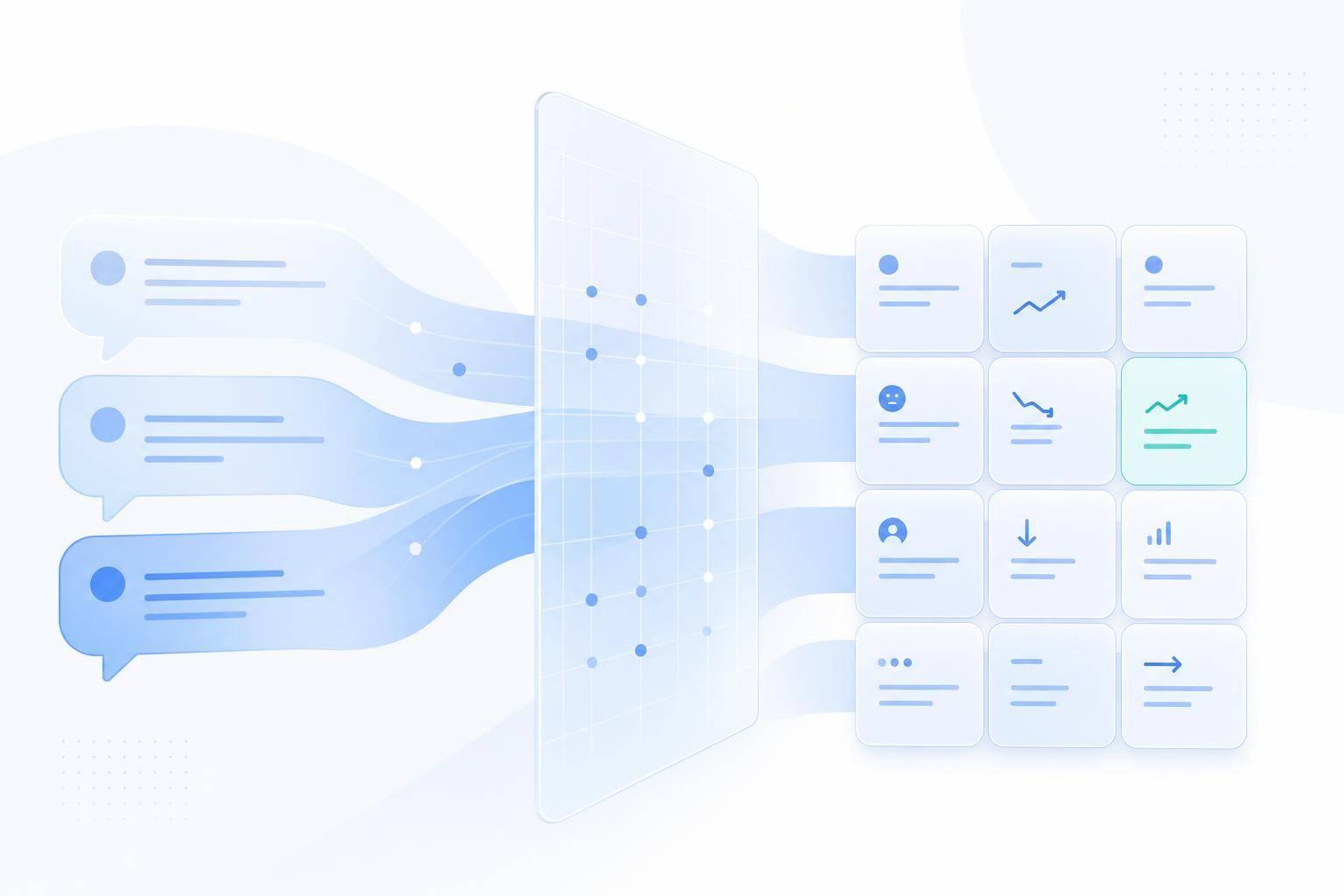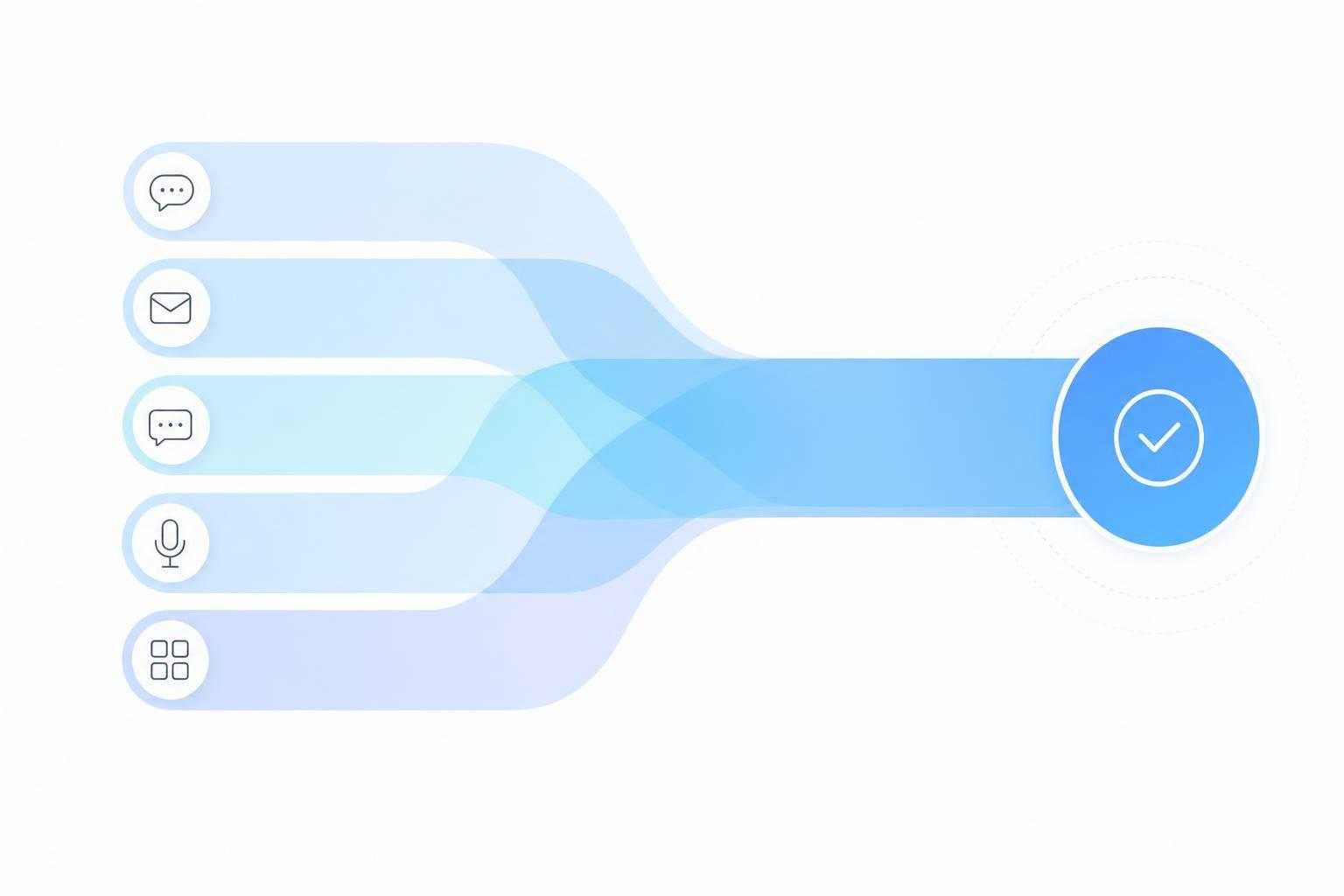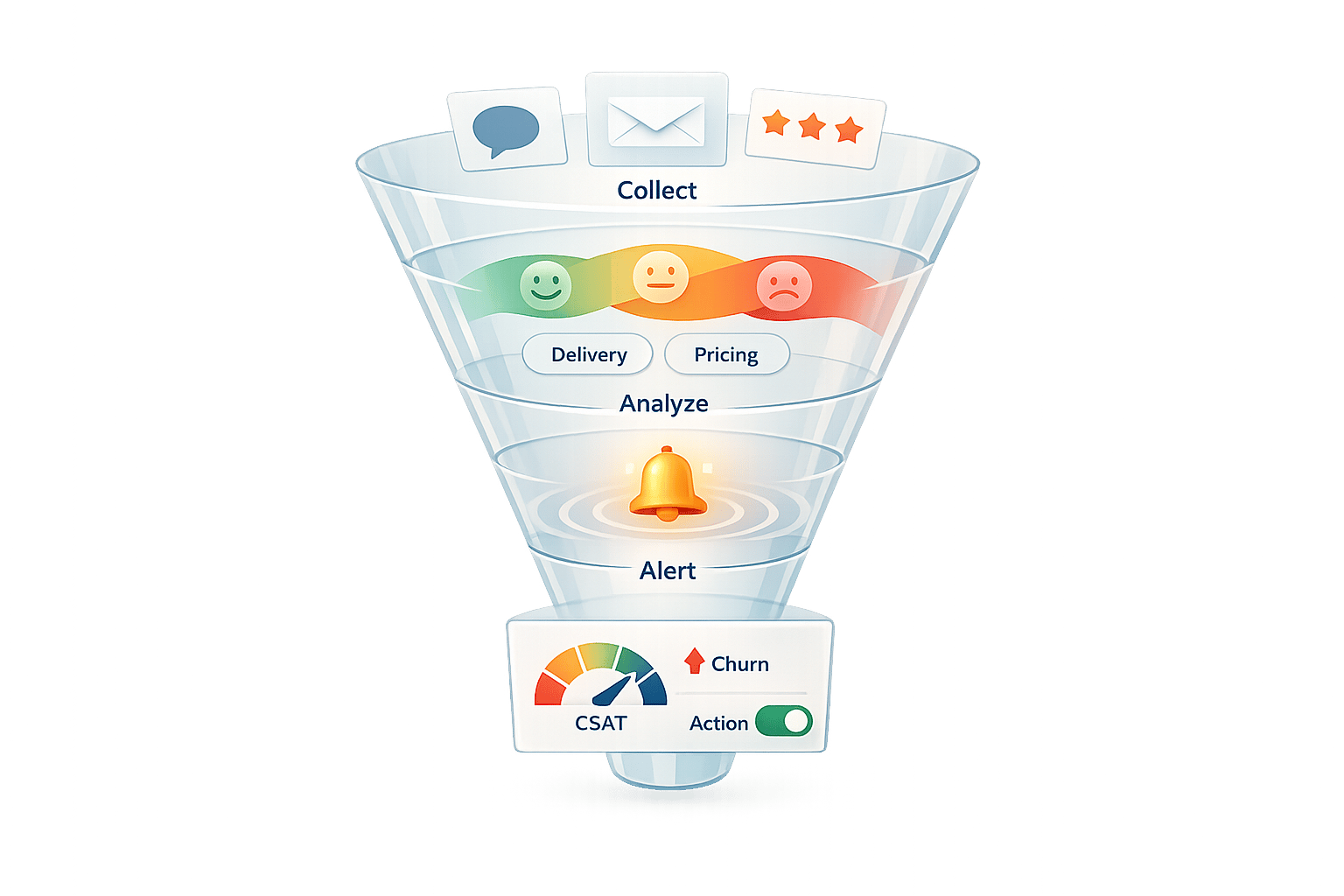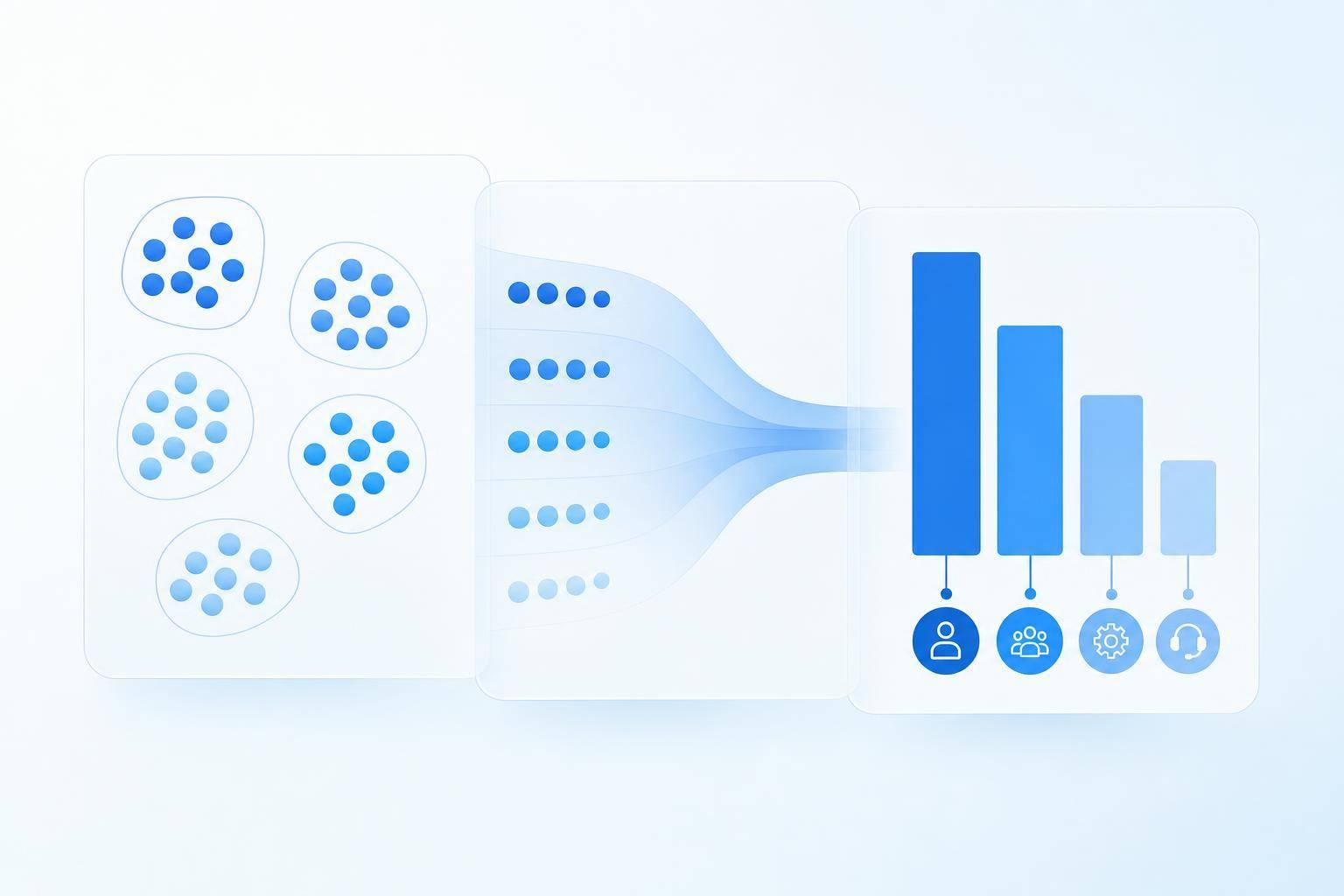
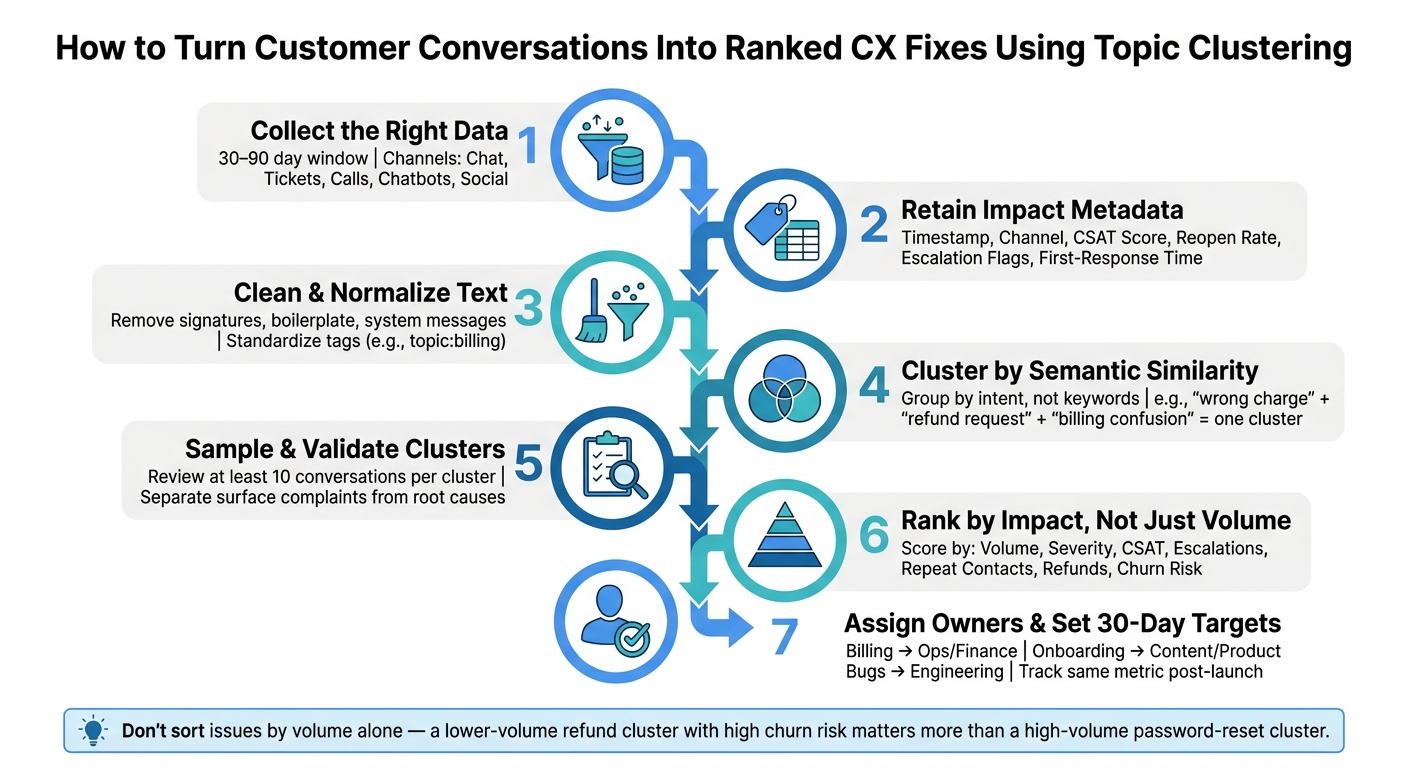
If you want to find CX problems faster, group customer conversations by meaning, then rank those groups by impact.
I’d use a 30-day to 90-day window, pull data from chat, tickets, calls, chatbots, and social, keep metadata like CSAT, reopen rate, first-response time, and escalations, then review sample conversations before making fixes. The point is simple: don’t sort issues by volume alone. A lower-volume refund problem can matter more than a larger password-reset cluster if it drives churn, poor CSAT, or repeat contacts.
Here’s the article in plain terms:
- Pick the right data first. Use the channels and date range that match where the customer problem shows up.
- Clean the text. Remove signatures, system messages, and boilerplate so clusters reflect customer intent.
- Group by meaning, not keywords. That helps tie together phrases like “wrong charge,” “refund request,” and “billing confusion.”
- Check the cluster before acting. I’d sample at least 10 conversations per cluster to confirm the root cause.
- Rank issues by business harm. Look at volume, severity, CSAT, escalations, refunds, repeat contacts, and churn risk.
- Assign an owner and a 30-day target. Then track the same metric after launch to see if the fix worked.
- Review clusters every week, month, and quarter. New problems can show up fast after product or policy changes.
What stood out to me is that topic clustering is not the fix by itself. It’s a way to turn messy conversation data into a short list of problems you can act on with more confidence.
If I were summarizing the article in one line, it would be this: use conversation clusters to move from scattered complaints to ranked CX fixes tied to clear metrics.
Customer Conversation Topic Clustering: From Raw Data to CX Fixes
1. Assess the Conversation Data You Want to Analyze
Before you start clustering, decide what should go into the dataset. That step matters more than it seems. If you pull in too much messy or off-topic data, your clusters won't show customer pain points. They'll just show noise.
Use the smallest time window that still shows the same complaint across multiple customers, channels, and agents. A 30-day window can surface new issues fast when conversation volume is high. A 90-day window gives lower-volume teams enough examples to confirm that a pattern is there.
Choose the Channels and Records That Reflect the Customer Journey
Your channel mix should match the part of the customer journey where the friction shows up.
Chat and chatbot logs often show immediate confusion. Email cases and support tickets tend to reveal repeat troubleshooting. Call summaries bring out escalations and emotionally charged moments. Social messages can surface public complaints that hint at brand-level problems.
Looking at multiple channels usually gives you a clearer view than looking at just one. The same root issue can show up as "can't log in" in chat, "locked account" in an email thread, and "agent transferred me three times" in a call summary. On their own, those can look like three separate problems. Put together, they may point to one broken authentication flow.
If your goal is to spot a channel-specific issue, start with that channel on its own. Then compare it with the combined view.
Keep the Metadata That Explains Impact
The text tells you what went wrong. Metadata helps show how much that issue hurts.
At a minimum, keep these fields with each record:
- timestamp
- channel
- customer segment
- product line
- resolution status
- first-response time
- reopen rate
- CSAT score
- escalation flags
These fields help you rank issues by customer harm, not just by how often they appear. For example, a cluster around "refund still pending" may show up less often than "password reset." But if it also has low CSAT, a high reopen rate, and several escalation flags, it may deserve attention first. Volume alone doesn't tell you the full story.
| Metadata Field | What It Tells You |
|---|---|
| Timestamp | Whether the issue is new, recurring, or tied to a product change |
| Channel | Where in the journey friction appears |
| Customer segment / product line | Whether the problem is broad or isolated to one group |
| Resolution status & reopen rate | How often the issue goes unresolved or comes back |
| First-response time | Whether speed of response correlates with the complaint type |
| CSAT score | How customers feel about the outcome |
| Escalation flag | Which clusters are creating the most strain for the team |
Once you've picked the right records, the next move is to clean the text and group conversations into themes.
2. Prepare and Cluster Conversations Into Usable Themes
Start by cleaning raw conversations so your clusters reflect customer intent, not template noise.
Clean and Normalize Text Before Analysis
Before you analyze anything, remove repeated system text, email signatures, and messy formatting. Those bits show up again and again, and they can group conversations for the wrong reason. Instead of surfacing a shared issue, you end up with clusters built around boilerplate language.
After that, standardize what’s left. Use one tag format across the board, such as topic:billing or topic:onboarding, so records stay comparable across channels [2]. When you can, assign one main tag per chat and keep the total at no more than three [1].
Once the text is cleaned up, you can cluster it by meaning.
Use AI Clustering to Group Conversations by Meaning
After cleanup, cluster conversations by semantic similarity, not simple keyword overlap. That’s the difference between spotting a pattern and just matching repeated words.
The goal is to surface recurring CX themes tied to an actual problem, not a pile of chats that happen to use the same phrasing.
Rename Cluster Labels to Match Business Language
Rename cluster labels so they match the intent-based terms your teams already use, like billing, onboarding, or cancellations [1]. Keep that naming style the same across channels so one issue doesn’t get split into several labels.
Clear labels make root-cause review faster.
3. Interpret Clusters to Find Root CX Problems
Once clusters have labels, don’t stop at frequency. Treat each label like a working theory, then check it against conversation samples and metadata.
Separate Surface Complaints From the Underlying Cause
A cluster labeled "Can't Log In" might look simple at first. But that same label can point to very different failures, like account provisioning errors or API timeouts. One label can hide multiple root causes, which means it can also point to multiple fixes.
Before assigning a root cause, sample 10 conversations from each cluster to validate it [2]. Then review what customers tried before they contacted support, which step they were on, and what device they used. Metadata like the entry page or referrer URL can help you see whether the issue is tied to one page, such as account settings or checkout, or whether it shows up across the customer journey.
Also pay attention to sentiment that stays negative after resolution. If a conversation still sounds negative even after the issue is marked resolved, the agent may have fixed the symptom but not the deeper problem. That’s usually a sign the root CX issue is still active.
Rank Clusters by Volume, Severity, and Business Impact
Once the root cause looks likely, rank the cluster based on customer impact and business impact.
Score clusters using factors like:
- Volume
- Severity
- Repeat contacts
- CSAT
- Escalations
- Refunds
- Churn risk
A high-volume cluster with low severity may matter less than a medium-volume cluster tied to refund requests or churn risk. A refund or pricing cluster can cost more than a larger feature-request cluster. The key is to prioritize based on the cost of inaction: churn, refunds, and repeat contacts.
4. Turn Cluster Findings Into Support and Journey Fixes
Once you've ranked your clusters, the next step is simple: turn them into clear owners, fixes, and metrics.
Each cluster should go to the team that can actually fix the issue. Billing problems usually sit with Finance or Support. Onboarding friction often belongs to Content or Product. Bugs need to go straight to Engineering, with alerts in place so nothing slips through. Set 30-day targets for each owner so there's no confusion about who owns what from day one [2]. And use the same metric after launch that you used when setting the plan. That way, you're not moving the goalposts.
| Cluster Type | Customer Impact | Recommended Action | Owner | Success Metric |
|---|---|---|---|---|
| Billing and refunds | High frustration, churn risk | Revise billing emails; update refund flow | Ops / Finance | Refund ticket volume; churn rate |
| Onboarding | High effort, drop-off | Rewrite setup guides; add in-app tooltips | Content / Product | Customer Effort Score (CES); retention |
| Bug | High severity, escalations | Route bugs to Engineering; add alerts | Support / Eng | Escalation rate; time to resolution |
| Self-service gaps | High volume, agent burnout | Update help content; refresh chatbot intents | Content / CX | Ticket deflection; automation rate |
| Handoff failures | High volume, repetitive | Map handoff steps; update routing logic | Ops / Support | First response time; resolution rate |
Track Whether Changes Actually Improve CX
After launch, track the metric tied to each fix.
For billing and refunds, watch refund ticket volume and churn rate. For onboarding, track CES and retention. For bugs, monitor escalation rate and time to resolution.
If those numbers don't move in the right direction, the fix probably didn't hit the root cause. That's your signal to go back to the conversation samples and dig deeper. Sometimes the first pattern you spot is only part of the story.
Use Conversation Analytics to Keep Clusters Current
Clusters don't stay still. Product updates, policy shifts, and new customer behavior can create new patterns fast.
Review clusters on a weekly, monthly, and quarterly cadence. A fixed review rhythm helps you spot changes early instead of finding them after ticket volume spikes. If a new theme starts showing up in chatbot logs or chat transcripts, catch it while it's still small.
Conclusion: Use Clustered Conversations to Prioritize the Right CX Fixes
Your customer conversations already hold the answers to your biggest CX problems. Clustering helps you see those answers clearly. The path from raw conversations to ranked fixes is pretty short.
Start by collecting the right conversations. Then group them by meaning and connect each cluster to a root cause. Next, rank those clusters by ticket volume and other impact signals, like lower ticket deflection or a drop in resolution, so the issues with the biggest effect move to the top. A recurring billing cluster gives you something clear to act on. A vague sense that billing questions are going up does not.
Onboarding friction, handoff failures, and self-service gaps all show up in conversation data. Clustering turns those signals into concrete fixes. It shows where the customer journey breaks and what to tackle first.
After the fix ships, keep watching the cluster until the numbers change. Track the same clusters over time to confirm gains in resolution rate, CSAT, escalation rate, and bot fallback rate.
FAQs
How many conversations do I need to cluster?
A good place to start is support data from the last 90 days. For each business unit, aim for at least 2,000 conversations. That gives you a steady base to work from instead of making calls from a small sample.
If you want to start with a tighter slice, review about 200 recent interactions to spot the main intents. Then focus on the 20% of inquiry types that account for 60% to 80% of total ticket volume.
What tools can I use for topic clustering?
You can use AI-driven tools like ChatSpark, along with help desk platforms that have native AI, to group customer conversations into recurring themes, suggest tags, and spot trends across channels.
If you want to dig deeper, export transcripts to BigQuery and visualize patterns in Looker Studio. Before you cluster anything, clean the data first. Remove personally identifiable information and standardize timestamps so your analysis doesn’t get messy.
How do I tell if a cluster points to one root cause?
Look for consistency across the cluster. You want to see the same underlying job to be done, the same failure point, and the same impact signal showing up again and again, such as unresolved outcomes or recurring escalations.
Then make sure the cluster isn’t blending different subtopics. If the conversations point to one main theme instead of separate intents, tie that theme to specific knowledge or documentation gaps to check whether that’s the cause.