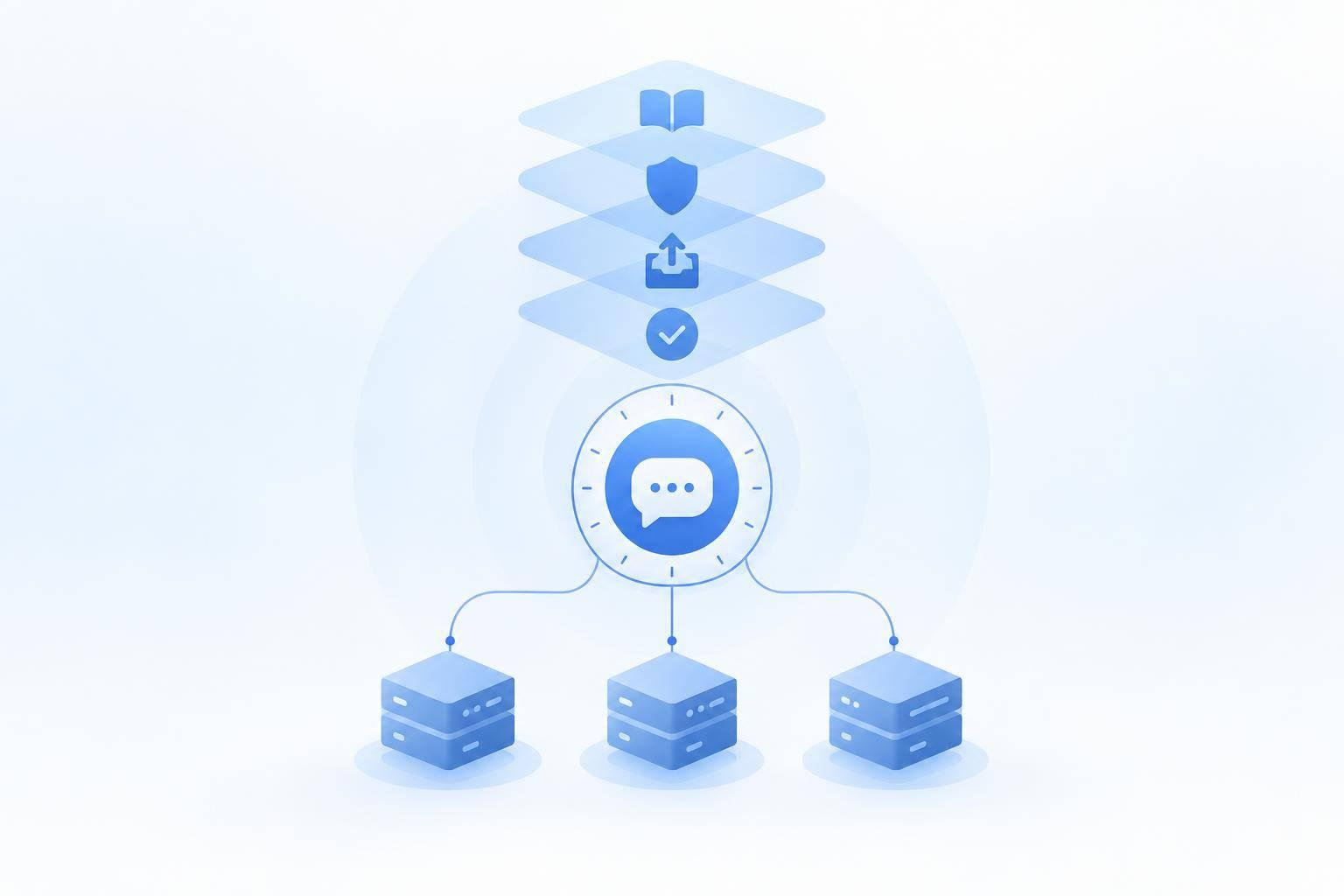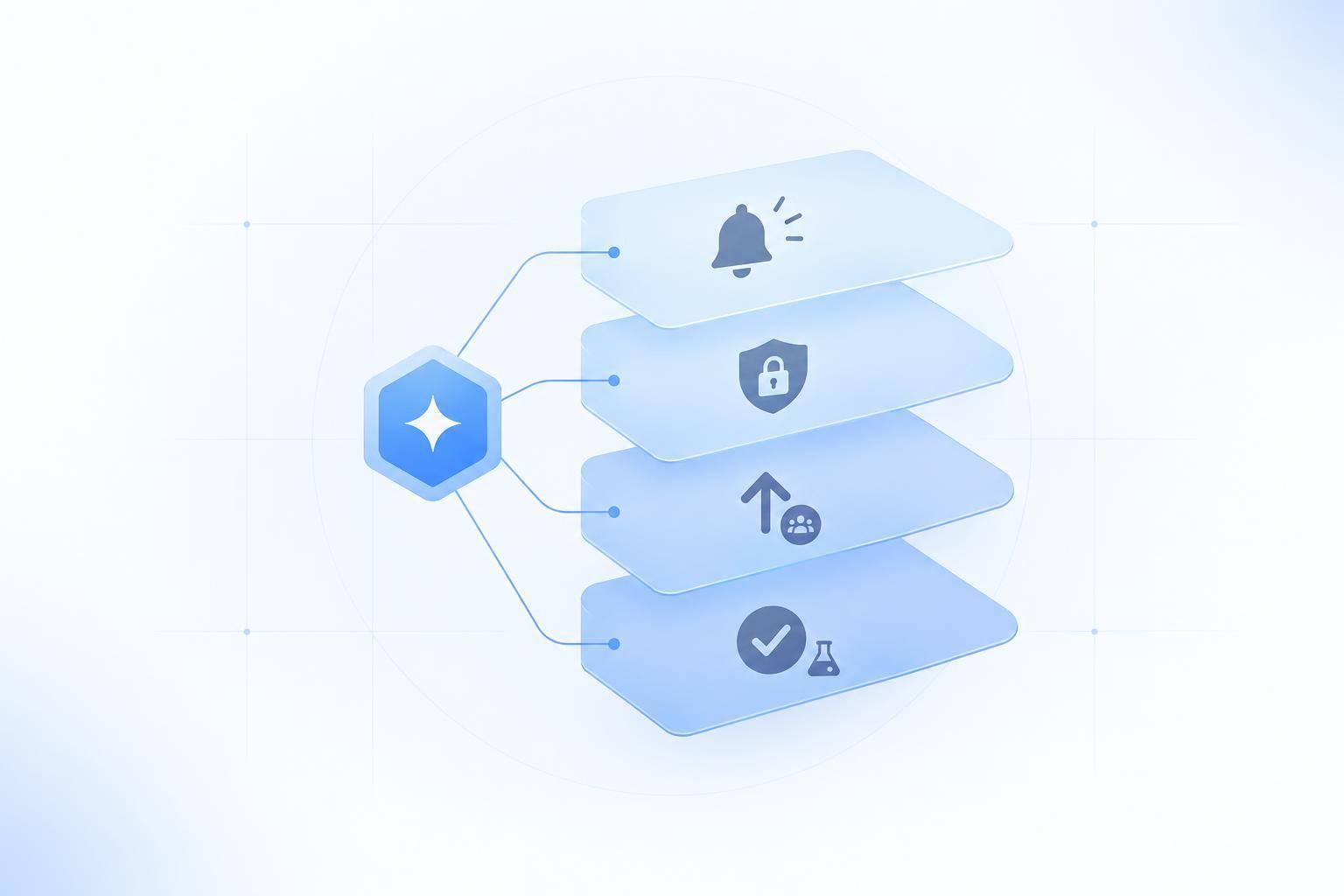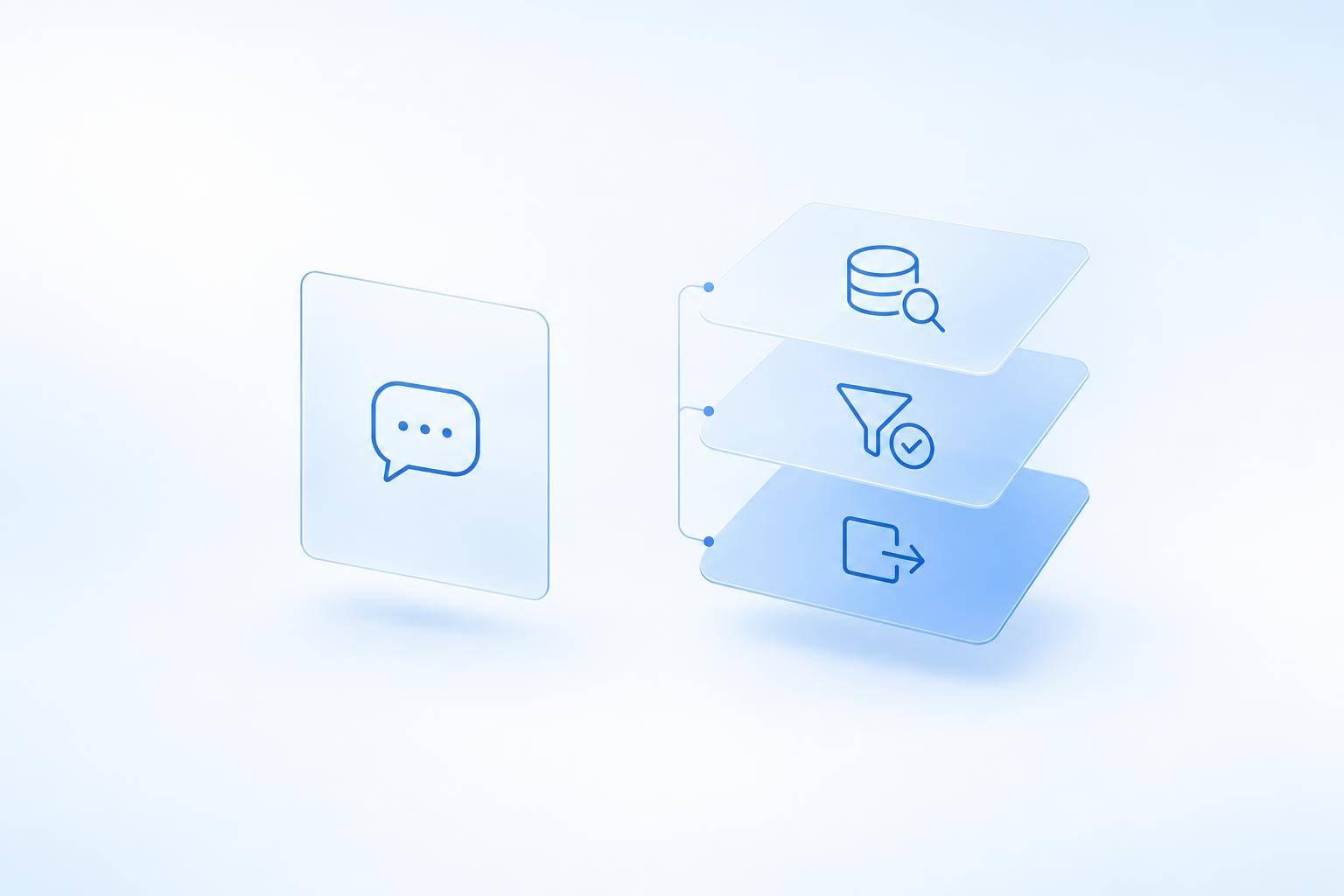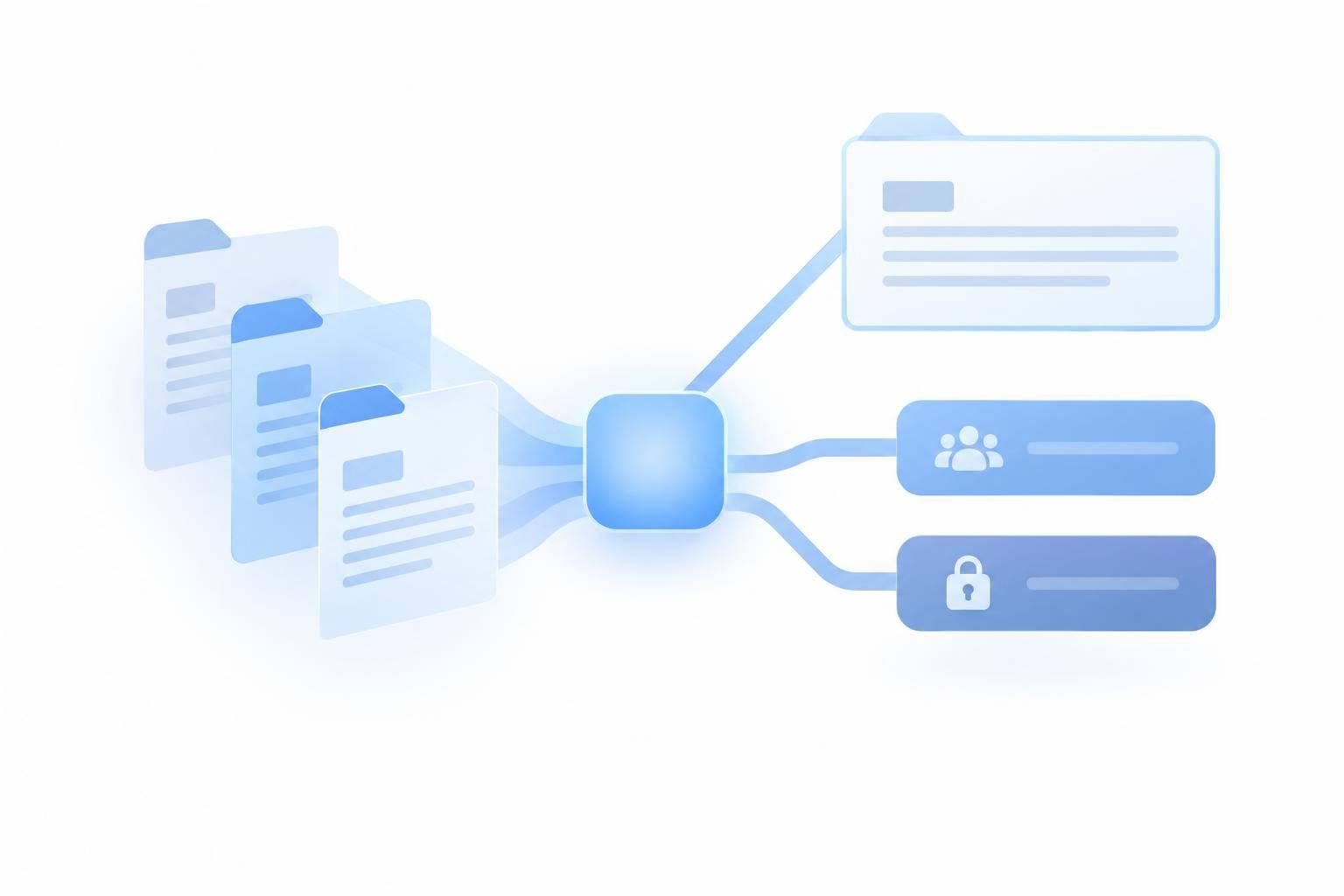
A Discord AI agent should answer from your docs - not guess. I recommend starting with /ask in one support channel, using approved, version-matched sources, and sending unresolved or private issues to maintainers.
In this guide, I cover how to:
- Connect current docs and limit the bot’s channel access.
- Answer API, SDK, and error questions with steps and source links.
- Ask for missing details without requesting secrets.
- Test maintainer alerts and keep private data out of handoffs.
- Compare answer quality and support time against a 2–4-week baseline.
My launch rule: test before expanding. Keep replies under Discord’s 2,000-character limit, check that handoffs reach staff, and treat the agent as support for maintainers - not a replacement.
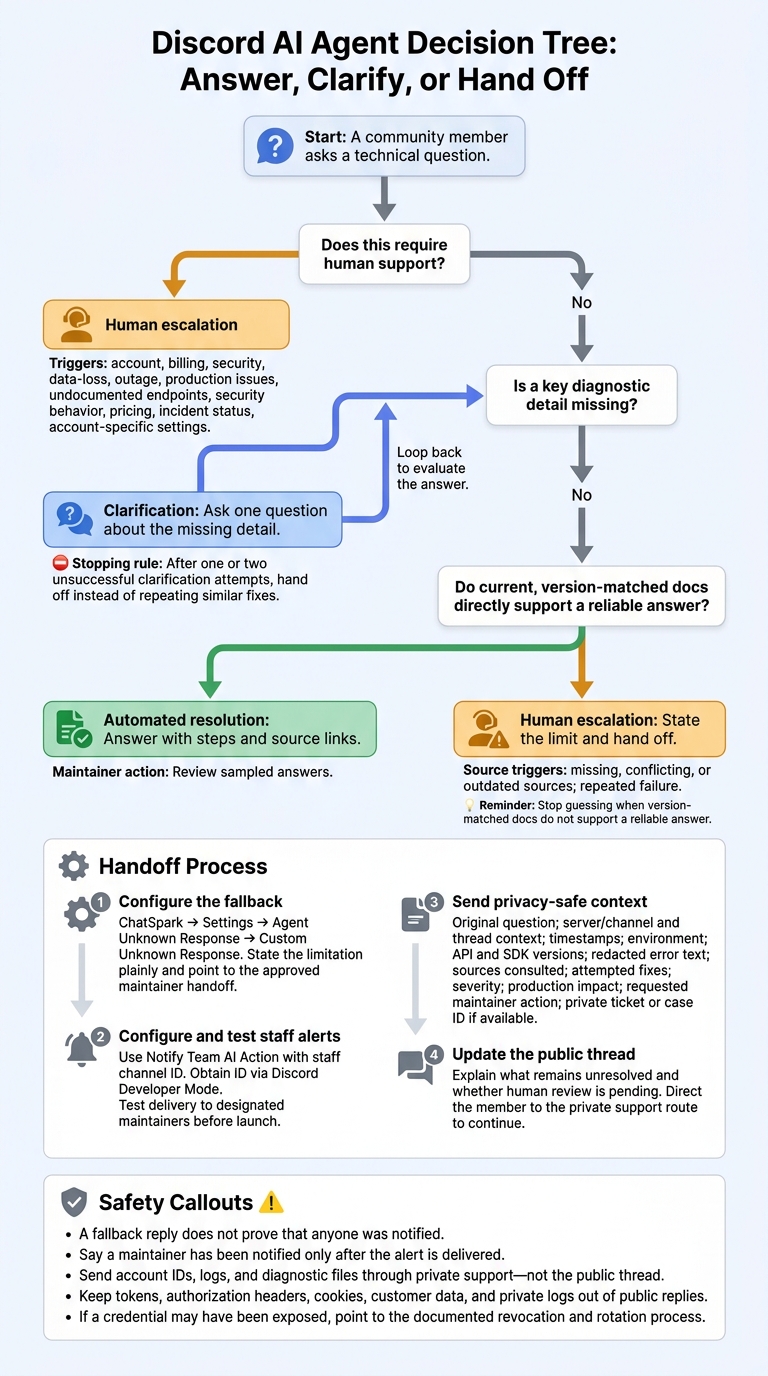
Discord AI Agent: Answer, Clarify, or Escalate
1. Prepare Your Docs and Set Up Discord Access
Before setup, define who the agent serves, which support topics it covers, and which servers, channels, forums, and threads it can access. These boundaries keep replies tied to approved sources and channels.
Supported topics should include API authentication, SDK installation, configuration, endpoint usage, rate limits, migrations, and common errors. Leave billing, account access, security incidents, and undocumented product behavior to human support. Set a source policy that requires answers to use current product docs and acknowledge uncertainty when those docs don’t support a reliable answer.
Connect Your Product Docs to ChatSpark
Connect the docs that answer your community’s most common questions: API reference, auth docs, SDK guides, endpoint docs, rate limits, troubleshooting, and migration notes.
Use searchable text with descriptive titles, stable canonical URLs, clear headings, version labels, and visible last-updated dates. Keep internal runbooks, customer-specific material, secrets, personal information, draft articles, deprecated API references, and duplicate copies out of the index. Also exclude any documentation the community doesn’t have permission to access.
After product changes, update the affected pages and re-sync the index.
Give the Discord Bot Only the Permissions It Needs
Create and save the Discord agent, then copy its Interactions Endpoint URL into Discord’s Developer Portal. Add the Discord application credentials required by your current configuration, including the bot token, Application ID, and Application Public Key.
Treat the bot token like a password. Store it only in the approved configuration, keep it out of screenshots and source control, and reset it immediately if exposed.[1][3]
Authorize bot and applications.commands, then use permission overrides to limit access to approved channels. Allow View Channel, Read Message History, and Send Messages. Add Create Public Threads only if the agent needs to open threads.[3][4]
Choose When and Where the Agent Replies
Start with one support channel. Register /ask, then test command visibility, channel overrides, and thread or forum behavior. Check that restricted channels remain inaccessible and that replies stay in the original discussion.
Keep mentions and free-text replies off unless you’ve explicitly configured them. Slash commands generally avoid the privileged Message Content intent. Keep responses within Discord’s 2,000-character message limit.[3][5]
2. Answer Authentication, SDK, and Error Questions With Sources
Set ChatSpark’s response order to direct answer → 3–5 numbered steps → matching code/config snippet → maintainer handoff when the docs cannot answer. Include the exact doc title or URL used to support the answer.
Match Questions to the Right Docs
Ask for missing details before giving version-dependent instructions. Use this table to find the right docs and keep each reply focused.
| Question type | Information to request | Docs to use | Expected response |
|---|---|---|---|
| API authentication | Authentication method, redacted request, status code | Authentication, headers, scopes | Documented credential placement and setup steps, with source links |
| SDK setup | Language, SDK version, runtime, operating system | Matching installation and initialization guide | Version-matched installation, configuration, and minimal request, with source links |
| Common errors or request failures | Full redacted error message, endpoint, status code | Error codes, troubleshooting guides | Documented cause and corrective steps, with source links |
| Version mismatch | SDK and API versions, dependency details | Versioned guides, migration notes | Compatibility checks and migration guidance, with source links |
Check this mapping before answering so each reply starts with the right source.
Use the Matching API and SDK Versions
Match the SDK language and version before sharing setup commands or code. Use the matching versioned docs as the authority - don’t assume the user runs the latest release. Explain credential placement, headers, and scopes only as those docs specify.
For failed requests, check credentials, endpoint URLs, and error details against the relevant reference. Provide the documented correction. An error message alone does not prove the cause.
Protect Secrets and Link to Supporting Docs
Request only redacted logs, status codes, and request IDs. If an error is undocumented or the matching version guide is unavailable, state that the docs don’t cover it. If the docs still cannot support a reliable answer, hand the question to maintainers with the source links.
3. Handle Uncertainty and Hand Off to Maintainers
When version-matched docs don’t support a reliable answer, stop guessing and hand the question to a maintainer. Decide who handles escalations, where private issues go, and what members can expect while they wait. Leave undocumented endpoints, security behavior, pricing, incident status, and account-specific settings to maintainers.
Decide Whether to Answer, Ask, or Escalate
Use this decision path to keep replies consistent.
| Outcome | Trigger conditions | Agent behavior | Maintainer action |
|---|---|---|---|
| Automated resolution | Current, version-matched documentation directly supports the answer | Answer with steps and source links | Review sampled answers |
| Clarification | A key diagnostic detail is missing | Ask one question about the missing detail | Intervene if the issue remains unresolved |
| Human escalation | Missing, conflicting, or outdated sources; repeated failure; account, billing, security, data-loss, outage, or production issues | State the limit and hand off | Investigate through the approved support process |
After one or two unsuccessful clarification attempts, hand off instead of repeating similar fixes. In ChatSpark, go to Settings → Agent Unknown Response and configure the Custom Unknown Response for questions outside the docs.[6] State the limitation plainly and point members to your approved maintainer handoff.
If no documented answer resolves the issue, send maintainers the full context.
Send a Clear Handoff Without Private Data
Configure ChatSpark’s Notify Team AI Action with the staff channel ID. To get that ID in Discord, turn on Developer Mode, then copy the staff channel ID. Before launch, test that the alert reaches the designated maintainers. A fallback reply does not prove that anyone was notified.[3]
Keep the handoff compact, but include the original question, server/channel and thread context, timestamps in the community’s agreed format, environment, API and SDK versions, redacted error text, sources consulted, and attempted fixes. Also include severity, production impact, the requested maintainer action, and a private ticket or case ID if available.
In the public thread, explain what remains unresolved and whether human review is pending. Direct the member to the private support route to continue.
Send account IDs, logs, and diagnostic files through private support - not the public thread. If a credential may have been exposed, point the member to the documented revocation and rotation process. Keep tokens, authorization headers, cookies, customer data, and private logs out of public replies. Say a maintainer has been notified only after the alert is delivered.
4. Test, Measure, and Maintain Your Discord Agent
Test Support Scenarios Before Launch
With source rules and escalation paths in place, run a private pilot to check answer quality and handoffs. Test ChatSpark in a private support channel. Use /ask for questions about authentication, SDK setup, and errors, then check whether the documented answers work in actual Discord threads. Verify that the bot can carry out its approved actions and keep answers under 2,000 characters. [2][3]
Test unanswered questions and requests that need staff help, too. For uncertain cases, confirm that the handoff includes the conversation history, a specific problem statement, relevant source links, and the reason for escalation - without exposing private data.
Measure Answer Quality and Support Time
Once the pilot is stable, compare results with your prelaunch baseline. Track citation quality, unanswered questions, escalation rate, resolution rate, containment rate, and maintainer time saved.
Measure maintainer lookup time separately from the agent’s response speed, using the baseline for comparison.
Keep Docs and Discord Settings Up to Date
Use unanswered questions to spot gaps in your docs. Require maintainer approval before adding AI-generated answers to the knowledge base, and update source docs before expanding coverage. [7]
After any Discord change, recheck scopes, channel permissions, and the Interactions Endpoint URL. [1][3]
Expand beyond the pilot channel only after repeated tests show accurate answers and complete, privacy-safe handoffs.
FAQs
How can I test whether the agent invents answers?
Run a small pilot using real customer questions matched to approved docs. Set a firm “no guessing” rule: every answer must be fully supported and include correct source links. For each question, record the approved source and expected behavior: answer, ask, or route.
Use an Accept/Edit/Reject queue so people can check accuracy and citations. Require the agent to decline to answer and hand off to support when sources are missing, outdated, or conflicting - or when errors don’t match the guide.
How should I handle conflicting documentation?
Don’t guess. Audit your knowledge base: remove duplicate or outdated articles and standardize headings so each task has one clear, approved answer.
Set ChatSpark to hand off to human support when guidance conflicts or confidence drops below your threshold. When context is missing, ask one focused clarification question at a time. After two failed attempts, hand off with links to the conflicting sources and the steps already tried.
What results justify expanding beyond one channel?
Expand only when the pilot consistently gives highly accurate answers to approved technical questions, backed by documentation and correct citations, with clear handoffs to people when answers are uncertain.
Track confirmed self-service resolution, deflection/containment rate, reductions in repeat contacts and manual support requests, and whether response latency and monthly ROI meet your targets.
Pause expansion if answers miss documentation or fail to match the exact prerequisites, model, or version - or if human handoffs fail.