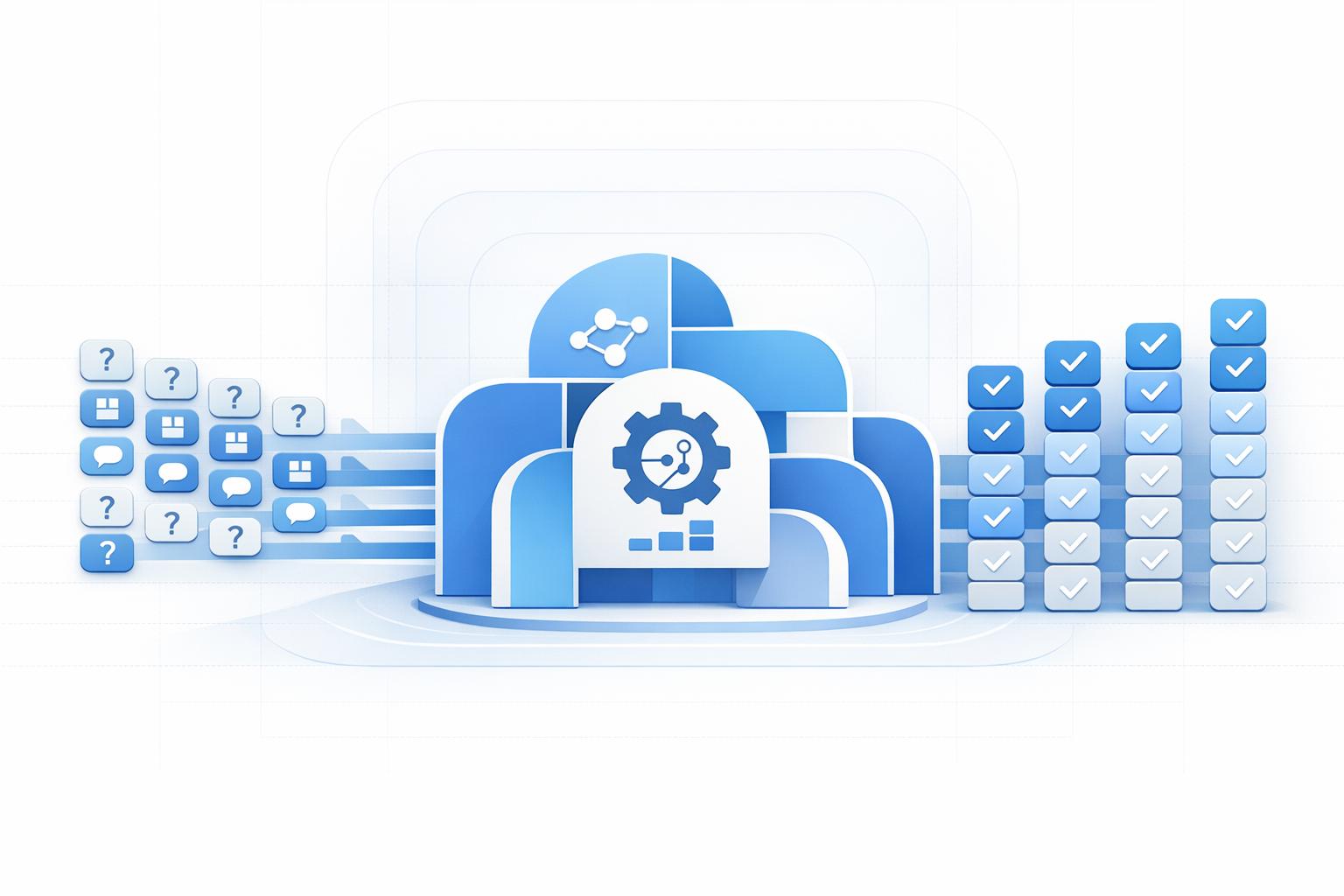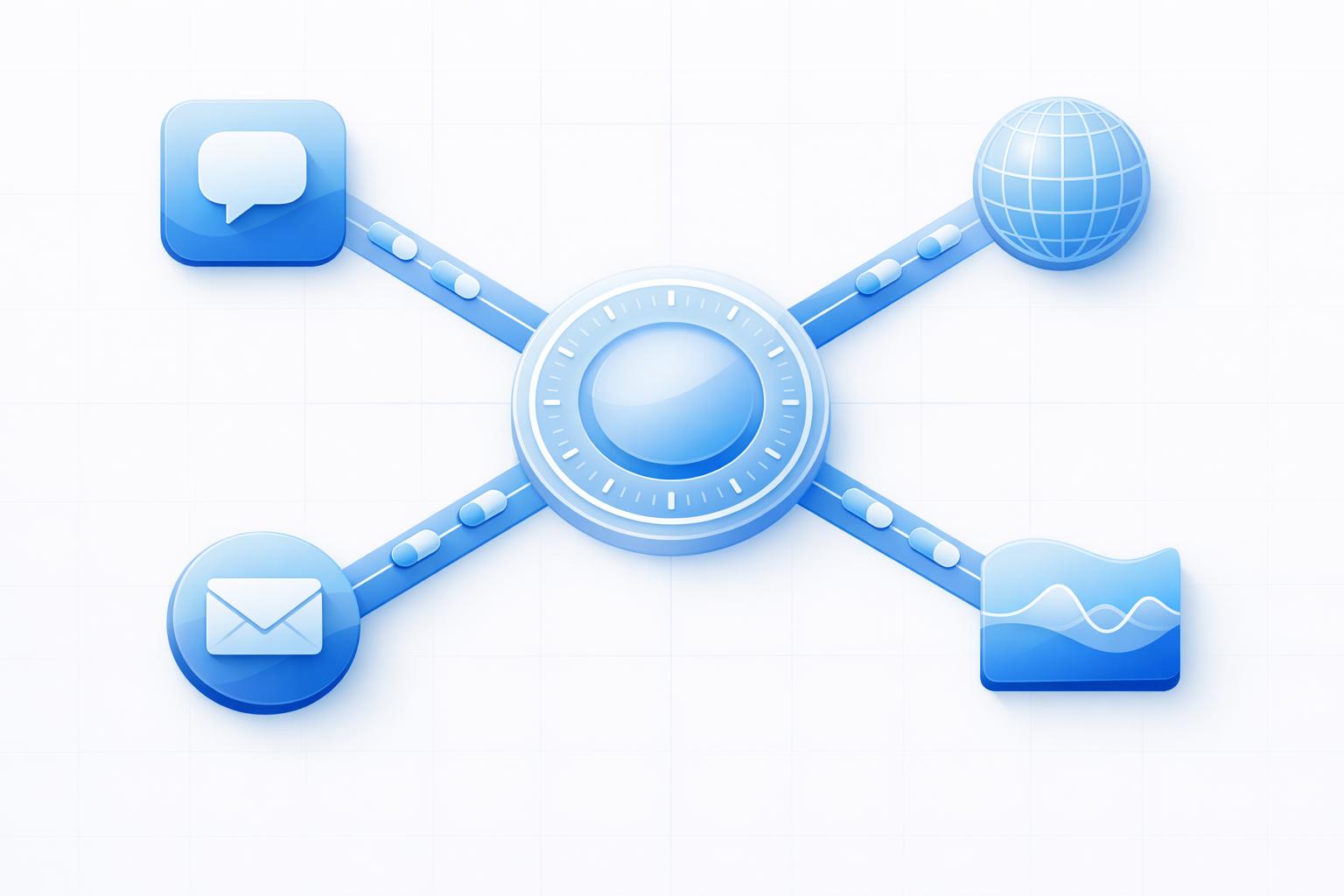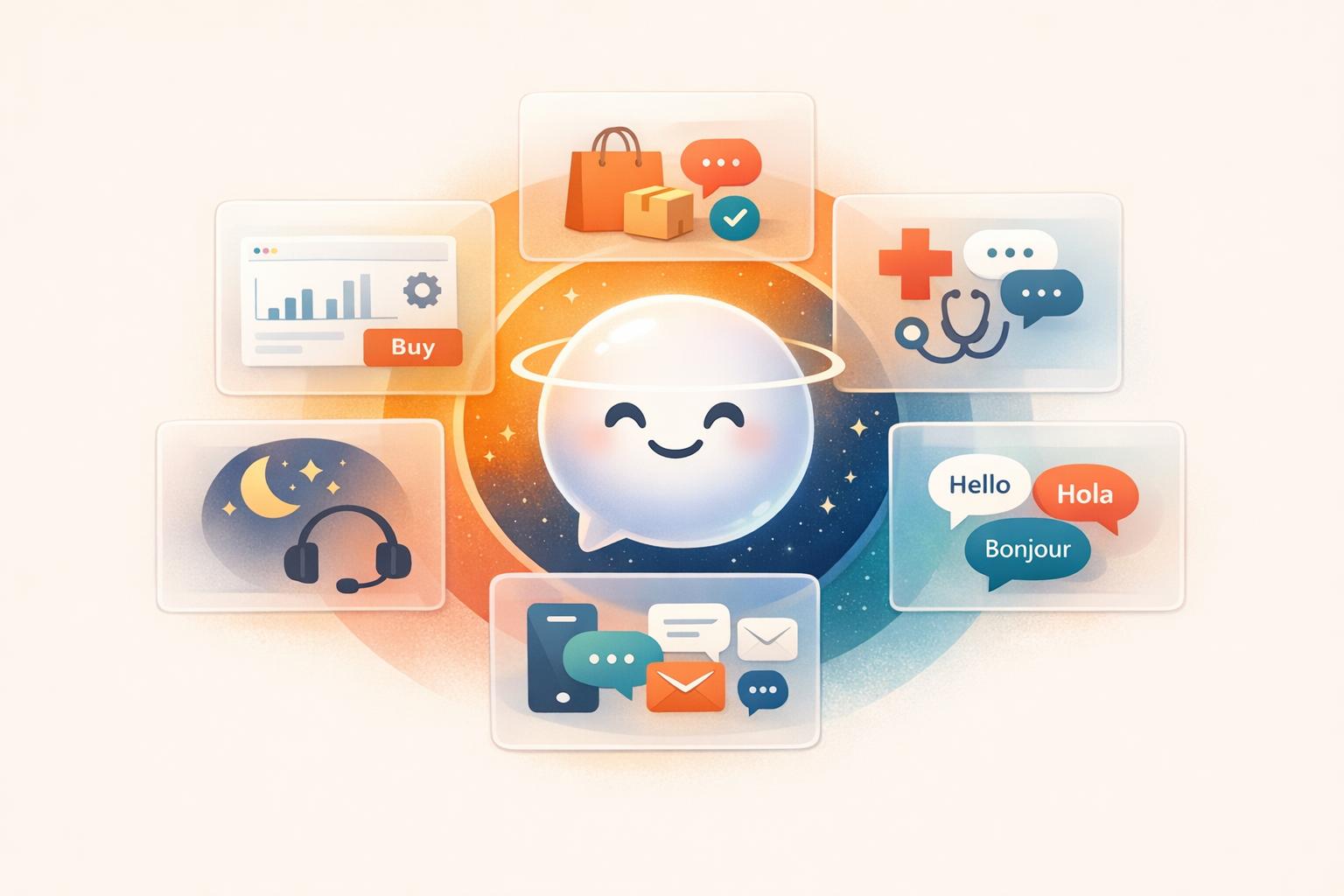
AI customer service agents are software tools powered by conversational AI that handle customer inquiries and tasks like answering questions, resolving issues, and processing requests. Unlike basic chatbots, they understand context, manage complex workflows, and integrate with tools like CRMs and databases to perform actions such as refunds or order updates.
Key Features:
- 24/7 Availability: Operates around the clock, handling multiple conversations at once.
- Natural Language Understanding: Interprets messages, identifies intent, and retrieves accurate responses.
- Task Automation: Executes actions like tracking orders, resetting passwords, or updating accounts.
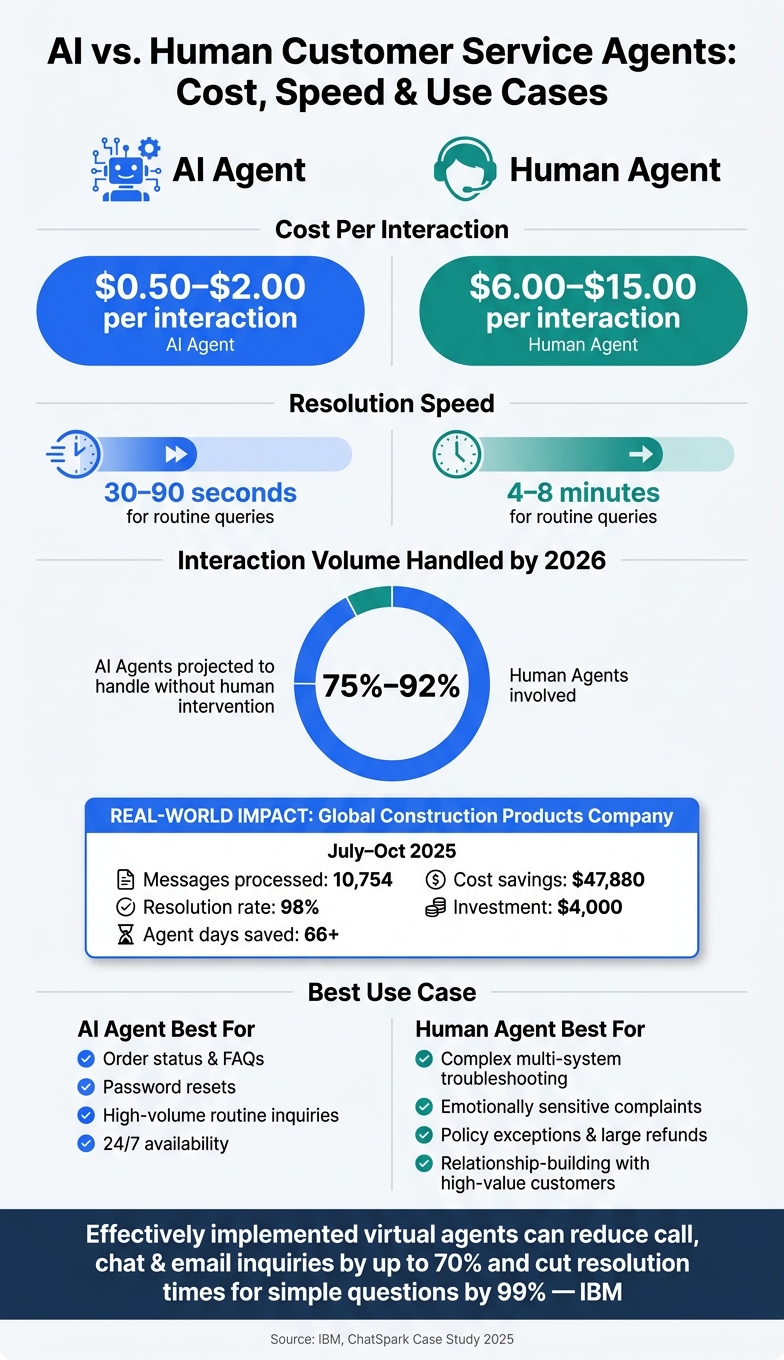
- Cost Efficiency: Processes interactions for $0.50–$2 each, compared to $6–$15 for human agents.
Limitations:
- Risk of Errors: Can provide incorrect information (e.g., "hallucination").
- Context Gaps: Some systems struggle with complex or sensitive issues.
- Human Support Needed: Emotionally charged or high-stakes cases often require human agents.
AI agents shine in handling routine tasks, reducing workload for support teams, and improving response times. However, combining AI with human expertise ensures the best customer experience.
How AI Customer Service Agents Work
AI customer service agents combine several technologies to interpret customer messages, figure out their intent, provide accurate answers, and even perform actions. Let’s break down how this process works.
Natural Language Processing and Intent Recognition
Natural language processing (NLP) enables AI agents to truly understand customer messages instead of just scanning for keywords. For example, whether a customer says, "my package hasn't shown up" or "where's my order?", NLP identifies that both are essentially asking the same question. It focuses on the meaning behind the words.
After understanding the message, the system moves to intent recognition - pinpointing what the customer needs. This could be tracking an order, requesting a refund, or updating account details. Advanced AI agents rely on large language models (LLMs) to handle this task, allowing them to interpret even informal, incomplete, or poorly phrased messages with ease.
Once the intent is clear, the agent pulls the right information from its knowledge base to craft a response.
Knowledge Bases and Answer Retrieval
After identifying the customer’s intent, the AI taps into a knowledge base to find accurate answers. This isn’t just a basic keyword search. Instead, the system retrieves the most relevant information from resources like help center articles, policy documents, or product pages to create a precise response.
To ensure reliability, the process incorporates grounding - a method that ties responses to approved content. This approach ensures the agent always reflects the most up-to-date information without needing a complete model retrain [1].
For added accuracy, many systems use a confidence threshold. If the agent’s confidence in its response dips below a certain level - typically 0.80 - it escalates the query to a human agent. This is especially useful for complex or sensitive issues, such as billing or refunds [2].
Integrations and Automated Actions
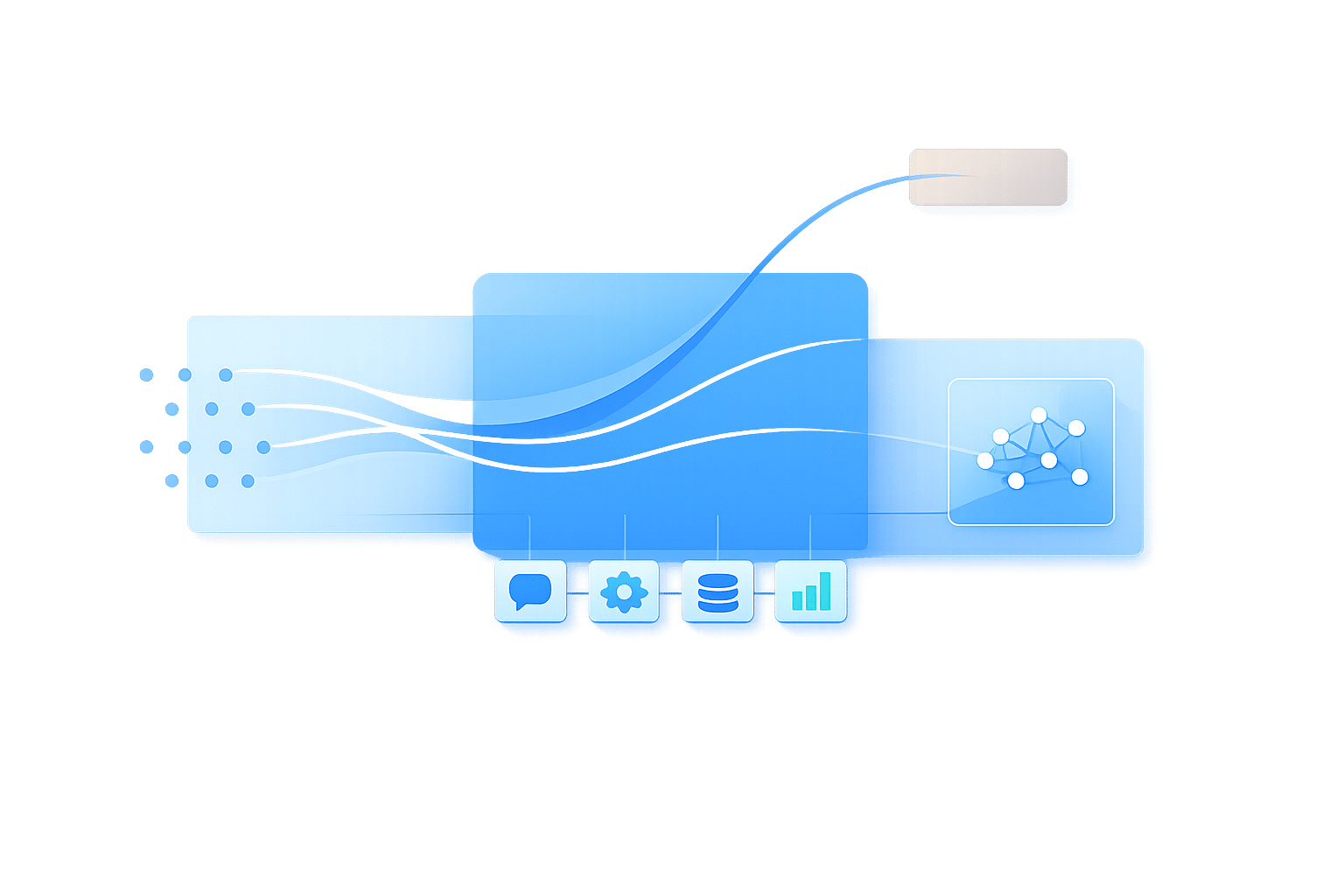
AI agents don’t just provide answers - they can also take action. Through integrations with tools like CRMs, order management systems, booking platforms, and payment processors, these agents can handle tasks like checking live order status, rescheduling appointments, processing refunds, or updating customer records.
For instance, ChatSpark supports more than 150 actions across 40+ platforms, allowing it to handle multi-step workflows seamlessly, all without needing human intervention. This makes the entire process faster and more efficient for both businesses and customers.
What AI Customer Service Agents Can Do
Now that you know how AI agents process and respond to messages, let’s dive into what they can achieve in everyday support scenarios. Leveraging their ability to understand language and intent, these agents bring practical advantages to customer service operations.
Managing Multi-Turn Conversations
Unlike basic chatbots that struggle to maintain context, AI agents remember the flow of a conversation. For example, if a customer asks, "What's your return policy?" and then follows up with, "Does that apply to sale items too?", the agent understands the reference to "that" without requiring the customer to repeat themselves.
This session-based memory can go even further in advanced systems. These agents can identify returning customers, recall past purchases, and track interactions across multiple channels like email, chat, or SMS. They can even pick up on emotional cues from messages - adjusting their tone when sensing frustration or flagging urgent cases for faster escalation.
When faced with unclear requests, a well-designed AI agent doesn’t guess. Instead, it asks clarifying questions like, "Are you asking about monthly or annual pricing?" And if the conversation needs to be handed off to a human, the agent ensures a seamless transition by transferring the full conversation history, along with any relevant data or attempted actions. This means the customer doesn’t have to re-explain their issue.
AI agents are fast too. They typically resolve routine queries in 30–90 seconds, compared to the 4–8 minutes it often takes human agents. This speed not only improves customer satisfaction but also boosts operational efficiency. Their ability to maintain context and respond quickly makes them ideal for deflecting routine inquiries.
Self-Service and Reducing Agent Workload
AI agents excel at handling repetitive questions that make up a significant portion of support requests. Whether it’s checking order status, resetting passwords, or updating account details, these tasks can be resolved without any human involvement. This frees up your support team to focus on more complex cases that require a personal touch.
The impact of this shift is substantial. By 2026, it’s estimated that AI agents will handle between 75% and 92% of customer interactions without human intervention [3]. For instance, between July and October 2025, a global construction products company implemented ChatSpark, which processed 10,754 messages with a 98% resolution rate. This saved the company over 66 agent days and $47,880 in costs, all from a $4,000 investment [3].
This kind of efficiency doesn’t just save money - it also helps reduce burnout among support teams and shortens response times for complex issues. The result? Happier customers and a more engaged support staff.
Personalization and Localization
AI agents can deliver tailored responses by using data they already have, such as purchase history, account details, or previous interactions. For example, someone who recently placed an order will receive a more specific response than someone browsing for the first time.
For U.S. businesses, localization is equally important. A well-configured AI agent ensures prices are displayed in USD (e.g., $29.99), uses MM/DD/YYYY date formats, and applies the correct regional conventions automatically. Whether a customer reaches out at 9:00 AM EST via chat or sends an SMS later that evening, these details help keep interactions seamless and natural.
Benefits and Limitations of AI Customer Service Agents
AI vs. Human Customer Service Agents: Cost, Speed & Use Cases
AI customer service agents offer tangible advantages for support teams, but they aren't a one-size-fits-all solution. Weighing their strengths and weaknesses helps ensure they’re used effectively.
Benefits for Operations and Customer Experience
AI agents are available 24/7, handling interactions at a fraction of the cost of human agents - just $0.50 to $2 per interaction compared to $6 to $15 for human support. This cost difference becomes substantial at scale, especially during peak times like holiday shopping seasons. Unlike humans, AI can handle sudden spikes in demand without the need for extra hiring or training.
Another major advantage is consistency. AI agents deliver uniform tone, accuracy, and response quality every time, which helps build and maintain brand trust.
That said, these benefits come with certain challenges that businesses need to address.
Limitations and Risks to Consider
Despite their strengths, AI agents have notable limitations. One of the biggest risks is hallucination, where the AI confidently provides false information. For example, in 2024, the British Columbia Civil Resolution Tribunal ruled that Air Canada had to honor a bereavement refund policy fabricated by its chatbot during a customer interaction [4]. The airline ended up paying damages for an offer it never intended to make.
Similarly, in December 2023, a chatbot at a Chevrolet of Watsonville dealership mistakenly agreed to sell a 2024 Chevrolet Tahoe for $1.00, claiming the deal was "legally binding." The dealership disabled the bot and refused to honor the agreement [4]. These incidents highlight the legal and reputational risks of unsupervised AI responses.
Additionally, some older AI systems struggle to maintain context between sessions, which can frustrate customers and erode trust. However, more advanced agents are better equipped to manage this issue.
When Human Agents Are Still Needed
While AI excels at handling routine inquiries, certain situations still require human expertise. For example, emotionally sensitive scenarios - like a billing dispute following a medical emergency - demand empathy and judgment that AI simply cannot provide. Similarly, complex troubleshooting involving interconnected systems or high-stakes decisions, such as processing large refunds or making policy exceptions, often fall outside an AI's capabilities.
To ensure a smooth experience, AI agents should hand off interactions to human agents when their confidence drops below 85–95%. A warm transfer, including the full conversation history, prevents customers from having to repeat themselves. Here’s a quick guide to when AI or human agents are best suited:
| Scenario | Best Handled By |
|---|---|
| Order status, FAQs, password resets | AI agent |
| Complex multi-system troubleshooting | Human agent |
| Emotionally sensitive complaints | Human agent |
| Policy exceptions or large refunds | Human agent |
| High-volume routine inquiries | AI agent |
| Relationship-building with high-value customers | Human agent |
The most effective customer service strategies combine AI and human agents, using clear handoff protocols to ensure a seamless experience for customers.
How to Set Up an AI Customer Service Agent with ChatSpark
Getting ChatSpark up and running to enhance customer service and streamline operations involves three key steps: planning, preparing content, and ongoing adjustments. Each phase plays a vital role in ensuring your AI agent performs effectively.
Step 1: Define Your Goals and Use Cases
Start by pinpointing the purpose of your AI agent. What specific tasks do you want it to handle? Review your support ticket history to identify common questions - like order updates, password resets, pricing inquiries, or return policies. Then, set clear goals, such as reducing ticket volume or cutting first-response times.
Next, decide which platforms matter most to your customers. ChatSpark works seamlessly across channels like your website, WhatsApp, Instagram, and Facebook. You can launch on one channel initially and expand as your AI agent's performance improves.
Step 2: Prepare and Structure Your Knowledge Content
Your AI agent is only as good as the information you provide. Organize your knowledge base into well-defined categories to ensure accurate and helpful responses:
| Knowledge Base Category | Example Topics to Include |
|---|---|
| Product Overview | Key features, intended users, competitive advantages |
| Pricing & Plans | Subscription details, billing schedules, refund policies |
| Onboarding | Setup instructions, account credentials, early usage tips |
| Technical/How-To | Login help, password resets, integration guides |
| Troubleshooting | Common errors, syncing issues, loading problems |
| Billing & Account | Payment updates, cancellation steps, account changes |
Write each FAQ entry with clarity and simplicity. Use plain language and keep answers concise. For U.S.-specific details, format information appropriately - for example, display prices as "$X.XX", dates as MM/DD/YYYY, and phone numbers as (XXX) XXX-XXXX. If your audience includes non-English speakers, mark entries for translation; ChatSpark supports over 85 languages.
With ChatSpark's Pro plan, you can train your agent using up to 500 pages of content, which is typically sufficient for mid-sized businesses to cover their entire support library.
Step 3: Test, Launch, and Refine
Before going live, test the AI agent with real customer queries. Have your team submit actual questions from your support backlog, including tricky or multi-part issues. Pay special attention to cases that usually require human intervention.
After launching, monitor key performance indicators like containment rate, customer satisfaction (CSAT), and average response time on a weekly basis. These metrics will help you gauge how well the agent is meeting customer needs.
Leverage ChatSpark’s analytics to spot weak areas in your knowledge base and make improvements. Many teams notice measurable progress within the first month of consistent updates. Regularly fine-tune your AI agent to keep pace with your customers' evolving needs.
Conclusion
AI customer service agents are no longer just a novelty. With advancements like natural language processing, intent recognition, and real-time integrations, they can manage a high volume of routine inquiries - like checking order statuses, resetting passwords, or answering billing questions - 24/7, all without increasing staff. When supported by a well-organized knowledge base and seamlessly linked to your core systems, they provide quicker responses, consistent answers, and noticeable cost savings.
However, AI shines brightest when paired with a hybrid support model. Complex problems, sensitive conversations, and unique scenarios still require human expertise. The aim isn’t to replace your support team but to let them focus on tasks that demand judgment and empathy.
Getting started doesn’t have to be overwhelming. Start small - tackle one or two high-volume tasks - and expand from there. For example, ChatSpark offers an affordable starting point with plans beginning at $19/month and a setup process designed for teams without technical expertise. Whether you’re managing a few hundred interactions or scaling to thousands, the key principles remain the same: set clear goals, maintain high-quality content, and continuously improve.
According to IBM, effectively implemented virtual agents can reduce call, chat, and email inquiries by up to 70% while cutting resolution times for simple questions by 99%.
The companies achieving the best outcomes aren’t necessarily the ones with the most advanced AI. Instead, they’re the ones that clearly defined their goals, invested in strong knowledge bases, and stayed committed to refining their systems after launch. That’s a roadmap any team can follow.
FAQs
What should my AI agent do vs. a human agent?
AI tools are perfect for managing repetitive, high-volume tasks like answering FAQs, tracking orders, or handling straightforward returns and account updates. They operate around the clock, providing quick responses without breaks. Meanwhile, human agents tackle more complex or sensitive issues that call for empathy and creative thinking. If a situation requires human intervention, the AI seamlessly passes it along with the full conversation history, so customers never have to explain their issue twice.
How do I stop the agent from making things up?
To minimize inaccuracies in AI responses, focus on using a curated, human-verified knowledge base. This can be achieved through Retrieval-Augmented Generation (RAG), a method that combines AI's language capabilities with reliable, pre-approved information sources. By doing so, the system bases its answers on verified facts rather than speculative data.
In addition, implement strict system prompts that guide the AI to acknowledge when it lacks sufficient information. This prevents the system from making guesses or providing misleading responses.
Another essential step is incorporating confidence scoring. When the AI detects uncertainty in its response, it can flag the issue for human review. This ensures that unclear or ambiguous queries are escalated for further evaluation, maintaining the integrity of the information provided.
Keeping the system's documentation up-to-date is equally important. Outdated information can lead to irrelevant or incorrect answers, so regular updates are crucial for accuracy.
Finally, always include an escalation option to live agents. For complex or high-stakes inquiries, having a human expert step in ensures that users receive the most accurate and helpful response possible. This human-AI collaboration strengthens trust and reliability in the system.
What systems should I connect it to first?
To set up your AI agent for success, begin by building a centralized knowledge base. Gather FAQs, support documents, and product guides from platforms like Google Docs, Notion, or your CRM, and bring them into the ChatSpark dashboard. Next, focus on integrating your busiest communication channels, such as live chat, email, or social media. Lastly, implement API-driven workflows with essential tools like Shopify for managing orders, Salesforce or HubSpot for CRM tasks, and Calendly for scheduling needs.