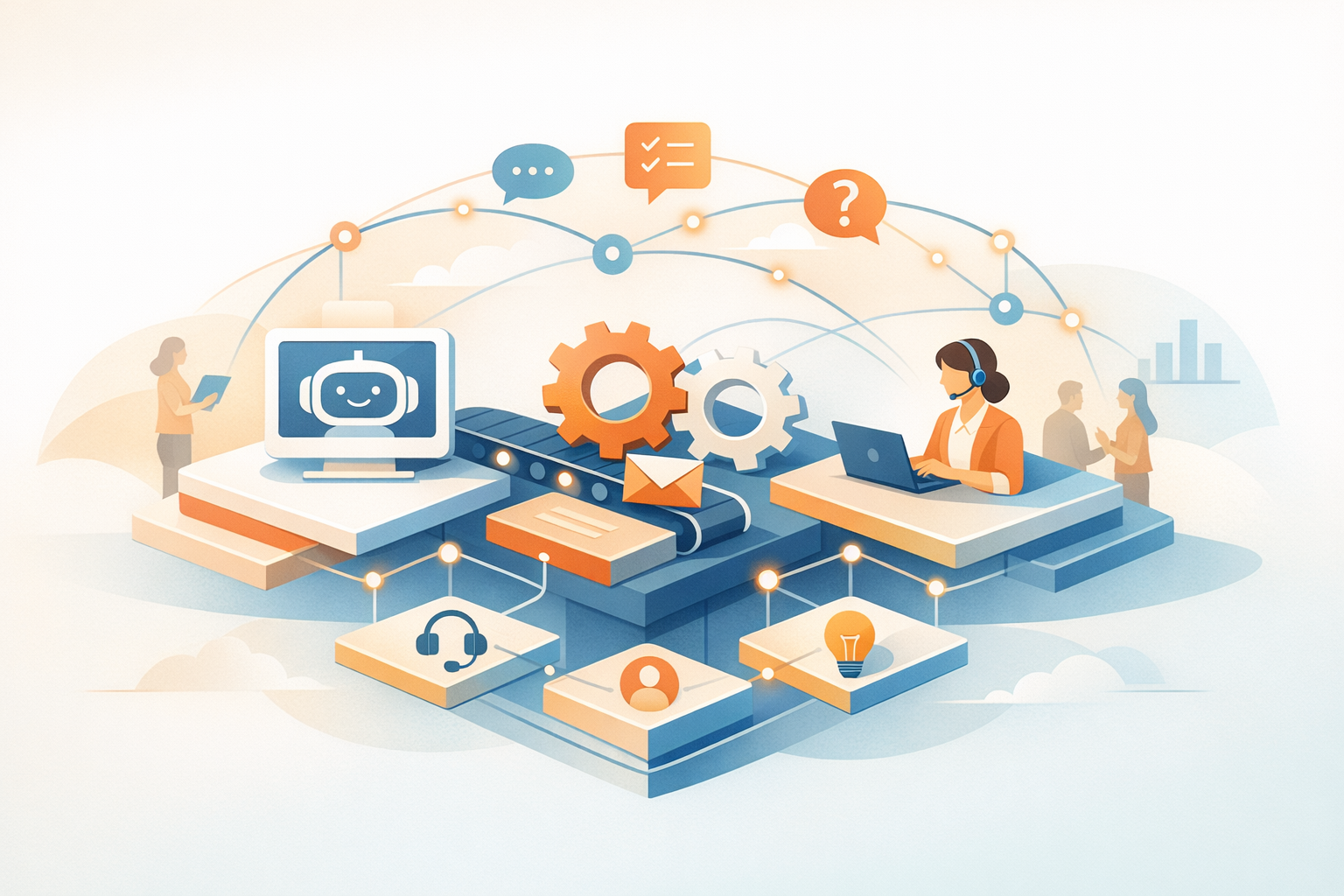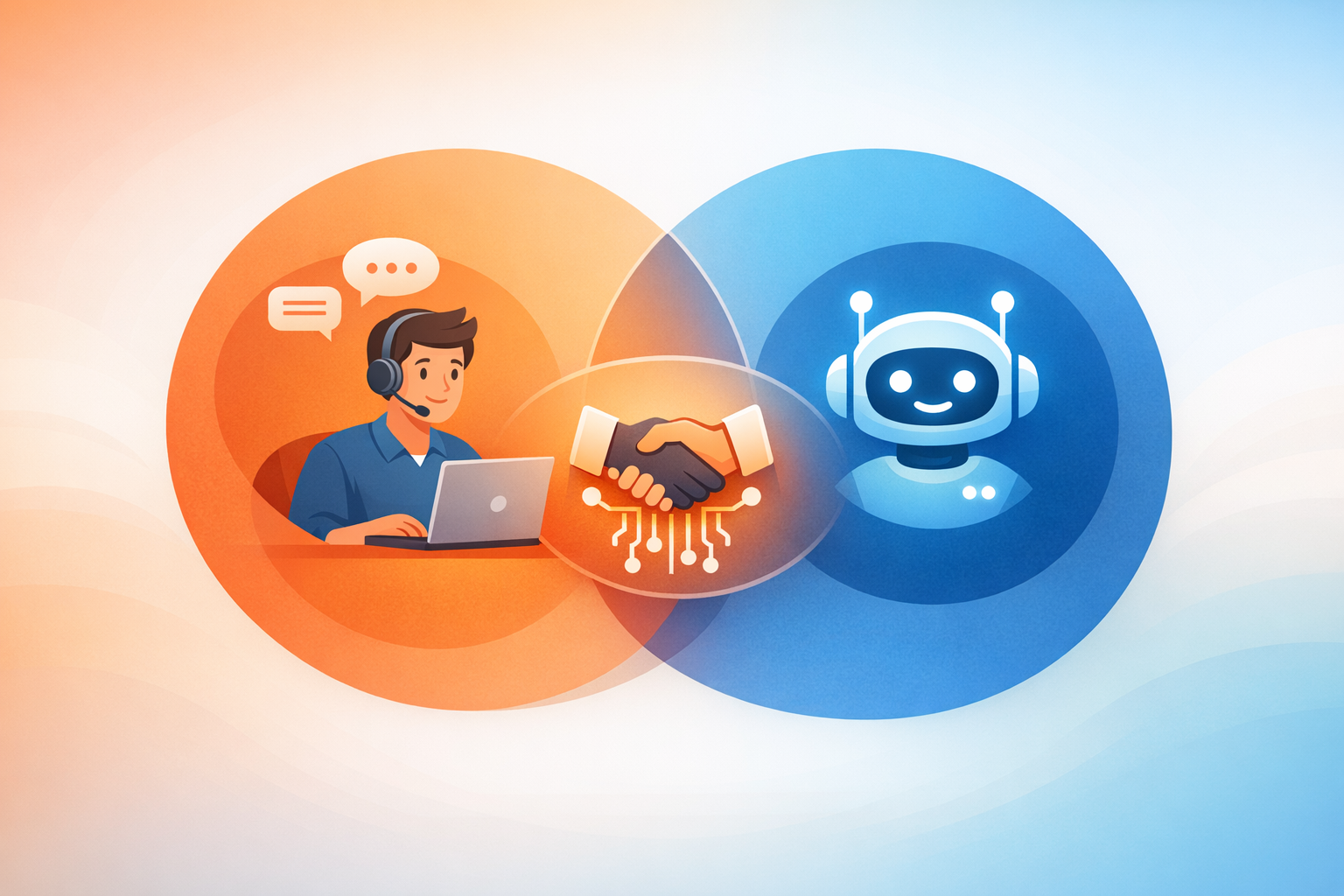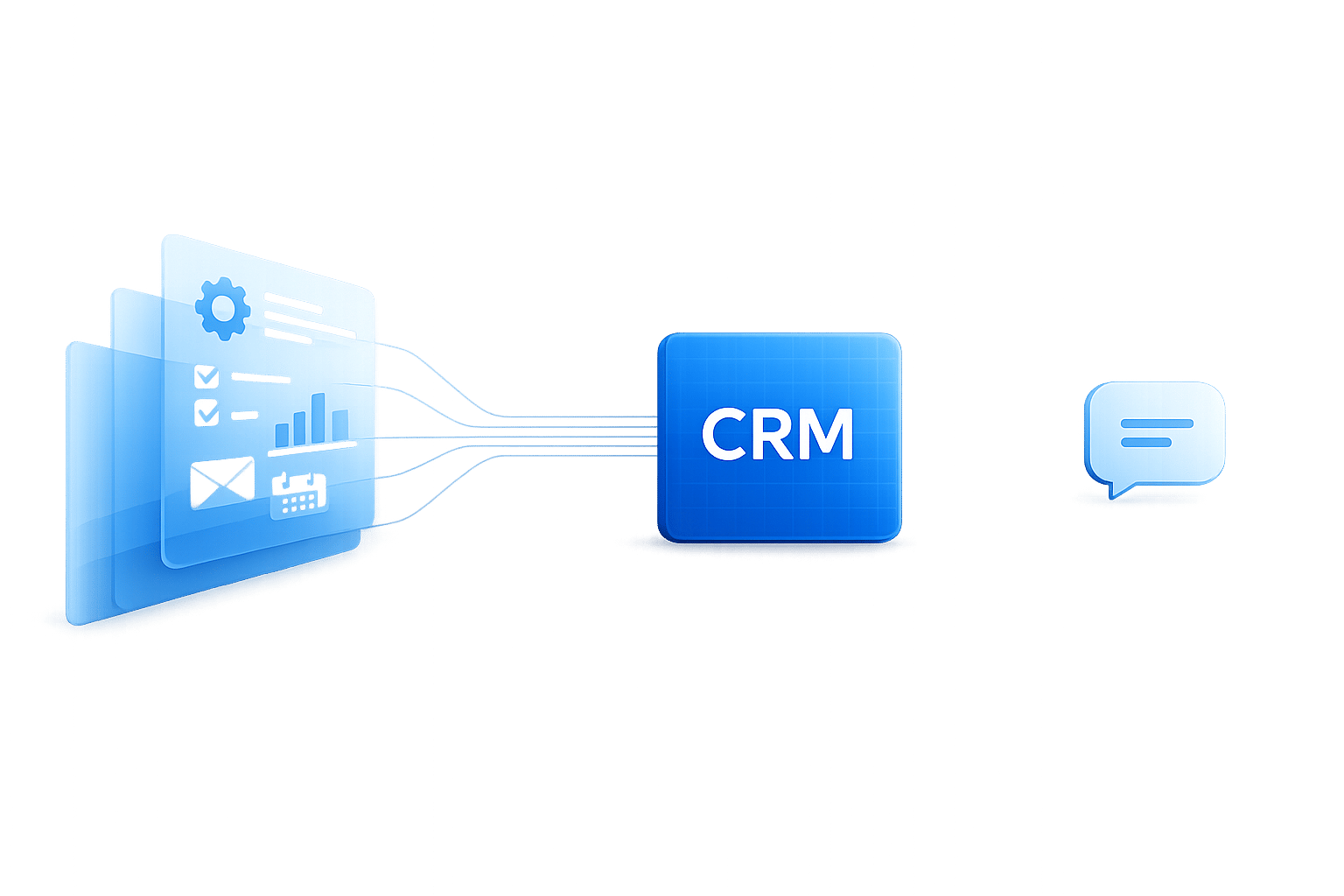
AI copilots and chatbots might seem similar, but they serve very different purposes. Chatbots handle simple, repetitive tasks like answering FAQs or routing requests. AI copilots, on the other hand, assist with complex workflows, integrating deeply with tools like CRMs to anticipate needs, suggest actions, and draft content.
Here’s the key difference: chatbots are reactive, waiting for user input, while AI copilots are proactive, helping users complete tasks efficiently. Chatbots are great for reducing support tickets and costs, but AI copilots increase productivity (by 20%-45%) and streamline operations by managing multi-step processes.
Quick Overview:
- Chatbots: Answer questions, route requests, handle FAQs.
- AI Copilots: Manage workflows, access live data, suggest actions.
Choosing the right tool depends on your needs: chatbots are ideal for predictable tasks, while AI copilots excel in dynamic, data-driven environments.
What Chatbots Are Built to Do
Chatbots are designed to handle straightforward, repetitive interactions. They act as reactive tools, waiting for users to initiate conversations and then matching inputs to a set of predefined responses or decision-making paths. Think of them as digital receptionists - they can manage simple tasks but aren't equipped to solve complex problems or exercise judgment.
"A chatbot is a conversational interface. It answers questions, collects information, routes requests, and handles predictable flows... its world is narrow." - Tray.ai [2]
Most chatbots operate using basic "if-then" logic. This approach works well for predictable and structured queries but struggles when users phrase requests in unexpected ways or when tasks require multiple steps to resolve.
Core Chatbot Capabilities
Traditional chatbots rely on keyword detection and intent matching to interpret user inputs. More advanced systems incorporate semantic search, allowing them to connect phrases like "rainy wedding attire" to suggestions for water-resistant formalwear [9]. However, even these advanced systems are confined to following pre-programmed pathways and cannot reason through complex scenarios.
These tools excel at automating simple tasks. For example:
- Checking account balances
- Providing shipping updates
- Answering basic HR questions, like PTO policies
- Collecting lead information and routing it to the appropriate team
Chatbots are particularly useful for handling high volumes of repetitive queries, operating 24/7 to reduce the workload on human support teams. However, they come with limitations. Most chatbots only retain short-term context, which resets after each session [8]. This means users often have to repeat information when they return. Additionally, chatbots require manual updates whenever policies or procedures change.
Interestingly, only 12% of customers consistently prefer interacting with a chatbot over a human. However, 25% say their preference depends on the situation [8].
Where Chatbots Work Best
Chatbots thrive in environments where queries are predictable and repetitive. For example, customer support teams use chatbots to handle FAQs, reducing support tickets by up to 50% and cutting costs by 20–30% [1].
In eCommerce, chatbots have evolved into what some experts call "revenue infrastructure" [9]. They assist shoppers with product selection, recover abandoned carts through real-time conversations (boosting recovery rates by 20–25% [9]), and gather zero-party data by asking personalized questions like "Who are you shopping for?" This personalized engagement can increase revenue by 20–35% compared to static website experiences [9].
Internal operations also benefit from chatbots. HR departments use them to answer routine questions about benefits or time-off policies, while IT teams deploy them for basic troubleshooting tasks. These scenarios work well because they involve well-defined tasks with clear answers, eliminating the need for the chatbot to navigate ambiguous or complex requests.
"Chatbots are reactive and excel at handling well-defined tasks efficiently and routing more complex work to human or AI agents." - Kara Hartnett, Rasa [8]
The key takeaway is that chatbots are designed to handle interactions, not operations. For instance, they can provide your PTO balance but can't analyze vacation trends to recommend better team coverage. They can explain a return policy but aren't equipped to process complex returns involving exceptions or partial refunds. When a task exceeds their scripted capabilities, seamless handoffs to human agents become essential [1].
For more intricate needs, businesses often turn to advanced solutions that go beyond the limits of traditional chatbots.
What AI CoPilots Are Built to Do
AI copilots are crafted to work with people, not just for them. Unlike traditional chatbots, these copilots embed themselves into the software you already use - whether it’s your CRM, email platform, help desk, or productivity tools. They don’t wait for commands; they anticipate what you might need and take proactive steps. They monitor real-time activity, gauge the urgency and tone of messages, and suggest actions before you even realize you need them.
"An AI copilot is an intelligent, conversational assistant integrated directly into your software... a context-aware partner that interprets your specific workflow to anticipate needs." - Candace Marshall, Vice President, Product Marketing, AI and Automation, Zendesk [10]
The big leap here is moving beyond reactive chatbots. AI copilots don’t just answer questions - they handle entire workflows. Picture this: after a meeting, the copilot can summarize key points, update your CRM with relevant details, draft a follow-up email in your brand’s tone, and even schedule the next steps - all with just a quick review and approval from you [12].
Core AI CoPilot Capabilities
What makes AI copilots stand out is their ability to manage context across multiple layers of interaction. They don’t just spit out generic responses - they pull in data from various sources to craft personalized, human-like content. For instance, they can recall a customer’s purchase history from months ago, tap into internal knowledge bases, and adhere to your brand’s voice when generating anything from refund scripts to project proposals [3].
These capabilities are already showing tangible results. In late 2023, PwC reported that using Microsoft Copilot boosted employee productivity by 20%. By automating repetitive tasks and simplifying knowledge work, the tool allowed employees to focus on higher-value activities [12]. Similarly, EY adopted Microsoft Dynamics 365 Sales in 2024 as a sales copilot, enabling agents to quickly request pipeline summaries or draft follow-up emails in plain language, cutting down on tedious data entry [7].
The impact is undeniable. Across industries, AI copilots have driven productivity gains of 20% to 45%. In customer support, resolution times have sped up by 70% to 88%, while customer satisfaction scores have climbed by over 40% [1][3].
How AI CoPilots Improve Business Operations
By handling research, retrieving data, and drafting content, AI copilots free up humans to focus on strategy and building connections. Instead of hopping between tabs to check order histories or policies, your team gets instant insights. AI copilots handle around 80% of the work, leaving you to review and finalize the results [3].
"Copilots extend your people by reducing time to complete a task." - Tray.ai [2]
And it’s not just about efficiency - it’s about driving growth. AI copilots can spot upsell opportunities during support calls, suggest retention offers when a customer looks ready to cancel, and flag subtle shifts in sentiment that might indicate an escalation risk. Looking ahead, AI copilots and assistants are expected to automate 30% of all knowledge work by 2030 [12], making them a cornerstone for businesses aiming to scale without adding to their workforce.
Platforms like ChatSpark CoPilot offer deep integration and contextual understanding, making it easier than ever to transform your support and operations with AI copilots.
Main Differences: Scope, Data Access, and Trust
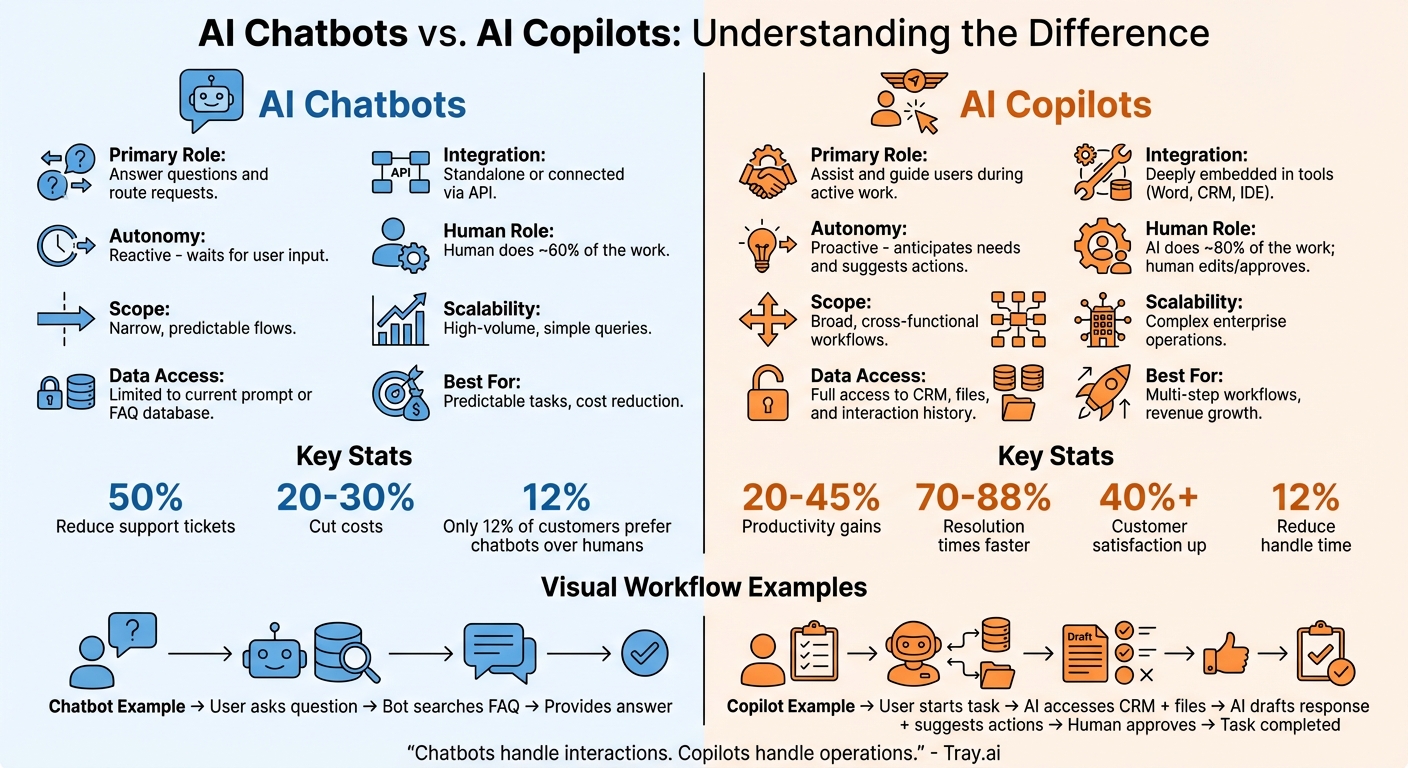
AI Chatbots vs AI Copilots: Key Differences and Capabilities Comparison
When comparing chatbots and AI copilots, the differences go far beyond basic features. They vary in how deeply they integrate, the kind of data they access, and the level of trust required to use them effectively. Chatbots are designed for straightforward conversations with limited context, while AI copilots tap into live data sources - like CRM records, email history, or internal files - to provide actionable recommendations [1][3].
Trust plays a critical role, especially in sensitive operations. Chatbots rely on static FAQs to minimize risks and limit functionality [3]. On the other hand, AI copilots use a broader range of data and incorporate a human-in-the-loop approach. This means the AI can suggest actions, but the final decision remains with a human [3][2]. This setup is crucial given that 87% of developers have concerns about the accuracy of fully autonomous AI systems [8].
"The more autonomy you grant, the stronger your governance needs to be." - Tray.ai [2]
Data access also sets these tools apart. Chatbots typically connect to systems via basic APIs, retrieving information or updating simple records [8]. In contrast, AI copilots are deeply embedded into workflows - whether in a CRM, help desk, or productivity software. They act like a silent team member, anticipating needs based on the task at hand rather than just responding to user queries [3][11]. This level of integration allows AI copilots to operate in a much more proactive and context-aware manner.
Chatbots vs. AI CoPilots: Side-by-Side Comparison
| Feature | AI Chatbot | AI CoPilot |
|---|---|---|
| Primary Role | Answer questions and route requests [2][13] | Assist and guide users during active work [2][13] |
| Autonomy | Reactive: waits for user input [3][5] | Proactive: anticipates needs and suggests actions [3][11] |
| Scope | Narrow, predictable flows [2] | Broad, cross-functional workflows [1] |
| Data Access | Limited to current prompt or FAQ database [3][4] | Full access to CRM, files, and interaction history [3] |
| Integration | Standalone or connected via API [1][3] | Deeply embedded in tools (e.g., Word, CRM, IDE) [3][11] |
| Human Role | Human does ~60% of the work [3] | AI does ~80% of the work; human edits/approves [3] |
| Scalability | High-volume, simple queries [1] | Complex enterprise operations [1] |
The right tool depends on your goals. If your focus is managing repetitive inquiries, a chatbot may suffice. But if you're looking to empower teams to handle complex workflows, an AI copilot is the way to go. Platforms like ChatSpark CoPilot combine conversational capabilities with workflow integration, making it easier to adapt to evolving business needs. This comparison helps clarify when each tool is most effective in achieving your objectives.
Why Chatbots Fall Short in Business Settings
Chatbots are great for handling simple, repetitive inquiries, but they stumble when it comes to managing complex business operations. Their design is focused on conversations, not the intricate workflows businesses rely on. For example, a chatbot can't efficiently juggle tasks like pulling order history, checking inventory across multiple locations, and processing a partial refund all at once [2][3].
One of the biggest challenges is context loss. If a conversation shifts from a billing question to a product inquiry, chatbots often lose track of the previous discussion. This creates delays and leaves human agents to pick up the slack. Additionally, most chatbots rely on rigid, rule-based scripting [14], which means they struggle with unexpected questions or situations. This can result in errors and outdated responses when knowledge bases aren’t updated fast enough [1].
"Chatbots don't reason across systems or take multi-step action. They handle interactions, not operations." - Tray.ai [2]
Business leaders recognize these limitations. While chatbots can cut support tickets by up to 50% for straightforward issues [1], they fall short when it comes to the more nuanced cases that truly impact business outcomes. With 59% of consumers expecting generative AI to transform service experiences [1] and 70% of business leaders planning to expand AI capabilities by 2028 [1], the pressure is on to find better solutions. When chatbots fail, employees sometimes turn to "shadow AI" - unsanctioned tools used to bypass limitations. This workaround introduces security risks and fragments data [7].
These challenges highlight the need for technologies that can handle end-to-end workflows, going beyond the basic capabilities of chatbots.
When to Use a Chatbot vs. When to Use an AI CoPilot
Deciding between a chatbot and an AI CoPilot comes down to the complexity of the task and your business objectives. Chatbots are ideal for handling straightforward, repetitive tasks that focus on cost efficiency. On the other hand, AI CoPilots excel in situations where support activities directly affect revenue or require complex workflows involving multiple systems. It’s essential to evaluate your needs carefully to avoid overspending or underutilizing these tools. Let’s break down when each option works best.
When Chatbots Are Sufficient
Chatbots are great for managing routine and predictable tasks. If your team frequently deals with repetitive questions - like store hours, shipping details, or return policies - a chatbot can handle up to 50% of those inquiries effectively [1]. They’re also useful for capturing leads by collecting customer emails or routing basic inquiries to the right department. For small businesses with fewer than 50 sessions per month, chatbot plans often start at around $50 per month [3]. Think of them as a "digital intern" that handles simple, scripted tasks without needing access to complex systems like CRMs or live inventory databases. This keeps workflows straightforward and reduces the chance of errors.
Here’s an example: In 2021, UK-based Paymentshield rolled out 30 automated bot workflows to handle a surge in customer inquiries. The result? The bots resolved 82% of issues without human help, cut average resolution times to just 3.26 minutes, and saved over 340 staff hours in a single year [6].
For more intricate tasks that directly influence revenue, however, chatbots fall short. That’s where AI CoPilots come in.
When AI CoPilots Are Necessary
AI CoPilots step in where chatbots hit their limits. They’re indispensable for tasks requiring dynamic, multi-step processes and deep system integration. For example, if your team needs to identify upsell opportunities, flag potential churn risks, or manage complex workflows - like pulling order histories, issuing refunds, or updating a CRM - a chatbot alone won’t cut it [3][6]. AI CoPilots integrate seamlessly with enterprise tools, giving agents real-time access to data without requiring them to switch between different systems.
In environments with high activity (100+ sessions per month), AI CoPilots help maintain both speed and quality [3]. They can improve efficiency by 20–45% and reduce resolution times by 70–88%. These gains are critical, especially when replacing a single agent can cost anywhere from $10,000 to $21,000 [3][6].
A standout example is Microsoft’s adoption of Dynamics 365 Copilot for its 6,500 support agents in 2025. This implementation reduced the average handle time for chat cases by 12% and enabled 10% of cases that previously required human escalation to be resolved independently by AI-assisted agents [6]. The key to this success? The CoPilot’s ability to access full customer histories and provide context-aware suggestions - capabilities far beyond the scope of traditional chatbots.
"Copilots extend your people by reducing time to complete a task." - Tray.ai [2]
If your team often juggles multiple systems to find customer data or you’re looking to scale operations without increasing headcount, an AI CoPilot - like ChatSpark CoPilot - is the smarter choice [3][6].
How AI CoPilots Go Beyond Question-and-Answer
Chatbots are built to answer questions, but AI CoPilots? They're designed to get things done. Unlike chatbots that wait for your prompt and provide information, a CoPilot actively integrates into your workflow, anticipating your needs and generating outputs to keep tasks moving. Picture this: instead of just answering your query, a CoPilot drafts emails, pulls up customer histories, or flags potential upsell opportunities - all before you’ve even finished typing [3].
This proactive functionality reshapes how teams operate. For instance, while a chatbot might explain a refund policy, a CoPilot takes it several steps further. It can automate the entire refund process: generating the script, calculating the refund amount from order history, suggesting retention discounts, and queuing everything for one-click approval. And it does all of this without requiring you to jump between systems [3]. It’s not just about providing information anymore - it’s about turning that information into immediate, actionable results.
What AI CoPilots Can Deliver
AI CoPilots are built to cut down on manual work by delivering outputs tailored to specific tasks. They can handle everything from creating vendor-dispute emails and drafting code snippets to writing personalized customer responses and building detailed reports by pulling data from multiple systems [3]. By embedding directly into professional tools like CRMs, helpdesks, and IDEs, CoPilots can access customer histories, follow brand guidelines, and use real-time data streams to ensure every suggestion fits the situation [3].
Modern CoPilots don’t just handle tasks - they streamline multi-step workflows with just one human approval. They can even analyze voice tone and facial expressions to improve their emotional intelligence [3].
"Copilots extend your people by reducing time to complete a task." - Tray.ai [2]
Unlike chatbots that rely on static scripts, CoPilots maintain full context across sessions [3]. They learn from human corrections and feedback, refining their suggestions to better match your brand’s voice and your business goals over time. For example, ChatSpark CoPilot continuously adapts to provide more accurate, context-aware support. This ongoing refinement doesn’t just streamline individual tasks - it scales to meet growing business demands without adding extra headcount [3]. The result? Faster, smarter operations that evolve as your organization does.
Choosing the Right Tool for Your Business
When deciding between tools, the choice should align with your business's complexity and operational priorities. Whether you need to manage high-volume tasks or streamline intricate workflows, understanding your specific needs is key.
For businesses handling repetitive tasks like FAQs, password resets, or basic routing, chatbots are a great fit. They efficiently manage high volumes and can reduce support tickets by up to 50% [1][6]. With basic plans starting around $50 per month, chatbots are a cost-effective option for straightforward tasks that don’t require detailed context or multi-step processes [1].
On the other hand, an AI CoPilot is designed to tackle more advanced challenges. These tools don’t just respond to queries - they collaborate with your team. By accessing real-time enterprise data and maintaining full context across sessions, they handle tasks like processing refunds, suggesting upsells, and drafting personalized responses. Plus, they keep the human in control. For example, Microsoft’s implementation of AI reduced chat handle times by 12% and resolved 10% of escalated cases through AI-driven suggestions [6].
A smart approach might involve deploying a chatbot for initial triage and FAQs, while reserving complex cases for human agents supported by an AI CoPilot [1][3]. If over 40% of your queries require accessing external data - like order histories or CRM records - a CoPilot becomes the better investment [3]. They also allow businesses to scale efficiently, managing thousands of chats without a proportional increase in staffing.
Key Takeaways
- Chatbots are ideal for automating simple, repetitive tasks, reducing costs, and managing high volumes. They work best in standalone chat interfaces with limited context [1][3].
- AI CoPilots, however, are embedded within your existing tools (like CRMs or helpdesks) and act as proactive collaborators. They access enterprise data and deliver actionable insights, enhancing efficiency by 20% to 45% [1][6].
If your focus is cost reduction and handling predictable tasks, a chatbot is your go-to. But if you’re aiming for growth, brand consistency, and managing complex workflows, an AI CoPilot is the smarter choice.
FAQs
Can an AI copilot take actions in my CRM or help desk?
Absolutely. An AI copilot isn't just a passive tool - it’s a context-aware assistant embedded directly into your CRM or help desk software. Powered by large language models (LLMs), these copilots can do more than just offer suggestions. They can automate tasks, deliver actionable insights, and even perform actions like updating records, handling customer interactions, or simplifying workflows. This means smoother operations and more efficiency within your CRM or help desk systems.
What data does an AI copilot need access to work well?
An AI copilot needs access to the right data to perform well within the workflow or system it supports. This includes enterprise data, user-specific context, and application-related information. With proper data access, the copilot can deliver accurate, context-sensitive assistance that aligns with the specific needs of the business environment.
How do you keep an AI copilot accurate and safe for business use?
To keep an AI copilot reliable and secure for business use, it's essential to pair human oversight with strong technical measures. This means actively reviewing its outputs, establishing clear boundaries for its operation, and tightly managing data access to avoid unauthorized actions. Additionally, consistently updating and training the AI with relevant, high-quality data helps it stay aligned with evolving business needs and minimizes risks tied to outdated or biased information.